Why PowerWash Simulator makes missed dirt glow
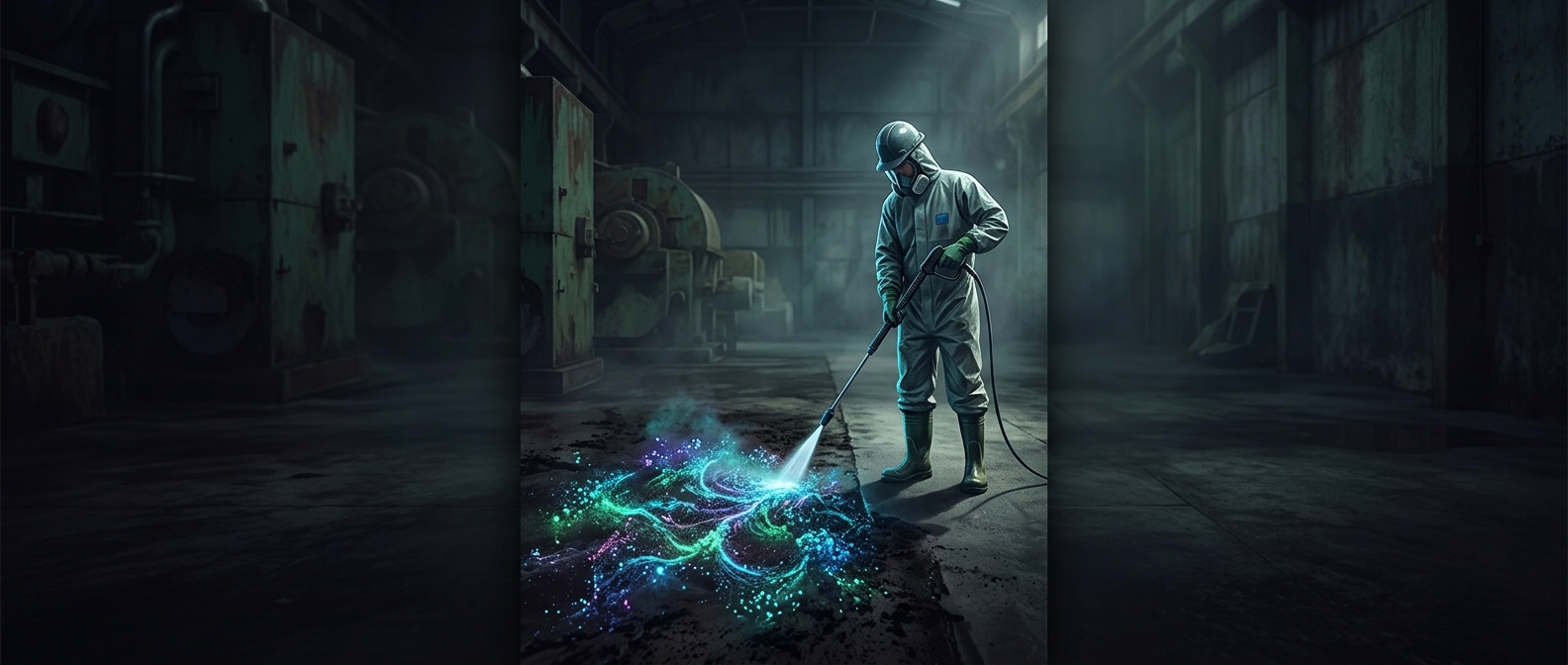
A freshly washed surface can look clean before it is completely clean. On a large wall, vehicle, or piece of equipment, a thin film or small dirty patch may blend into the material’s color and texture. The player then faces an awkward question: is there grime left, or am I just looking at a shadow, seam, or stain in the surface?
Highlight mode answers that question by changing how remaining dirt appears. The bright orange stands apart from the surrounding scene, turning a vague visual search into a clear target. It is a practical aid, but also a form of feedback: the game shows where the cleaning task is still unfinished.
Turning a huge job into a readable one
Power-washing is satisfying partly because progress is visible: dirty areas become clean as the player sprays them. But that loop can lose its rhythm when the last few spots are difficult to find. A highlight makes it easier to move from broad coverage to careful cleanup without asking players to inspect every inch of a complicated surface at random.
That distinction matters near the end of a job. When most of an object is already clean, the remaining grime may be scattered in tiny patches rather than gathered in one obvious area. The orange marks make those leftovers legible, so the player can direct the spray precisely and see the task through.
The feature does not do the cleaning for you. It removes uncertainty about where to look, leaving the satisfying final step—the actual pass of the washer—to the player.