Why the capture button can stop at 10,000 images
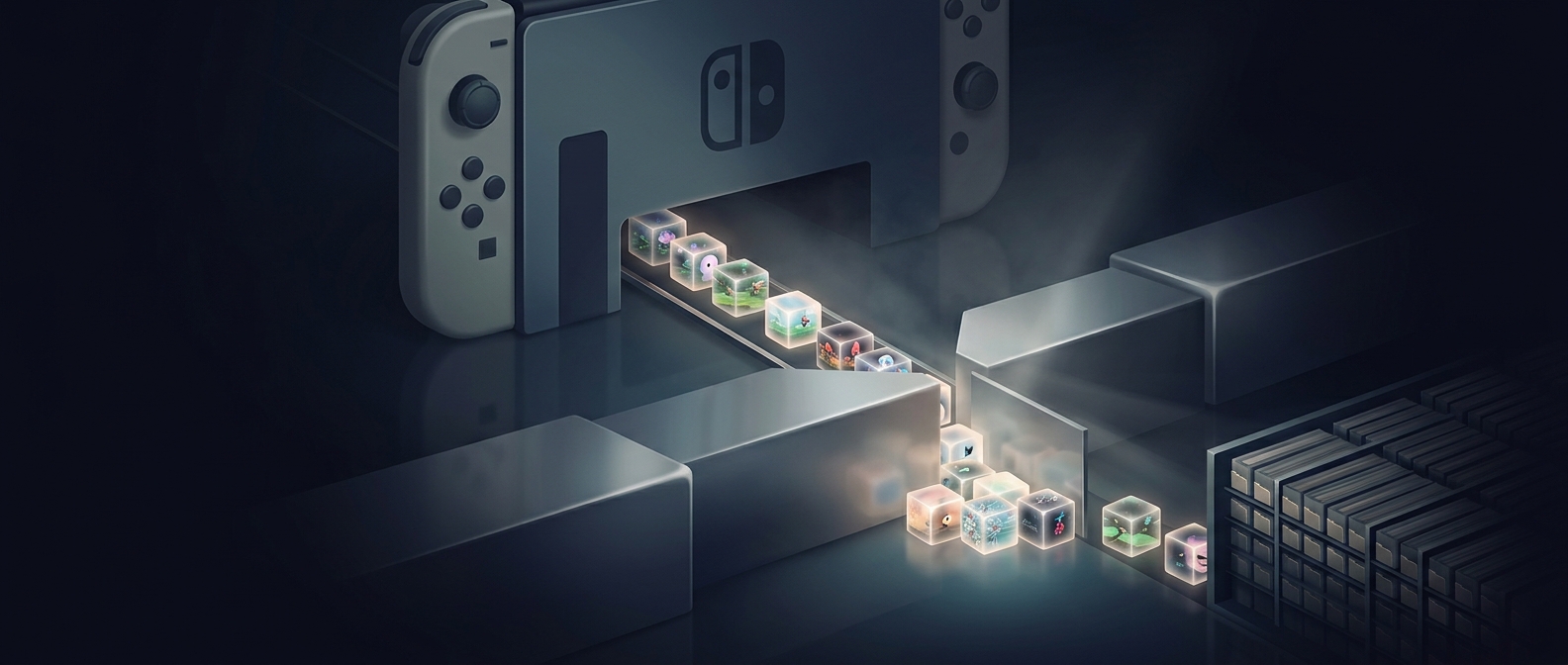
A Switch screenshot is saved to the console’s Album, the built-in library for captured images and video clips. That library has a limit on how many captures it can hold. Once the screenshot limit is reached, the system stops accepting new screenshots rather than adding another item to the collection.
This is a count limit, not simply a warning that the console is running low on storage. Free space alone may not be enough: if the Album has reached its capture ceiling, removing files is what makes room for more.
Deleting restores the ability to capture
To take screenshots again, delete images you no longer need from the Album. Each removal reduces the number of stored captures, creating room under the limit. If you want to keep an image, copy it elsewhere before deleting it.
The practical consequence is that a long-running collection can eventually interrupt a spontaneous moment in a game. Clearing out old captures before the library fills up keeps the capture button ready when you want it.