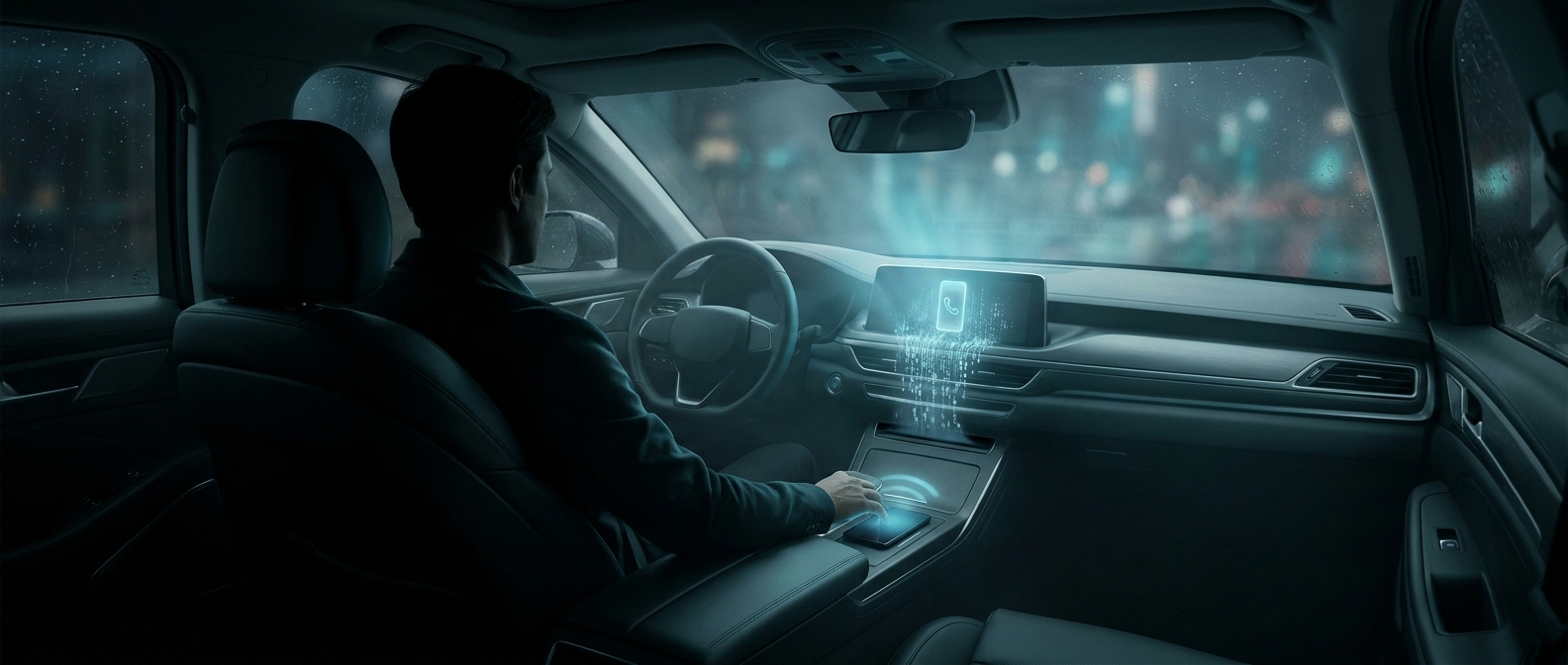
Why a car copies phone data
Pairing a phone with a car is more than creating a temporary connection. To display names on the dashboard, place hands-free calls, or offer recent destinations, the car’s infotainment system may copy selected information into its own storage. Depending on the phone, vehicle, and permissions granted, that can include contacts, call history, messages, or navigation destinations.
The copy makes the features work smoothly: the car can show a caller’s name or let a driver choose a saved contact without handling the phone. But the car’s stored version does not necessarily disappear when the Bluetooth connection ends. Disconnecting stops the devices from communicating; it is not the same as erasing information already saved in the car.
What to do before returning a rental
Use the vehicle’s screen to remove the phone or driver profile, and look for a separate option to erase personal data or reset the infotainment system. Menus differ, so removing a device may not clear every saved item. If the car offers navigation history or recent destinations, check those separately as well.
The key distinction is unpairing versus deleting. A quick disconnect can leave behind a usable record for the next person with access to the car. Taking a moment to clear the profile turns a convenient dashboard feature back into what it was meant to be: a temporary link to your phone.