Why a Small Widget Can Keep a Laptop Busy
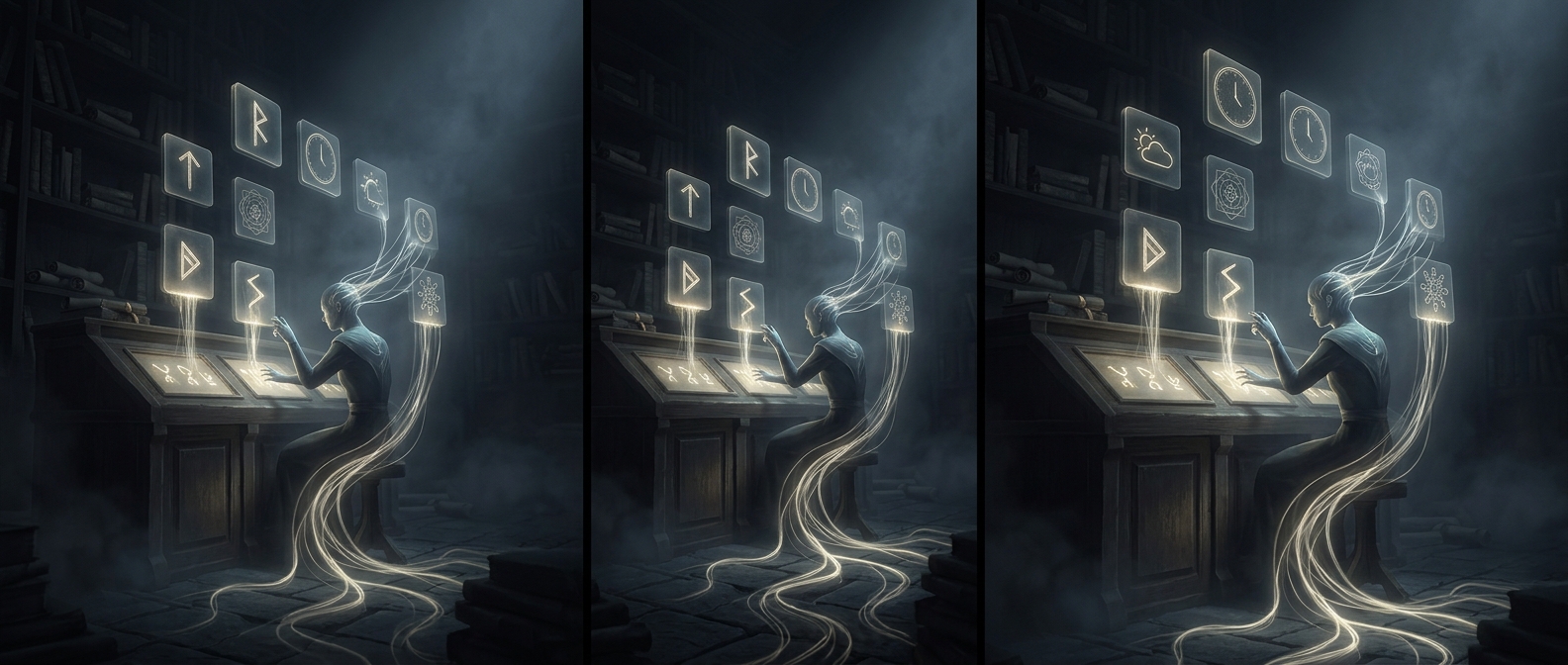
A desktop widget may look like a tiny decoration, but an animated one has to be repeatedly redrawn. The computer’s processor calculates each new frame, while the graphics system prepares it for the screen. A widget that shows changing information—such as weather or a clock—may also periodically check for updates.
That work is usually modest. The cost depends on what the widget does, how often it refreshes, and how efficiently it is built. A static panel that changes once in a while is different from an animation that keeps moving continuously. Multiple widgets can add their demands together.
The Hidden Cost of Staying Visible
A widget can also occupy memory even when it is not actively changing. Memory holds the widget’s code, images, and current data so the computer can display it quickly. If many apps and browser tabs are already using memory, those extra demands can leave less room for other work; the system may then have to shuffle data between memory and storage, which is slower.
When the processor or graphics hardware stays busy, it uses more power and produces more heat. The laptop may respond by running its fan faster to carry that heat away. On a battery-powered machine, sustained background activity can also shorten the time between charges.
When the Difference Becomes Noticeable
One animated widget is unlikely to overwhelm a modern laptop by itself. The effect is more likely to show up when several are constantly updating, the computer is already under load, or the device has limited memory or cooling capacity. Turning off motion, removing widgets that are rarely useful, or choosing ones that refresh less often can reduce work that otherwise continues between moments of active use.