Why one press can look like many
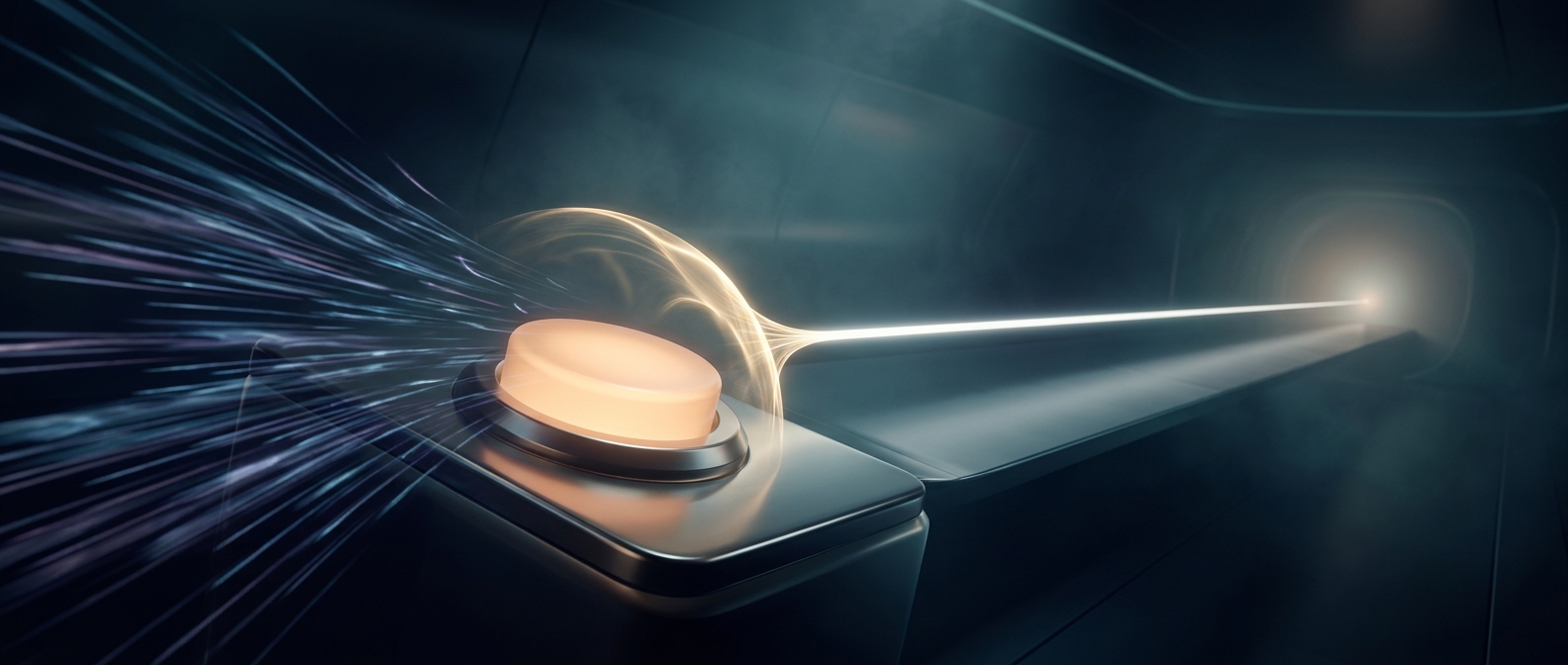
A physical button does not always make a perfectly clean electrical connection. Inside a mechanical switch, its contacts can chatter briefly as they meet, opening and closing the circuit several times before settling. To a computer reading the circuit, those tiny fluctuations can resemble several separate presses.
The effect is usually too brief for a person to notice, but fast electronics can detect it. Without filtering, a single press might be interpreted as repeated commands—for example, advancing several menu items instead of one.
How debounce code decides a press is real
Debouncing adds a small check before the device accepts a change. A common approach is to wait briefly after detecting a press, then read the button again. If it still appears pressed, the software treats it as a genuine input; if the signal has returned to its earlier state, the initial change was likely just contact chatter.
Another approach accepts a new state only after the signal has remained stable across repeated readings. Either way, the device is looking for a lasting change rather than reacting to every electrical flicker.
The delay must be long enough to screen out the switch’s chatter but short enough that the button still feels responsive. Debouncing therefore turns an imperfect physical signal into a dependable instruction: one deliberate press produces one action.