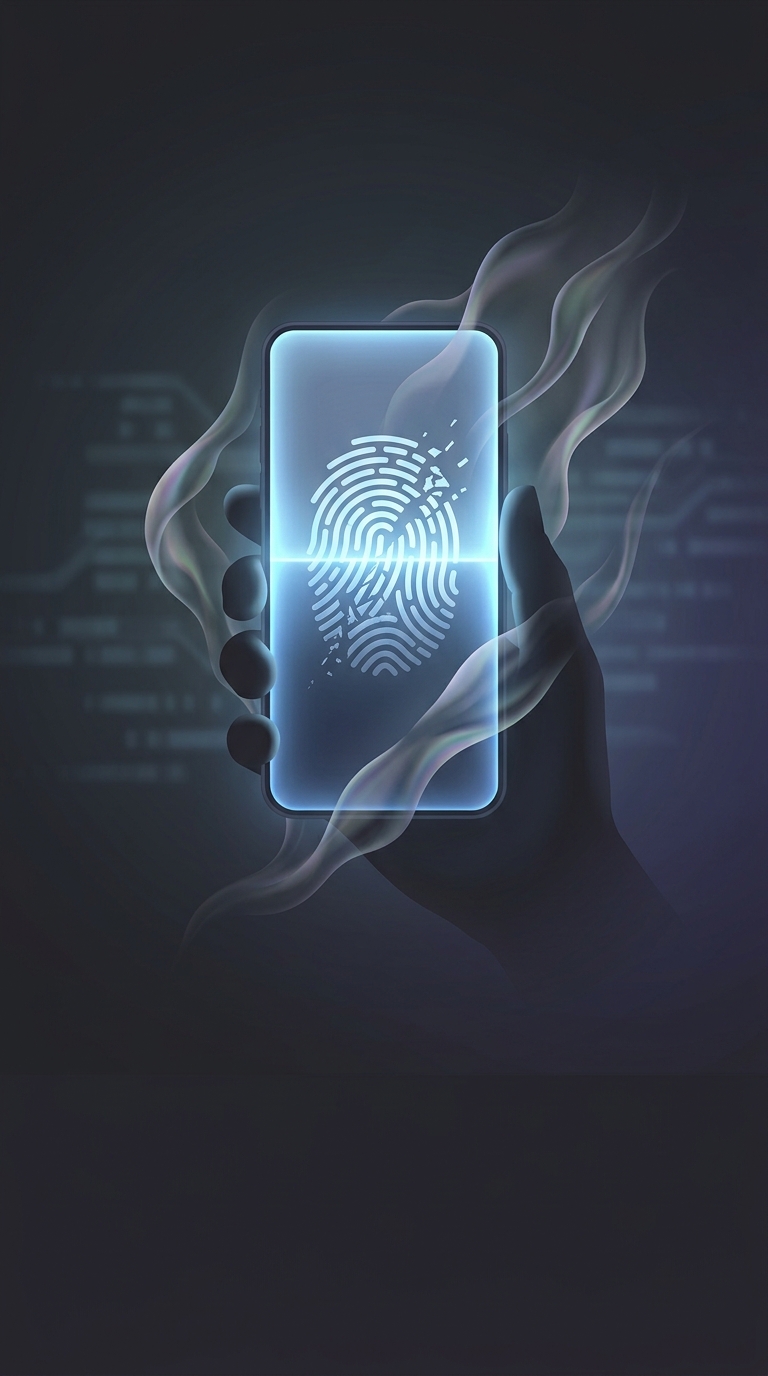
How a Wet Finger Can Confuse an Optical Scanner
An optical fingerprint reader works much like a tiny camera. It shines light through or onto the fingertip, then records the pattern of ridges and valleys that reflects back. The phone compares that image with the fingerprint enrolled during setup.
Water can disrupt the picture. A film of moisture may fill the narrow grooves between ridges, blur their edges, or create shiny reflections that the sensor reads as part of the print. The result is a poorer match—not because the fingerprint has changed, but because the scanner is seeing a less distinct version of it.
The Sensor Needs a Clear Pattern
Optical readers depend on contrast: ridges and valleys must appear different enough for the software to map them. A damp finger can flatten that contrast; a drop or smear can add irregular bright spots. The phone may then ask for another scan or fall back to a passcode.
A quick wipe of both the finger and the sensor area can restore a clearer image. This is a small but useful reminder about biometric security: the system recognizes a pattern captured under particular conditions, so ordinary changes at the point of contact can matter as much as the print itself.