One handheld, two screen shapes
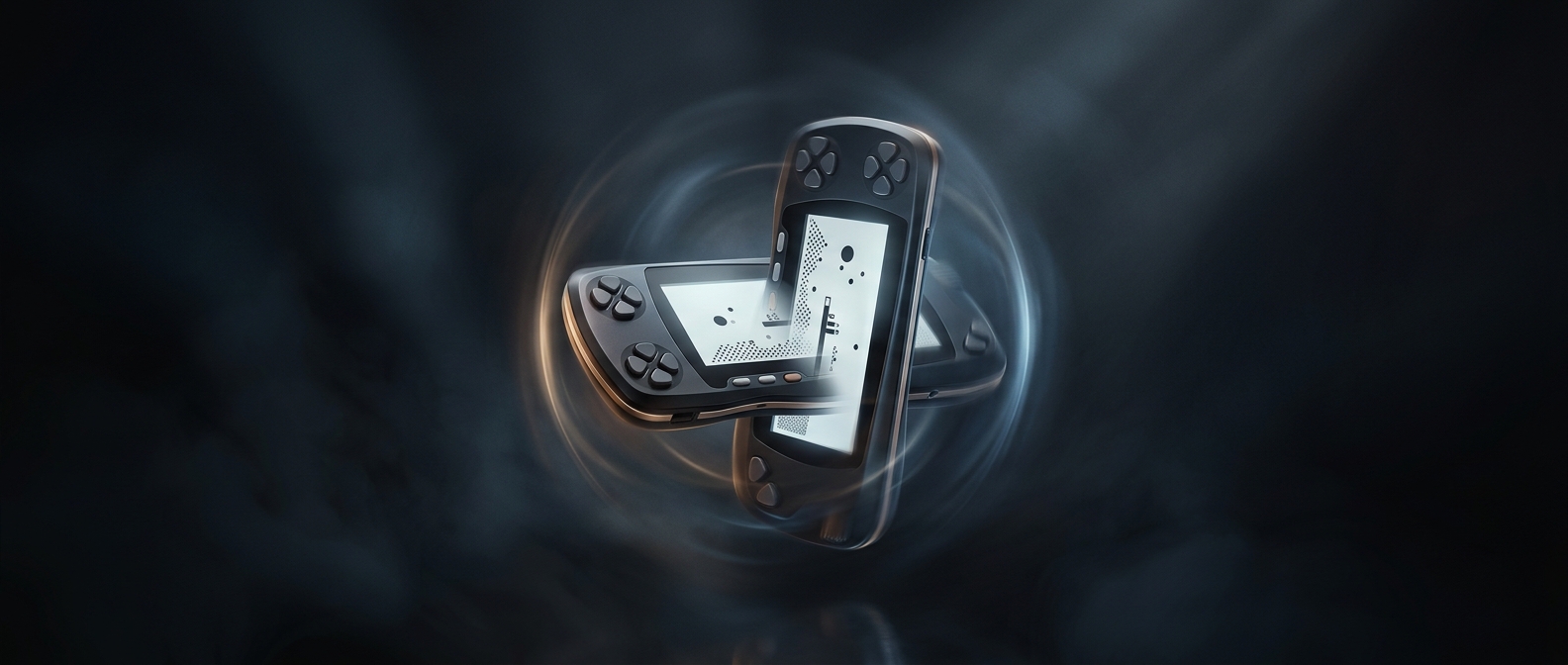
The WonderSwan’s unusual trick was not simply that you could turn it sideways. Its designers made the controls usable in either orientation, so a game could treat the screen as tall and narrow or wide and short. That gave developers a choice about how much of the game world to show at once—and how the player would hold the console while playing.
The buttons had to move with the player
Rotating a handheld changes where its controls sit under your thumbs. The WonderSwan addressed that with an extra cluster of buttons: a game could use one arrangement in one orientation and another after the console was turned. The software selected the intended orientation, making the screen layout and button mapping part of the game’s design rather than leaving the choice to the player.
That mattered because a portrait layout can suit play built around a tall field, while a horizontal layout leaves more room across the screen. Developers could shape the view around the kind of action they wanted, without requiring a different device. The tradeoff was that each game had to be designed for its chosen orientation and controls; turning the console did not automatically adapt every game.
A physical choice built into the software
The result was a rare bit of flexibility in a compact handheld: the same hardware could be held in two distinct ways, but each game could make one feel deliberate. The WonderSwan’s orientation was therefore more than a viewing preference—it changed the relationship between the player’s hands, the buttons, and the game’s on-screen space.