How a Blur Stays on a Moving Face
A face is easy to censor in a still image: cover the right patch, and the job is done. In video, the face shifts from frame to frame, so a fixed blur would quickly drift onto a wall—or leave the person’s face exposed. Automated tools solve this by repeatedly locating faces and updating the area to cover as the footage changes.
The software first identifies image regions that appear to contain faces. It then follows those regions across successive frames, adjusting the blur or pixelated patch to match their changing position and size. This ongoing update is called tracking. It is what lets the censoring effect move with a person instead of appearing as a stationary mark on screen.
Why Real-Time Censoring Is a Tradeoff
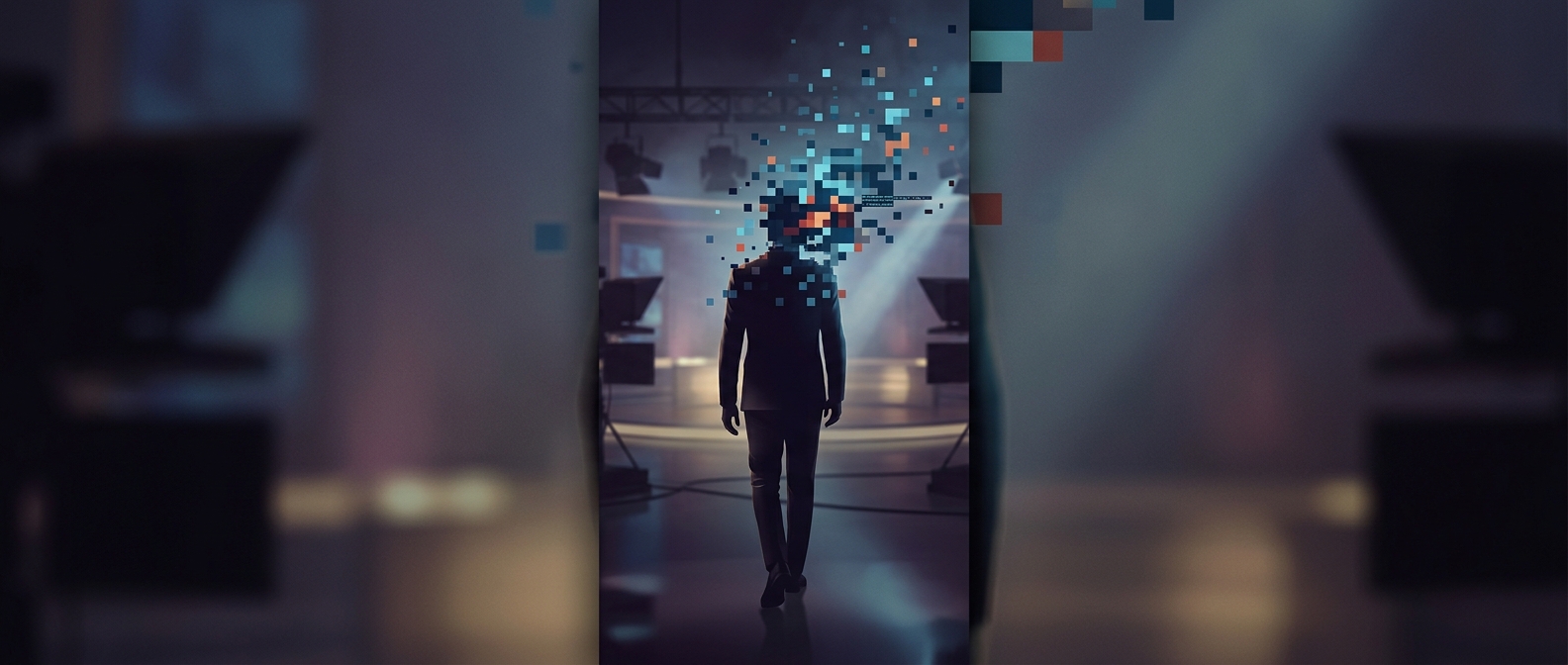
For a broadcaster, the process has to happen quickly enough that the altered video can still be aired live. The system therefore has limited time to detect a face, apply the effect, and prepare the next frame. Fast movement, partial obstruction, unusual camera angles, or several people entering the shot can make that task harder; if the tracking loses the face, the mask may slip or disappear until the face is found again.
Pixelation replaces facial detail with coarse blocks, while blurring smears detail into neighboring pixels. Either way, the system must cover enough area to keep up with movement without obscuring more of the scene than necessary. Automated censoring can reduce the need for someone to mark every frame by hand, but its practical value depends on keeping the mask aligned throughout the shot. A blur that follows a face turns a laborious frame-by-frame edit into a task a broadcaster can handle as the video unfolds.