A swipe became the whole control scheme
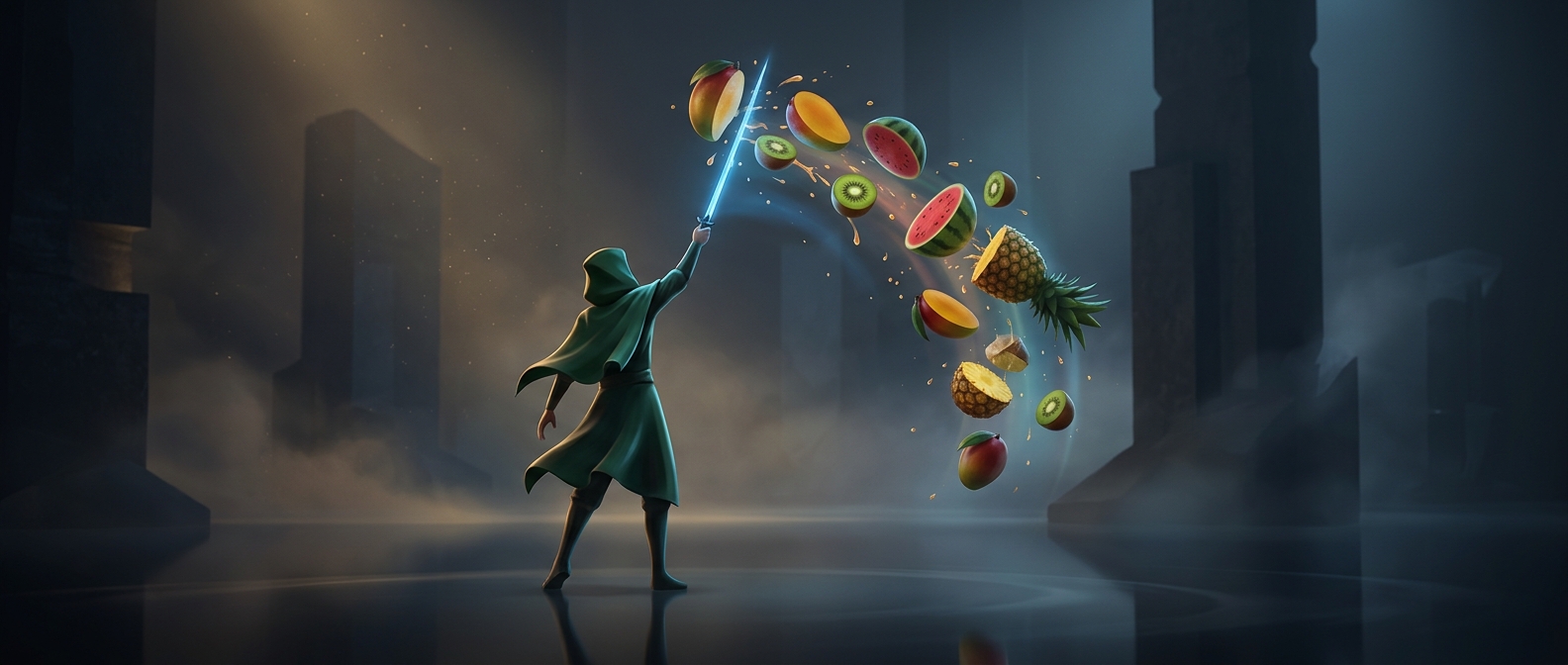
Fruit Ninja made a familiar action—cutting fruit—work with the simplest possible touchscreen gesture. Fruit arcs across the screen, and a finger dragged through it acts like a blade. There is no character to steer or set of moves to learn: the player watches for an opening and makes a quick cut.
That direct link between movement and result is the game’s central design trick. A swipe can pass through several pieces of fruit, turning a small motion into a satisfying burst of cuts. The screen immediately shows what the gesture accomplished, so players can understand the action without a tutorial-heavy setup.
The bomb changes the meaning of a swipe
Fruit is not the only thing flying through the play area. A bomb may appear among it, making an otherwise useful sweep dangerous. The player has to judge not just whether a swipe can catch fruit, but whether its path might cross a bomb. The same gesture that builds a score can also threaten the run.
That risk gives the game its tension without complicating its controls. Fruit Ninja’s premise is easy to grasp at a glance, but each burst asks for a quick decision: cut now, or hold back? Watermelon became a memorable target because splitting a large, recognizable fruit makes the game’s simple promise visible in an instant.