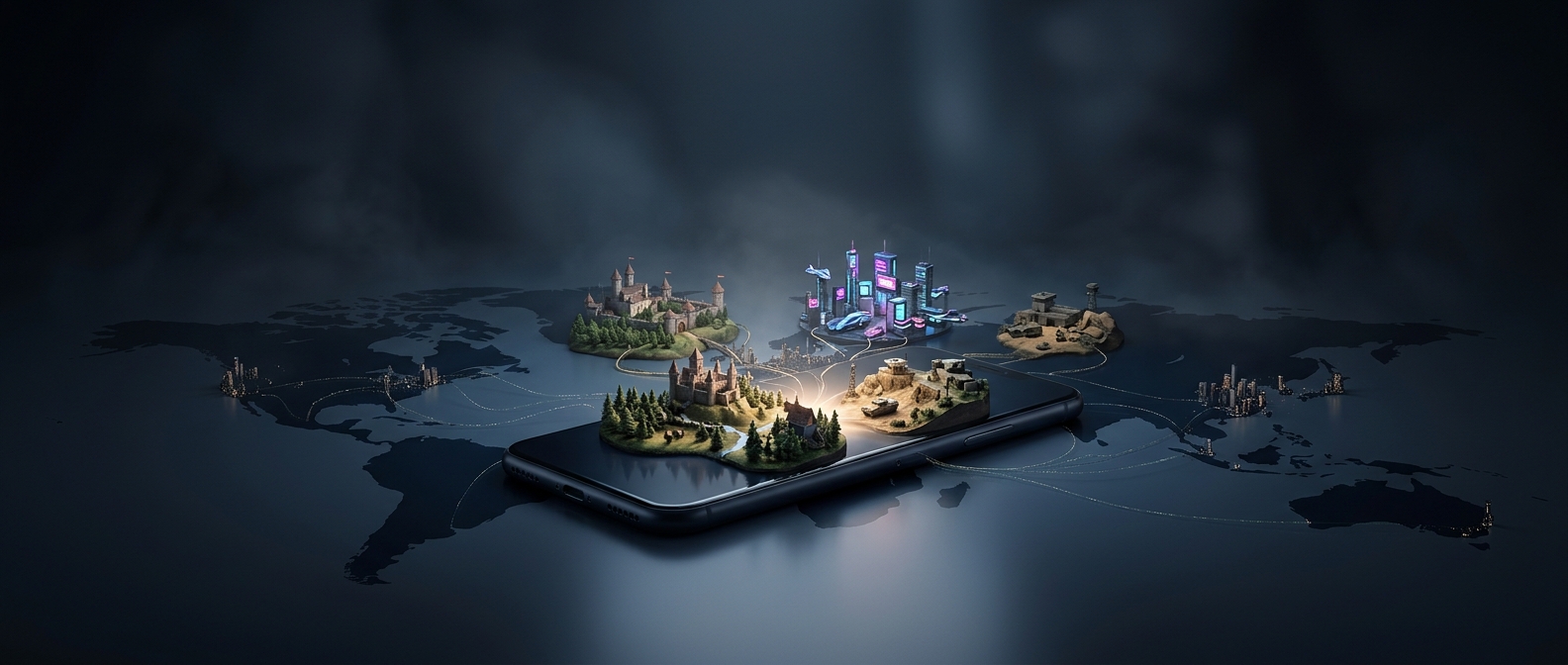
How a phone takes on a console-sized game
A demanding game is not simply squeezed onto a phone unchanged. Developers adapt its software to mobile hardware, where the processor, graphics chip, memory, and battery all share a much tighter space and power budget than they do in a console. A system-on-a-chip—the package that combines a phone’s main processor and graphics hardware—does much of the work, while mobile graphics software helps the game communicate efficiently with it.
That still leaves difficult choices. An open-world game may have to render fewer details at once, use lower-resolution textures, or adjust image quality as the action changes. These techniques reduce the amount of work the graphics chip must do without necessarily changing the game’s basic world or missions. Fast storage and generous memory also matter: the phone needs to load large areas and keep their assets ready as the player moves through them.
The phone changes the playing experience, too
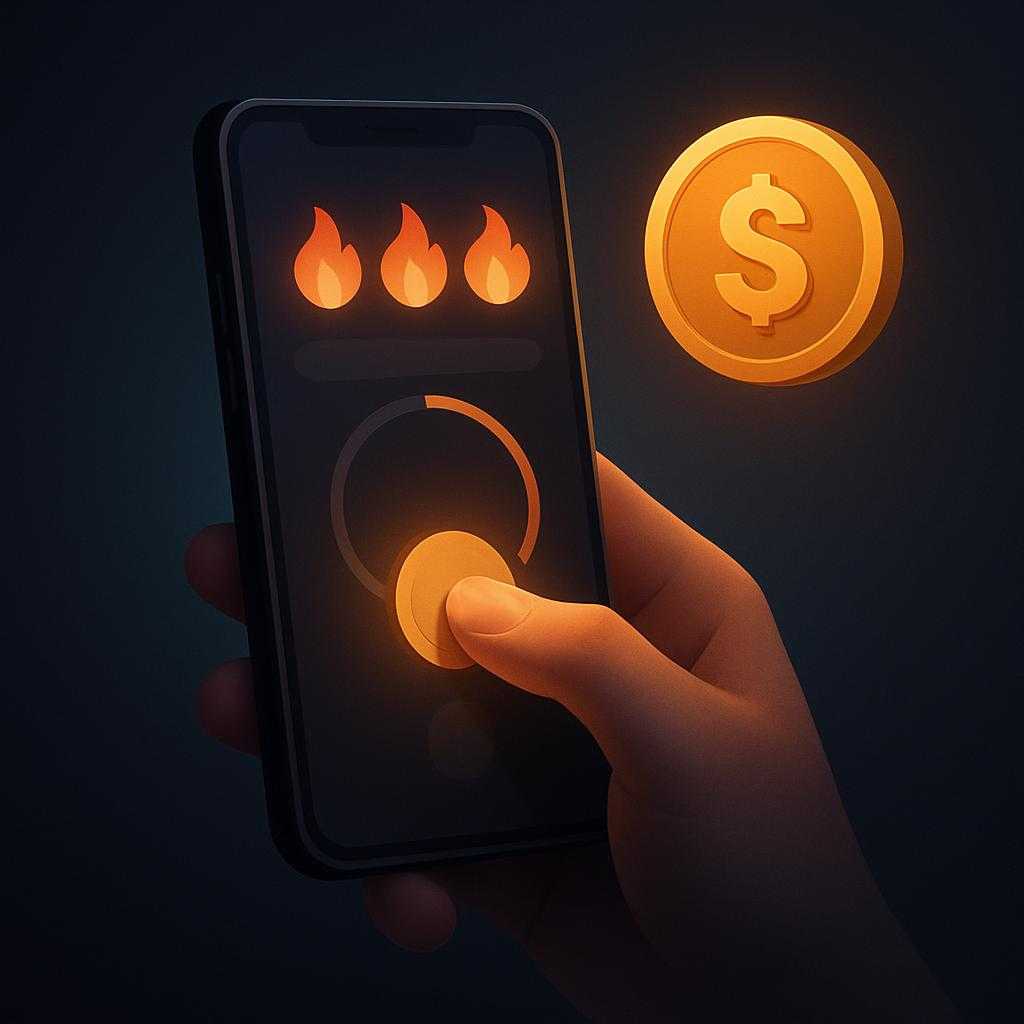
A console game is usually designed around physical buttons and long sessions. On a touchscreen, virtual controls can cover part of the picture and offer less tactile feedback. Developers may rearrange menus and controls for touch, while compatible game controllers can provide a more familiar layout.
Heat and battery life impose another limit. A phone can deliver high performance for a while, but sustained graphics work warms its compact body. To control temperature, the system may reduce performance, which can mean lower frame rates or visual detail during extended play. Running a demanding game also drains the battery faster than lighter mobile apps.
So the change is not that phones have lost their constraints; it is that powerful chips and careful adaptations have made those constraints compatible with games once associated with dedicated consoles. The practical result depends on the particular phone, the game’s mobile version, and whether the player is willing to trade some visual polish or battery life for a sprawling game world in their hands.