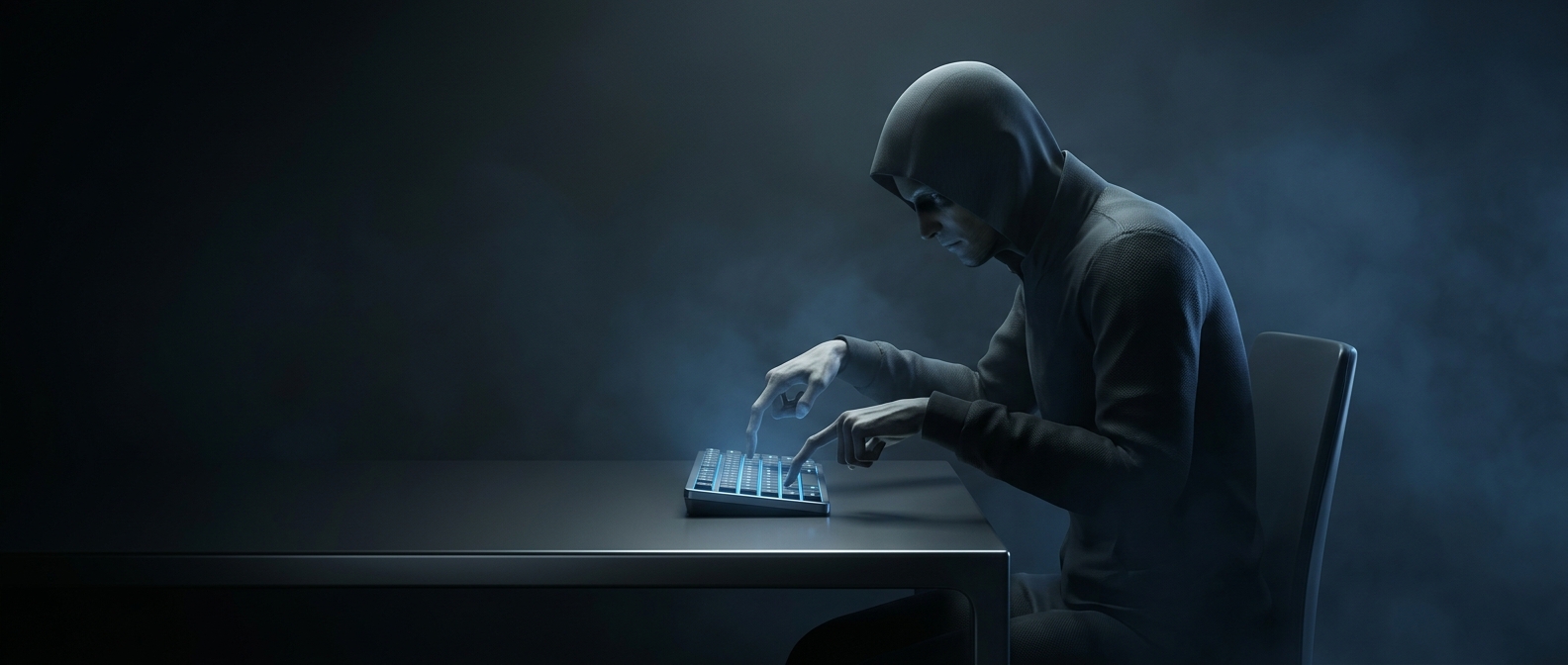
What mouse DPI changes
DPI means “dots per inch”: roughly, how many movement measurements a mouse reports as it travels across a surface. At a higher setting, the mouse reports more movement for the same physical slide. If the game or desktop sensitivity is unchanged, the pointer therefore crosses more screen distance with each hand movement.
That extra gain magnifies small motions, too. A slight finger shift or natural hand tremor can move the crosshair past a narrow target, so the player has less room to correct an aim that has gone too far.
Accuracy depends on control, not the biggest number
A high DPI setting does not automatically make a mouse more precise. It can register smaller physical movements, but useful accuracy depends on whether those readings translate into controllable cursor movement—and on how steadily the player can guide the mouse. If the cursor responds too sharply, the added sensitivity can make fine corrections harder.
The game’s sensitivity setting also matters. Lowering it can offset a higher DPI, producing a similar overall relationship between hand movement and crosshair travel. That combination may feel different, but the DPI number alone does not determine how accurately someone can aim.
Why players often turn it down
Many players prefer a setting that lets them move their hand farther to cover the screen. A larger physical movement gives more room to make gradual corrections, rather than asking the hand to manage every tiny adjustment at high speed. The useful setting is the one that makes those corrections repeatable—not the one with the most impressive DPI figure.