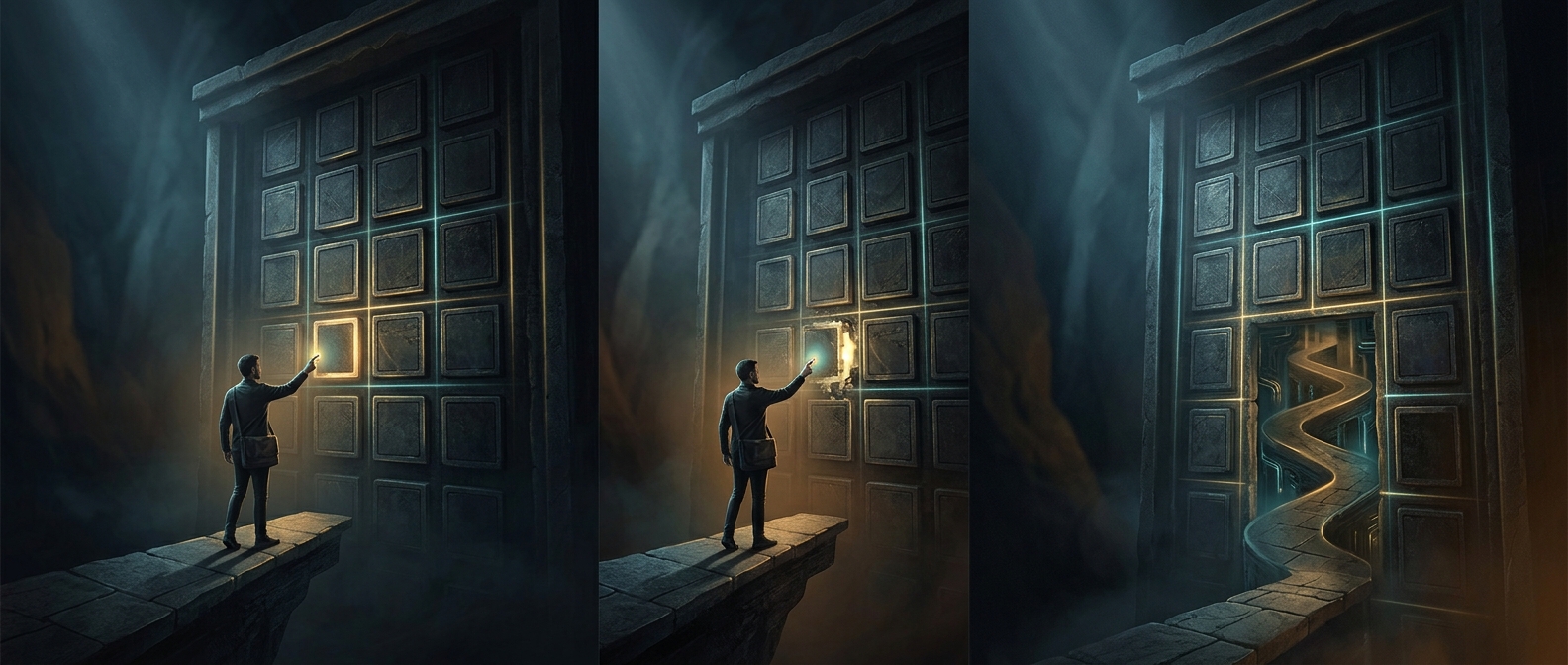
The visible screen is only one layer
An update can leave an app’s buttons and colors untouched while changing the code underneath them. Much of that work is about fixing security weaknesses, correcting errors, or keeping components compatible—not adding features a person can see. A small change in a system component can matter even if the interface stays the same.
Updates also carry supporting pieces that the main app depends on, such as libraries, drivers, or device firmware. These components help software communicate with the operating system and hardware. Replacing them can prevent crashes or close vulnerabilities without producing a new screen or menu.
Why installation can take so long
The download is only the first step. A device may need to unpack the update, check that its files are intact, prepare replacements, and move them into place. Some files are in use while the device is running, so the system waits for a restart to replace them safely. It may also reorganize stored data or update several components in sequence.
The time depends on more than the update’s size. A slow connection affects downloading; limited storage or slower hardware can make unpacking and installation take longer. The device may appear idle while it verifies files or waits for a step to finish.
A quiet update can be a successful one
Software makers have to balance visible improvements against reliability. Changing the interface creates new behavior to test and new ways for things to break. Many updates instead aim to preserve what already works while fixing less visible problems.
That makes the payoff difficult to judge by appearance alone. The practical result may be a flaw that no longer causes trouble—or a security weakness that attackers can no longer exploit. After the restart, the screen can look familiar because the point was to make the same device work more safely and reliably.