Why a narrow game view can feel like a tunnel
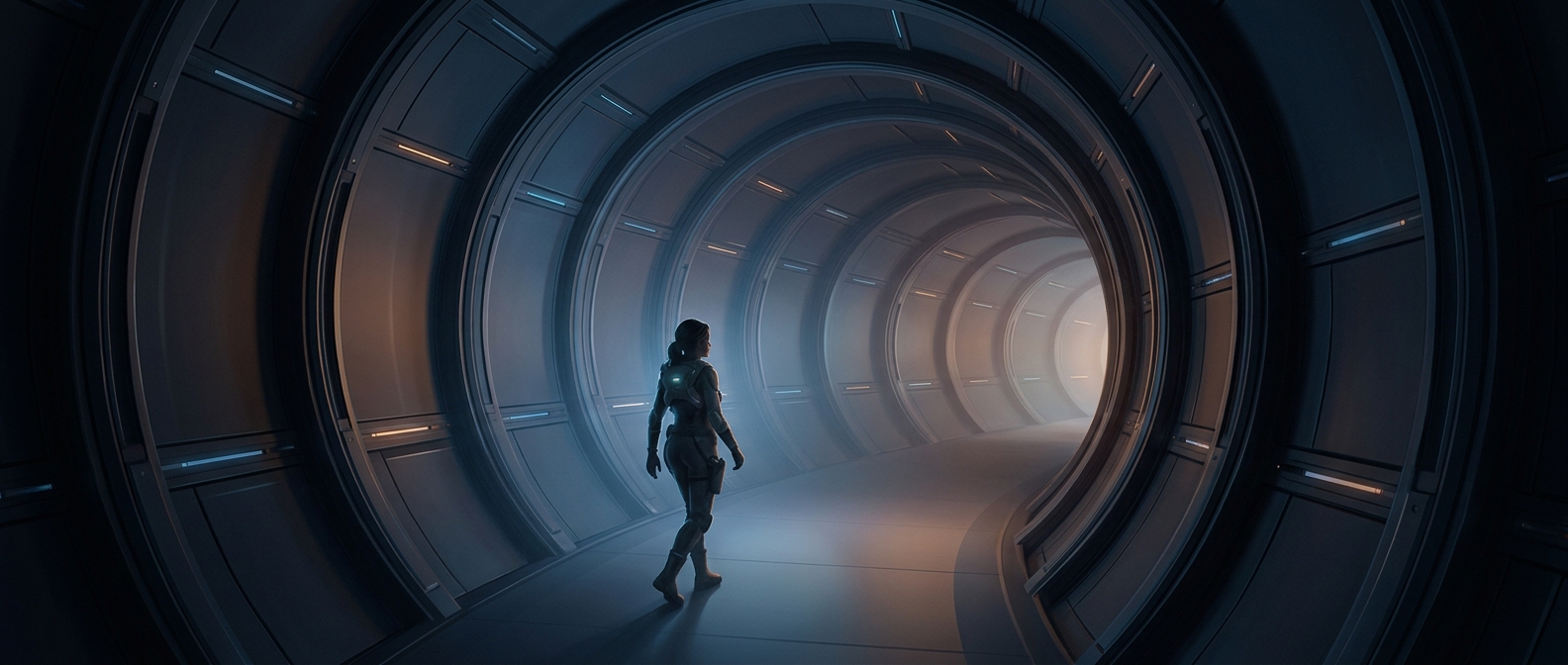
Field of view, or FOV, is how much of the game world fits on screen at once. A low setting shows a narrower slice, so nearby scenery can seem to rush past as the camera turns or moves. It can also make the image feel as if it is being viewed through a tube.
That matters because the eyes may signal motion while the body stays still. In a moving game, the screen says “you’re going forward,” but the balance system in the inner ear senses no matching movement. This mismatch can contribute to nausea, dizziness, or eyestrain.
What widening the view changes
A wider FOV brings more of the surroundings into view. That can make the scene feel less confined and give the brain more visual context for interpreting movement, rather than presenting a tight, fast-changing window onto the world. For some players, that makes travel and camera turns more comfortable.
FOV is not a universal remedy: widening it can make objects look smaller or stretch the image near the edges, and some players find that uncomfortable. The effect also depends on the game and display. A useful test is to adjust the setting in small steps and try a short session, changing other visual settings only if needed. The practical payoff is that a modest change to how much of the world fits on screen may make the same game easier to play.