A familiar room for unfamiliar machinery
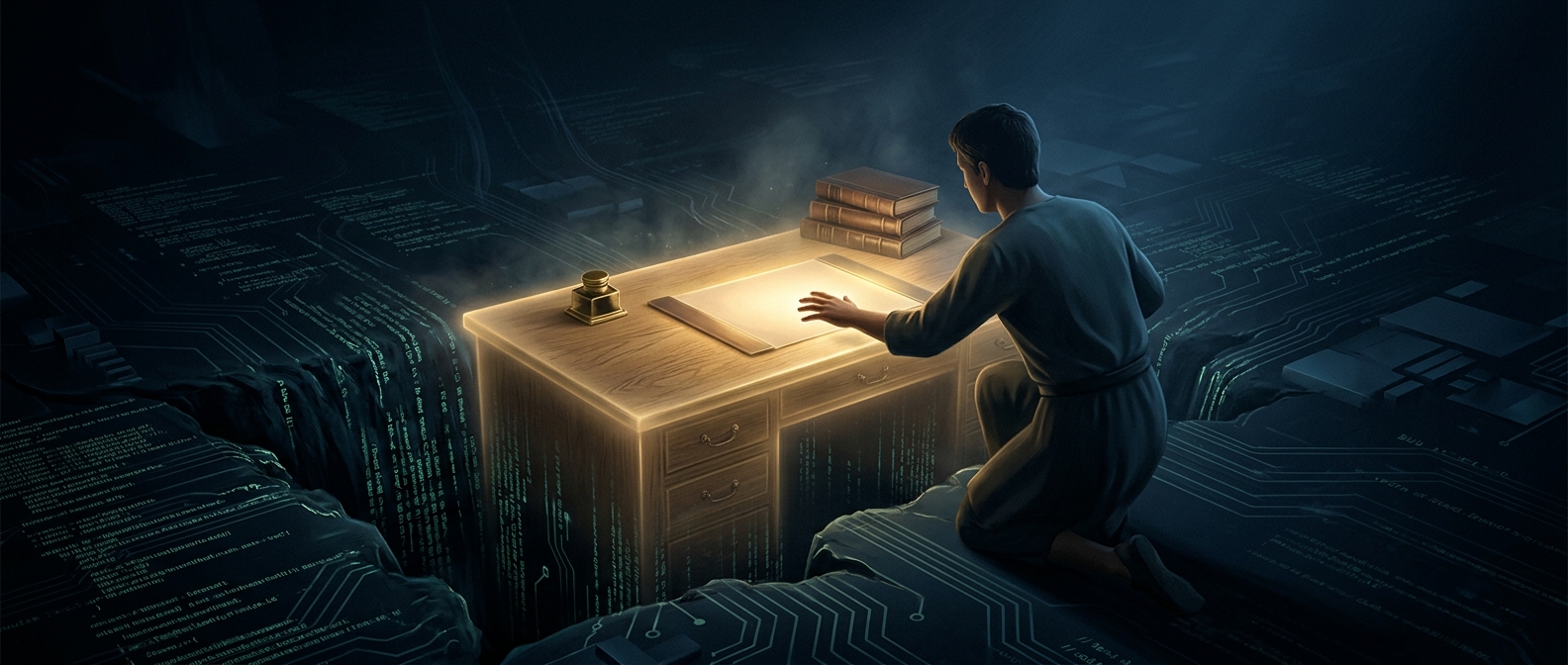
A computer’s desktop is a metaphor made interactive: the screen borrows objects and spatial ideas from a physical workspace so people can predict what to do before they understand the machine underneath. A folder suggests a place to group things; dragging a document into it feels like putting paper away. A trash can signals removal. These visual cues turn abstract operations—saving, organizing, deleting—into actions with recognizable counterparts.
That matters because early command-driven interfaces required users to remember typed commands and exact syntax. A graphical desktop instead puts choices on the screen. People can point to an object, open it, move it, or inspect a menu, learning by trying actions and seeing what changes. The visual interface does not eliminate complexity; it gives users a more approachable way to reach it.
The metaphor has rules—and limits
The desktop works because its objects behave consistently enough to support expectations. A file can be selected, moved, copied, or opened; folders can contain other folders. The screen’s arrangement also gives users a sense of location: an item is “in” a folder, even though the computer stores it as data organized by software and hardware rather than as paper in a cabinet.
Some familiar images are deliberately reassuring, but they are not literal instructions. Deleting a file may send it to a recoverable trash or recycle area rather than erase it immediately, while dragging an icon can move or copy something depending on the context. As digital tasks grew beyond anything a physical office could represent, interfaces added search bars, settings panels, and other controls that stretch the metaphor.
The office-like desktop is therefore less a picture of how a computer works than a bridge: it lets users act on invisible information through a scene they already know how to navigate.