A desktop refresh redraws a view, not the work behind it
A desktop is not a sheet of paper that needs to be manually cleared and repainted. It is a view managed by the operating system’s graphical shell—the part that displays icons, taskbars, and windows. When something changes, the system normally updates that view on its own.
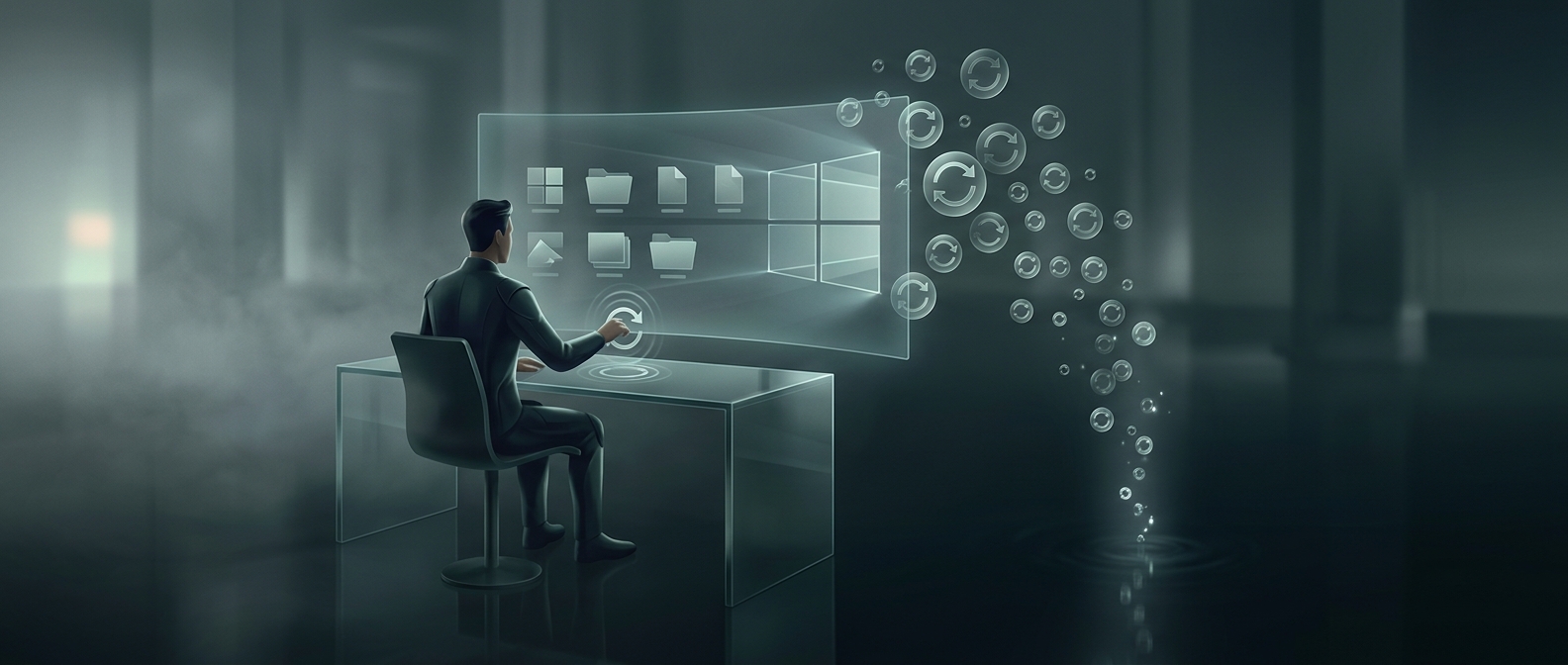
On Windows, choosing Refresh asks the desktop to update its displayed contents. That can help if an icon or newly created file has not appeared yet, or if the screen is showing stale information. Older or resource-constrained computers were more prone to such display glitches, which helped make refreshing a familiar troubleshooting ritual.
Why it does not make a computer faster
A redraw is different from advancing a task. If a download is slow, a program is stuck, or the computer is busy, refreshing the desktop does not give that process more computing power or make it run sooner. It mainly tells the desktop view to check or redraw what it is showing.
Modern systems generally receive change notifications and repaint the relevant parts of the screen automatically. So clicking Refresh repeatedly usually just repeats a harmless request; it does not accelerate the work happening in the background. If an icon is genuinely missing, refreshing may make the display catch up—but that is a fix for what you see, not a speed boost for the computer.