Why a Paused Game Can Keep Drawing Power
Pausing usually stops the game’s action, not its picture. The computer may still redraw the menu, animate a background, move a cursor, and update effects. Each new frame has to be calculated and sent to the display, so the graphics processor can remain busy even while the player is doing nothing.
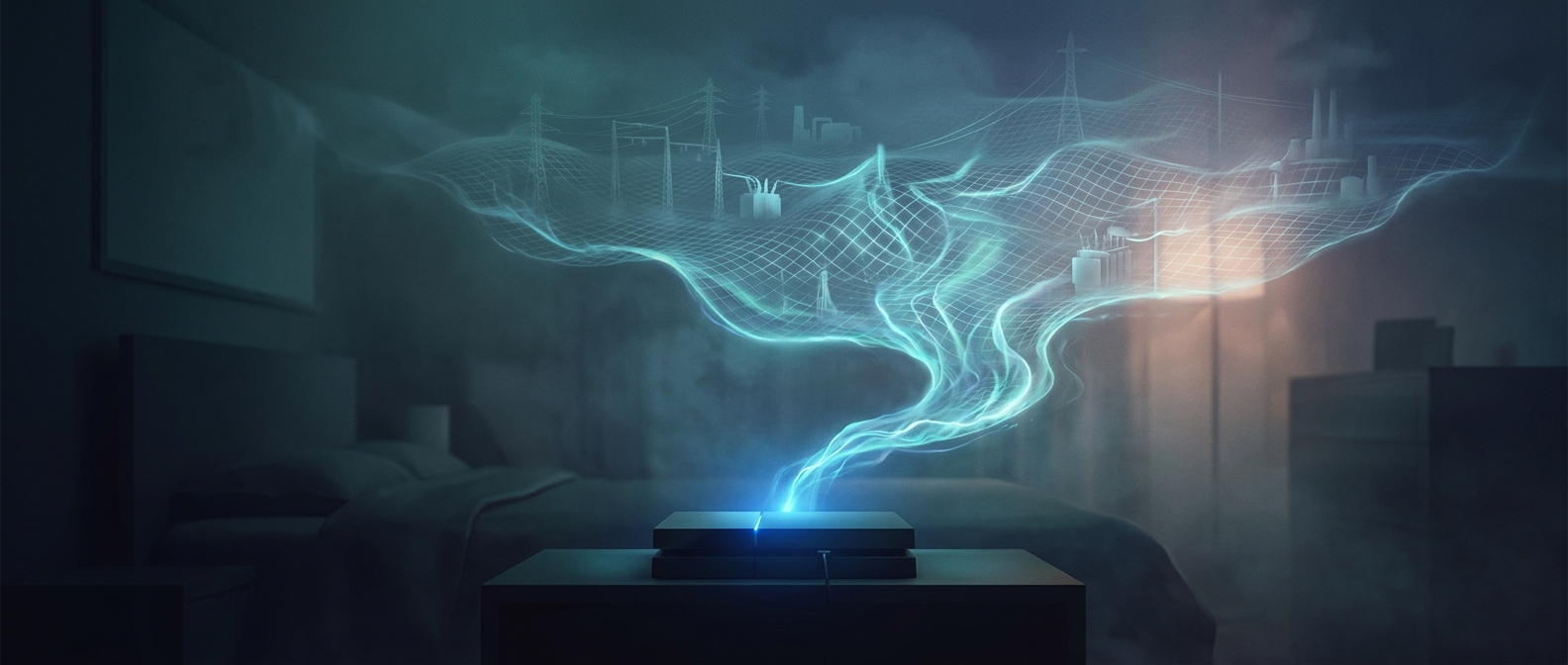
The biggest difference often comes down to frame rate. If a menu has no limit on how many frames it can produce, a powerful PC may render far more frames than the screen can show. The extra work is invisible to the player, but it can keep the graphics hardware drawing substantial power. A paused game can therefore consume much more than an idle desktop—and, on a high-end system, reach power levels comparable to a household appliance.
The Menu Is Still a Workload
A refrigerator’s power use also varies: its compressor switches on and off, so its average consumption differs from its moment-to-moment draw. The comparison is best understood as a rough scale, not a fixed equivalence. A game’s actual demand depends on the computer, the scene, and how the game handles its menu.
Developers can reduce needless menu rendering by limiting the frame rate or slowing updates when the game is paused or out of focus. Players may also find a frame-rate limit in the game’s settings or graphics software. That small change can spare the hardware from producing frames no one will see—without requiring the game itself to be shut down.