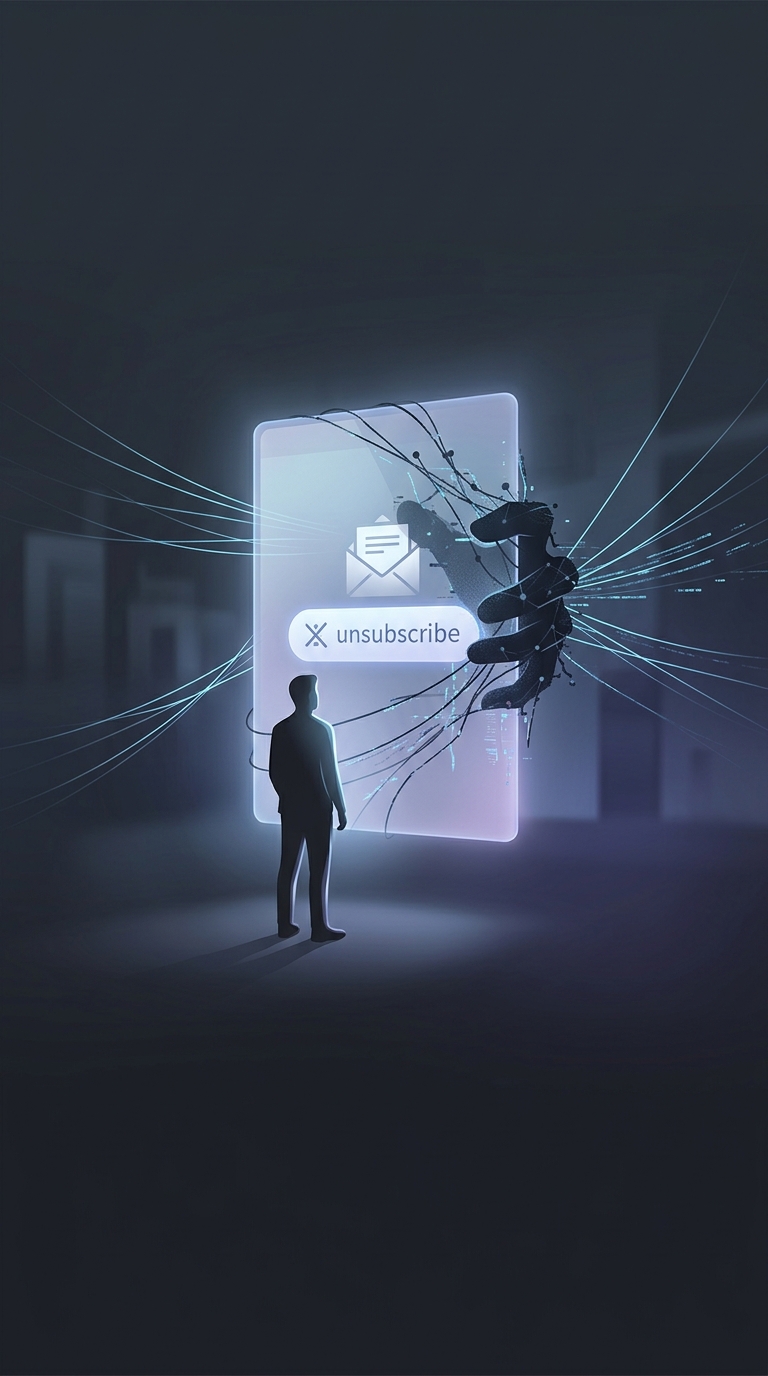
Why a spam unsubscribe link can make things worse
A real mailing list uses “unsubscribe” to stop sending messages. A spammer may use the same label for a different purpose: to find out whether an address reaches a person who reads email.
The link can contain a unique code tied to your address. When you click it, the sender’s website records that the link was opened. That signal can confirm the address is active and worth targeting, potentially leading to more spam or phishing attempts. The page may also redirect somewhere deceptive or unsafe.
The important difference is who sent it
Unsubscribe links are useful for messages from a company or organization you recognize and remember signing up for. Reputable senders generally use them to honor your request. But when a message is unexpected, deceptive, or clearly spam, there is no reliable reason to trust its link—even if the email looks polished or includes a familiar-looking logo.
A click does not automatically mean your account has been hacked. The concern is that you may reveal that the address is monitored, or land on a page designed to trick you into sharing information or downloading something.
Use your inbox’s controls instead
For suspicious messages, mark the email as spam or junk using your email service’s built-in controls, then delete it. Those controls help the service recognize similar messages without requiring you to visit the sender’s site. If you already clicked, avoid entering information or downloading files; close the page and report the email as spam.
The practical rule is simple: unsubscribe from senders you recognize; report messages you don’t trust.