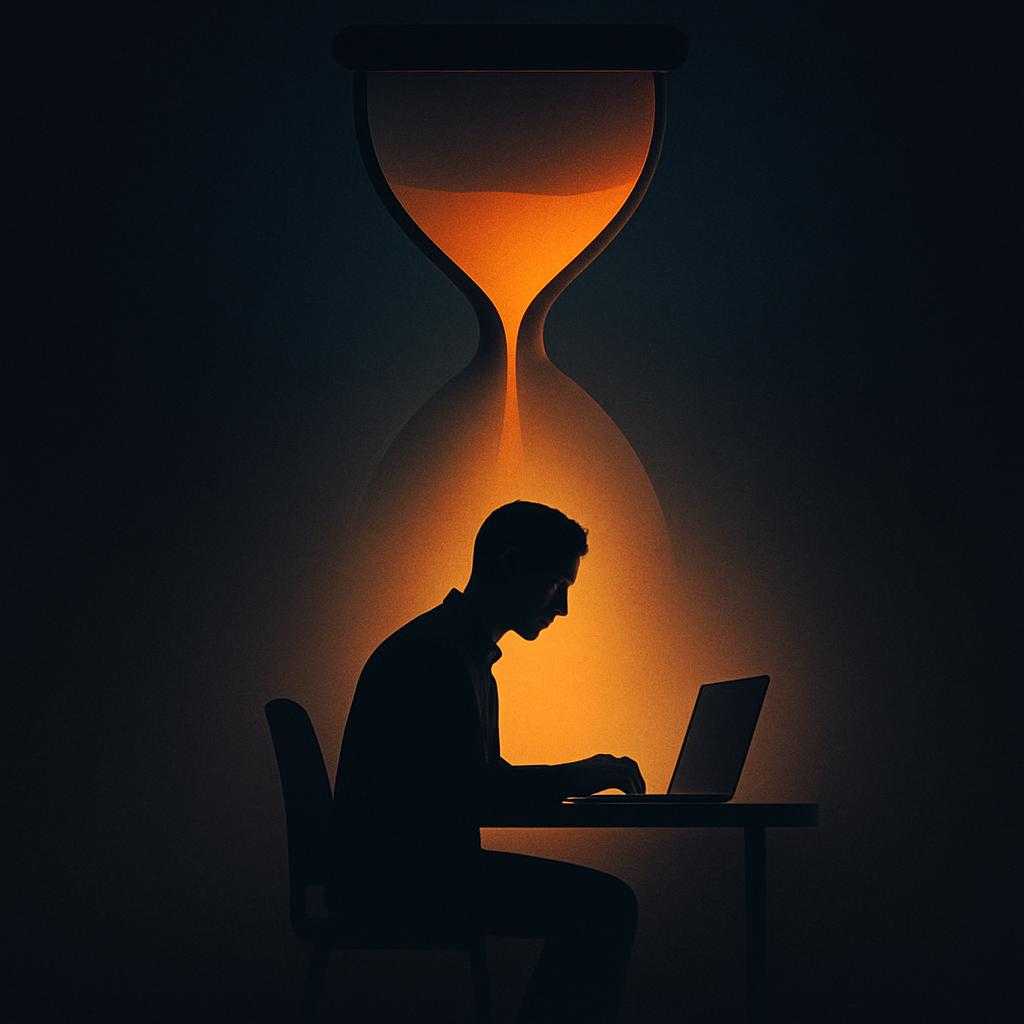
When the Tool Sets the Tempo
A calendar reminder is meant to help someone remember an obligation. But when reminders arrive all day, they can also decide what deserves attention next. The shift is subtle: instead of checking a tool when needed, a person begins checking tasks and notifications to determine what to do at all.
That happens because productivity apps do more than store information. Their alerts, due dates, priority labels, and suggested schedules turn plans into prompts for action. A task marked overdue can feel more urgent than an unlisted task that matters just as much. The interface does not have to issue an order; its cues can still shape the day.
The Feedback Loop
Once someone follows those cues, the system gets more influence over the next round of planning. A notification interrupts a task; the unfinished work is moved or recorded; the revised schedule produces more reminders. If an app automatically breaks work into steps or fills open calendar slots, its proposed pace can become the pace a person tries to keep—even when the work requires uninterrupted thought or a slower, less predictable rhythm.
This is a mismatch between what a system can track and what a person needs to do. Apps are good at displaying deadlines, checklists, and available time. They may not capture the value of staying with a difficult problem, making room for an unexpected request, or taking a break before concentration collapses. When visible tasks become the main measure of progress, quieter work can seem less important simply because it is harder to count.
Keeping the Tool in Its Place
The answer is not necessarily to reject reminders or automated plans. A calendar can prevent missed commitments, and a task list can reduce the effort of remembering them. The useful question is whether the system supports a chosen plan or quietly replaces it. Turning off nonessential alerts, reserving time without scheduled tasks, and reviewing automated suggestions before accepting them can restore room for judgment.
A productivity tool is most helpful when it makes important work easier to do—not when every spare minute must be made legible to the app.