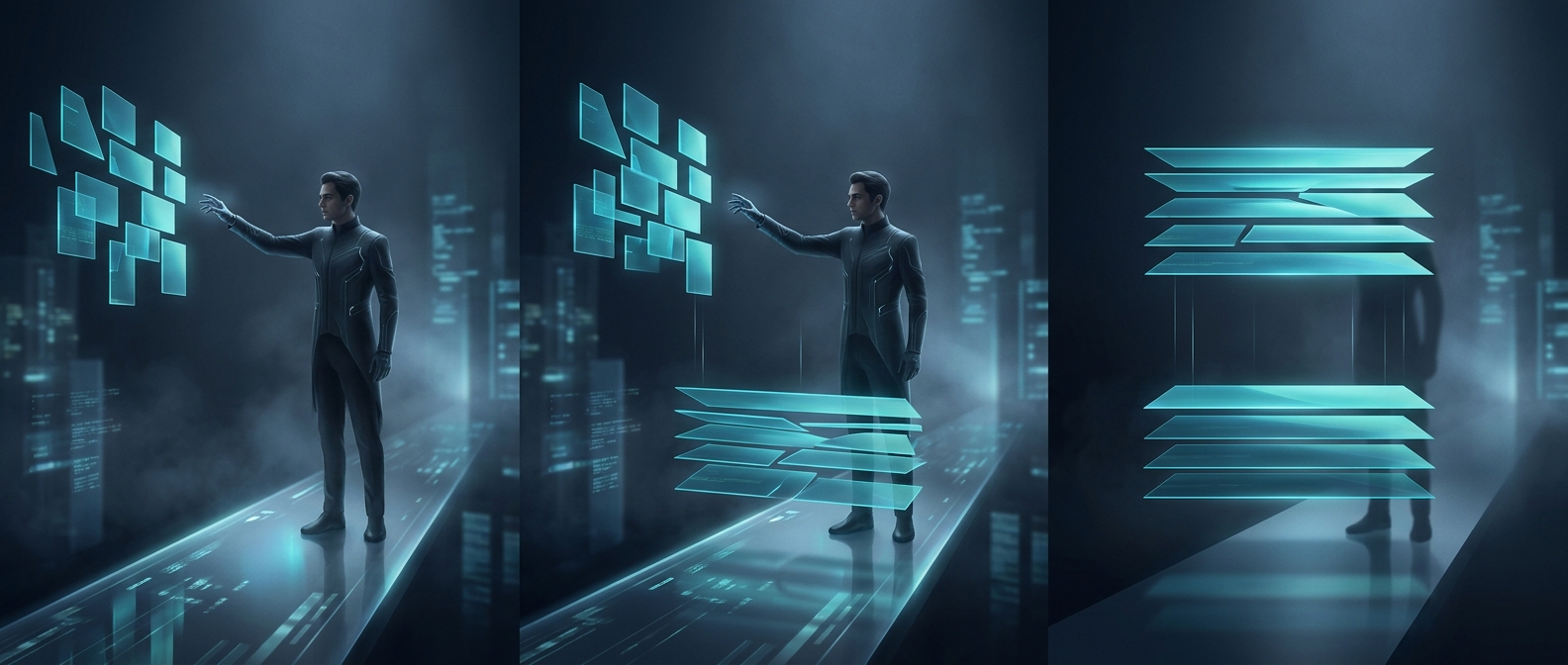
The ratio sets the frame’s shape
An aspect ratio is the width of an image compared with its height, usually written as two numbers such as 16:9. It describes shape, not size: a 16:9 image could be 1,920 by 1,080 pixels or 1,280 by 720, because both pairs reduce to the same ratio.
When software resizes an image without distorting it, it scales both dimensions by the same amount. That preserves circles as circles and faces as faces—but it also preserves the image’s original shape. If the screen has a different shape, the image cannot cover every part of it while also keeping all its content and proportions intact.
Fit the image, or fill the screen
Consider a 4:3 image shown on a 16:9 screen. If the whole image is kept visible, it can be enlarged only until its height fits; unused space remains at the sides. If it is enlarged until its width fills the screen, some of the image’s top and bottom must be cut off. Stretching it to fill would avoid both empty space and cropping, but would make objects look unnaturally wide or tall.
These choices are often called “fit” and “fill.” Fit prioritizes keeping the complete picture; fill prioritizes using the entire screen. A player, editor, or website may choose a default, while a viewer can sometimes change it.
Why the edges matter
The math can affect what survives in the final frame. A face near an edge, a line of subtitles, or a sign in the background may disappear when a picture is cropped. That is why video and graphic layouts often leave important details away from the edges: the same image may be viewed on screens with different shapes, and the ratio determines which portions can remain visible.