How a 2D image finds its place on a 3D surface
A model is made of polygons, but an image is a grid of pixels. To connect them, artists assign points on the model to positions in the image. Those assignments are called UV coordinates: they tell the renderer which part of the image belongs at each point on the surface. As the model moves or turns, the renderer keeps sampling the mapped image, so the detail appears to stay attached.
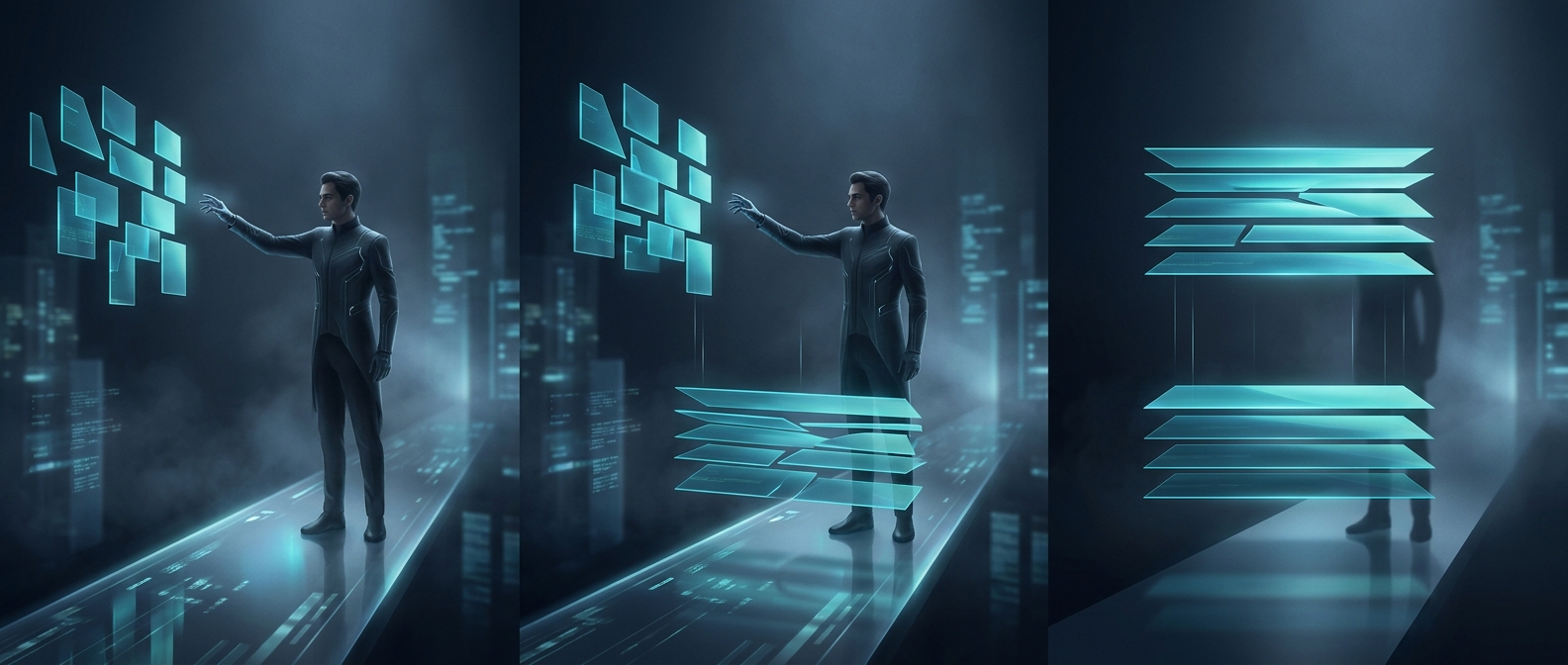
Making that map resembles cutting a paper pattern from a shaped object. A model’s surface is unfolded into flat pieces, often with cuts called seams. The pieces are arranged over the image, and the renderer interpolates between mapped points to fill in the polygons. Seams can cause visible breaks if the image’s edges do not match; stretching can make features look distorted, much as a flat map distorts parts of a globe.
One model can use several kinds of maps
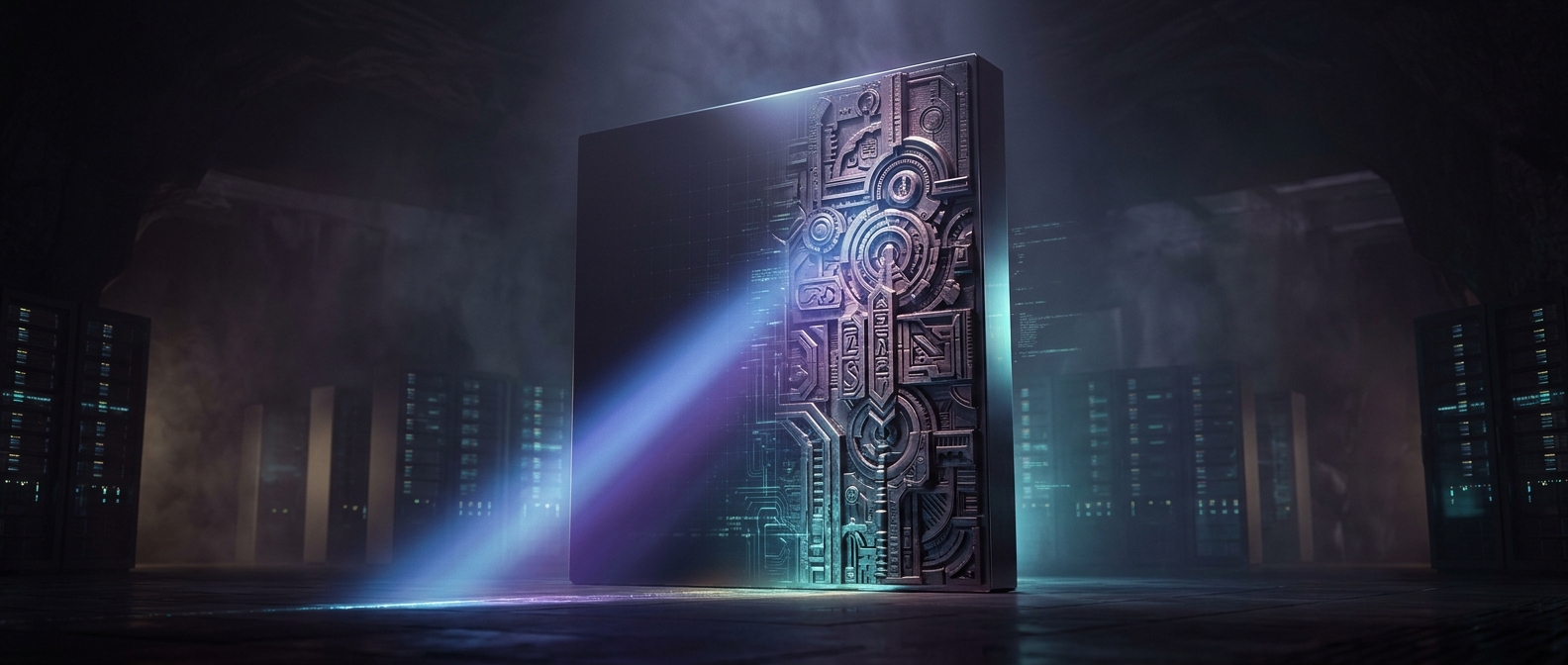
A basic texture supplies color, but artists can also map images that control other properties. A roughness map can make one area look matte and another glossy; a normal map changes how light behaves across a surface, suggesting small bumps without adding matching geometry. These extra maps let a relatively simple model look richly detailed.
The tradeoff is that every image has limited resolution. Spread too few pixels over a large or prominent part of a model and the texture can look blurry; pack them more carefully, and the same image can preserve sharper detail. The visible finish therefore depends not only on the model’s shape, but on how its surface was unfolded and how image space was allocated.