How a Curve Can Bend Without Points on the Line
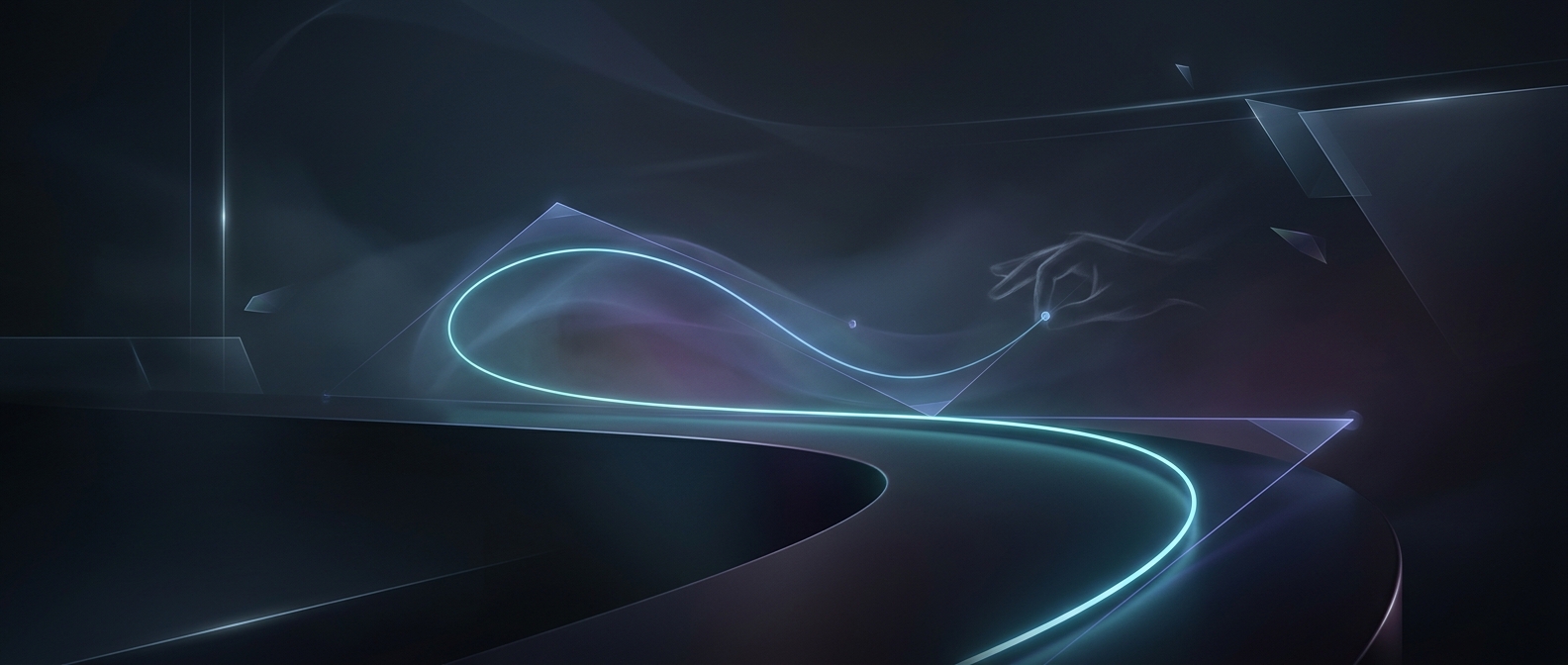
A Bézier curve is built from a few anchor points and one or more control points. The anchors set where the curve begins and ends; the control points pull its path into shape without requiring the curve to pass through them. In a drawing program, the controls often appear as handles connected to an anchor, which is why adjusting a handle feels like steering the line.
For a common cubic Bézier curve, there are two anchors and two control points. Imagine the curve as a moving point that starts at the first anchor and is gradually guided toward the second. Early in that movement, the first control point has the strongest influence; near the end, the second control point takes over. The result is a smooth bend rather than a chain of straight segments.
Why Designers Use Handles
Control points make curves easier to edit. If points were placed directly along the line, changing one bend could require moving several of them to avoid a lumpy outline. Bézier handles let a designer adjust a broad direction with a small number of controls. Moving a handle farther from its anchor generally makes its influence stronger; changing its angle changes the direction the curve leaves or approaches that anchor.
This is especially useful when curves must join smoothly. Two curve segments can meet at an anchor while their handles line up, making the transition look continuous instead of kinked. That principle helps shape everything from a letterform to an icon or a vector illustration: the visible outline stays clean, while the few invisible controls do the steering.