Why a sync conflict can roll a game backward
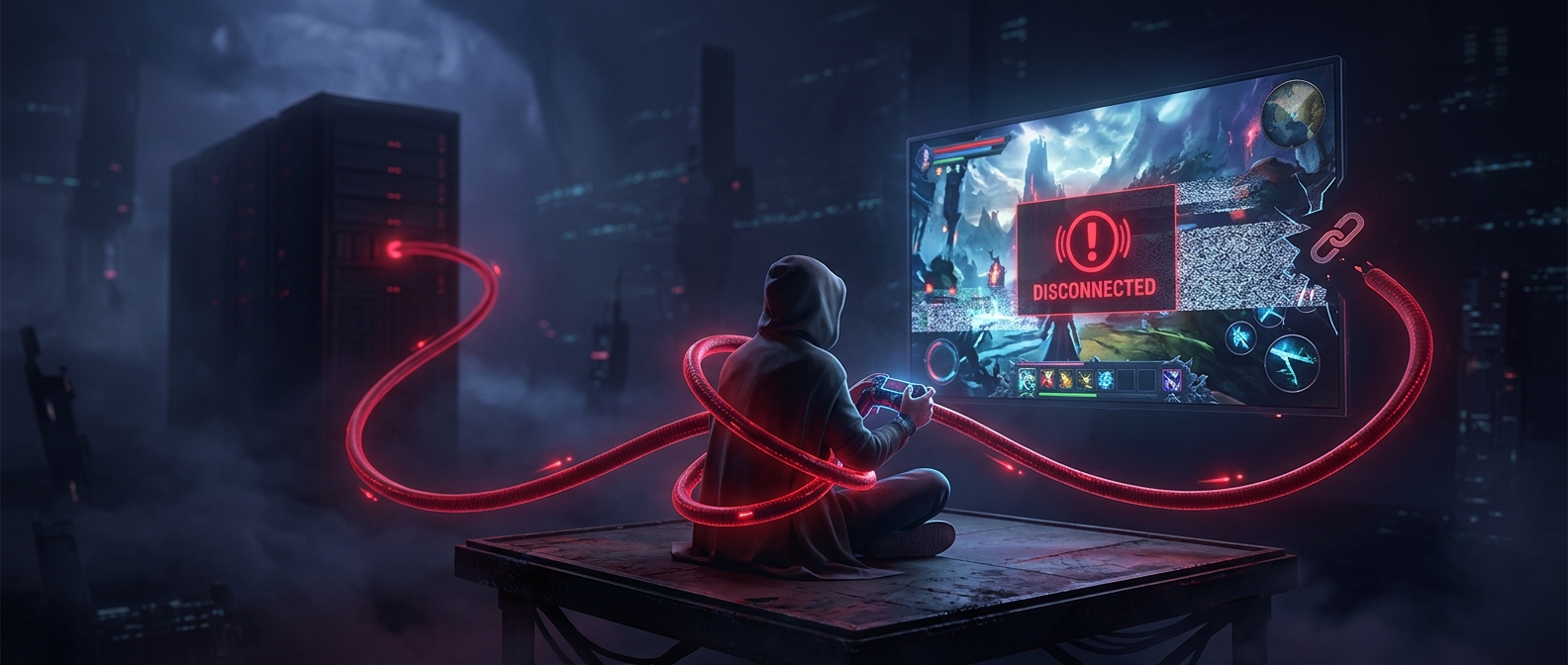
A cloud save is a copy of a game’s progress stored online so it can be used on another device or restored later. When you play offline, however, the device may keep recording progress only in its own local save. The cloud copy does not know about those changes until the device reconnects and uploads them.
That creates two competing versions: one saved locally and one already in the cloud. A conflict prompt is the system’s way of asking which copy should become the shared save. It is not necessarily comparing which file contains more progress. It may show dates or device labels, and the newer-looking option can be easy to misread if clocks differ, a device has been offline, or the game’s save timing is unclear.
Choosing a copy can replace the other
Once a version is selected, the service may upload it to the cloud and download it to other devices. If the selected copy is older, that synchronization can replace the more recent progress elsewhere. The old version may not remain available as a separate backup, so the apparent choice can be difficult to undo.
Before deciding, check which device last had the progress you want and whether the game has finished saving. If possible, open the game on the device with the latest progress while online, let its save and sync complete, and then review the conflict again. Avoid launching the game on other devices until the copies agree; doing so can create another competing save.
The important distinction is that cloud storage helps move a save between devices, but it does not always merge two histories of play. When two copies diverge, choosing one can make the other disappear.