Why a small download can become a long install
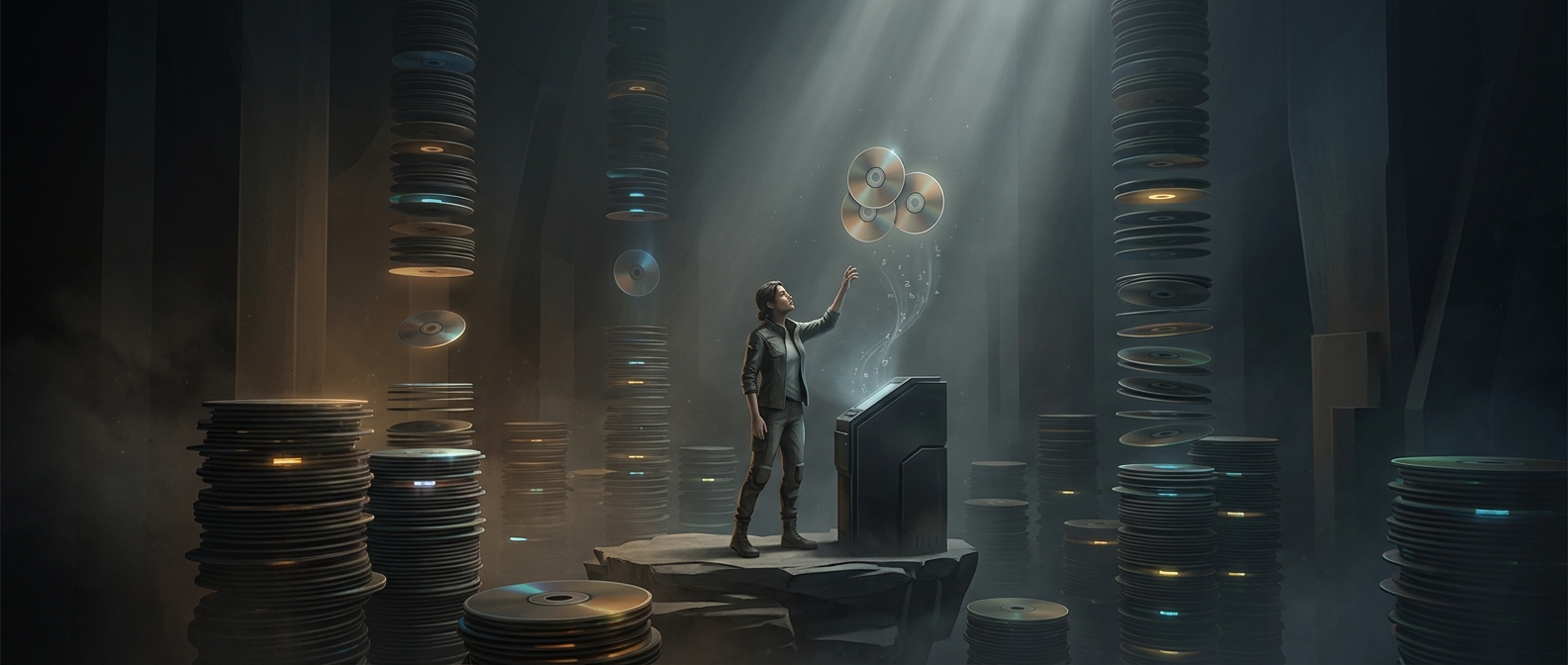
A game download is often a compact package, not the finished collection of files the game will use. Compression removes repeated patterns and stores data more efficiently, much like packing a suitcase tightly. During installation, the device has to reverse that process: read the packed data, decompress it, and write the expanded files to storage.
That work can take substantial time because a modern game may contain many large assets—textures, audio, models, and other data—packed in ways that save space or make delivery manageable. Unpacking is not always one simple operation, either. The installer may need to process files in sequence, check them, or arrange them into the game’s expected structure.
The slowest part depends on the device
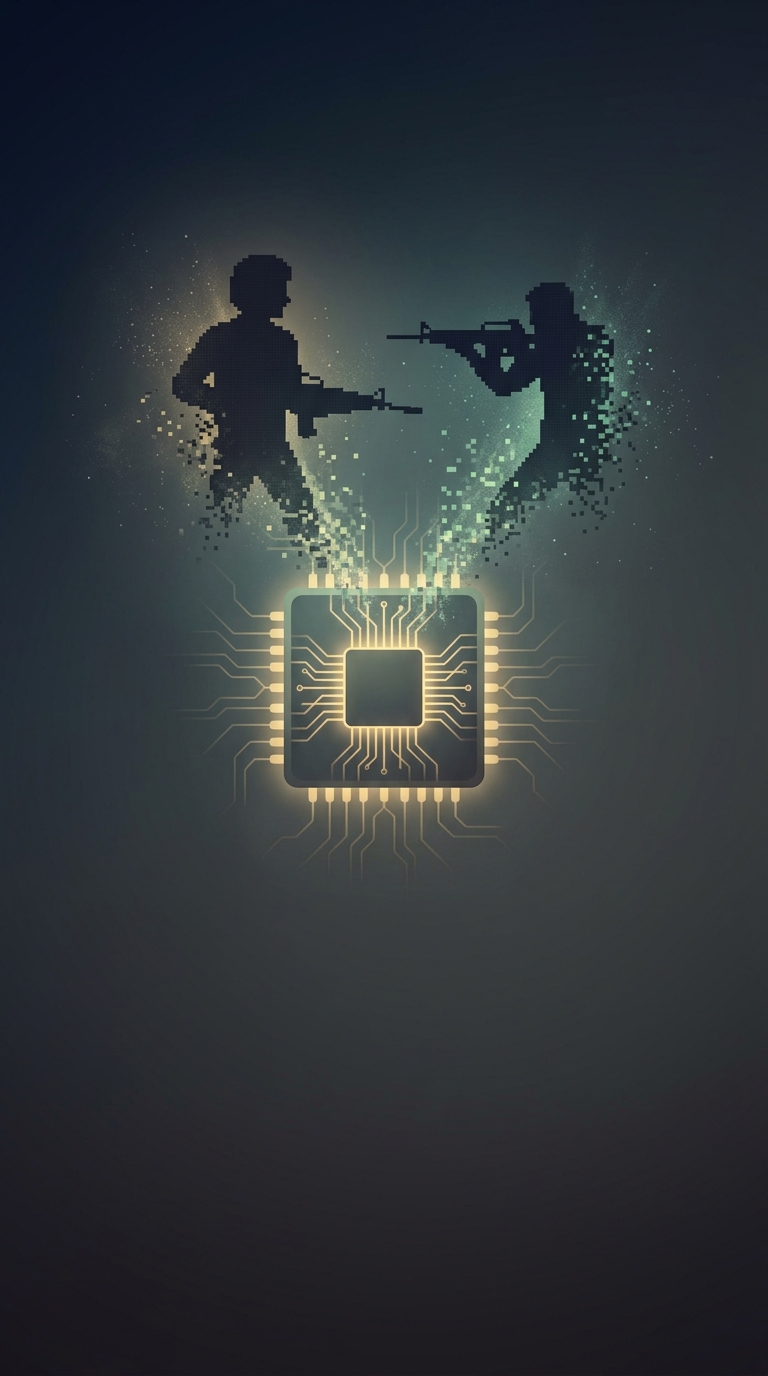
Downloading is limited mainly by the connection and the game server; unpacking depends on the device. The processor performs decompression, while the storage drive must handle the resulting stream of data. If either is busy or relatively slow, installation can lag even when the download finished quickly.
The two stages may also overlap, but that does not guarantee a shorter wait: a device can still be bottlenecked by its processor or drive. This is why a progress bar may appear to pause or move unevenly after the download reaches 100 percent. The game is still being prepared for use, not simply copied unchanged.
Space and time are part of the tradeoff
Compression helps reduce the amount of data that must travel over the internet and can save space in the download package. The tradeoff is that the device must spend time expanding it, and the installed game may require considerably more storage than the download did. In practical terms, a fast connection can get the package to your device sooner, but it cannot eliminate the work required to turn that package into playable files.