A PC case has a “front” and a hidden side
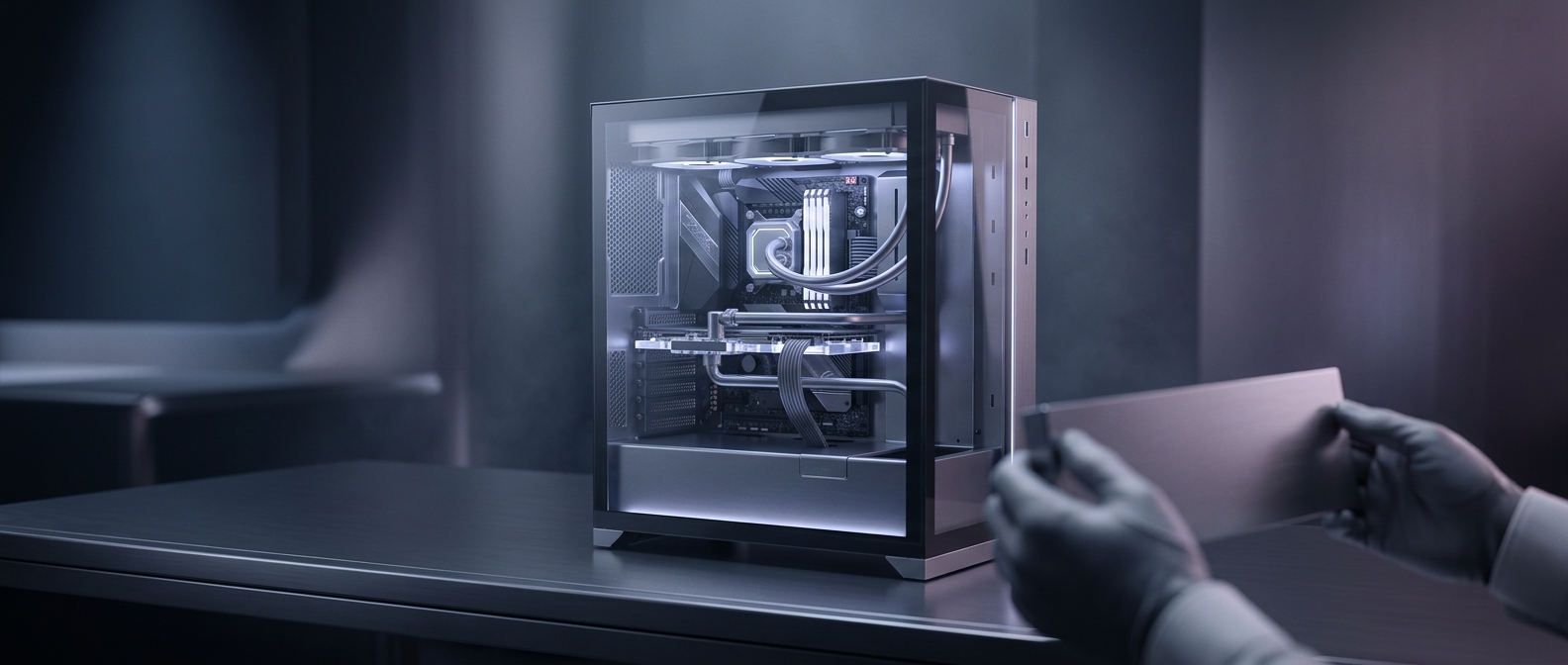
In many showcase-style PC cases, the space behind the motherboard tray is a second workspace. The motherboard and graphics card face the glass panel; power supplies, cable bundles, and sometimes storage drives sit behind or below them, out of sight. This split layout lets builders present the hardware without a web of wires crossing the view.
The case provides openings between the two spaces so cables can reach the motherboard, graphics card, and fans. Rubber-edged holes protect the wires, while built-in tie points and channels help hold them against the tray. The goal is not to make the cables disappear entirely, but to keep only the short, necessary connections visible.
Why a clean route takes patience
Cables have fixed lengths and bulky plugs, and they do not always bend neatly around corners. A builder has to plan which opening each cable will use, leave enough slack to connect or replace a part, and secure the extra length behind the tray. Closing the rear panel is its own test: a bundle that is too thick can press against the panel or make it difficult to fit.
That creates a practical tradeoff. Tighter routing looks cleaner, but cables still need room to bend and parts must remain accessible for repairs or upgrades. A tidy interior can also leave fewer obstructions around fans, though cable management alone does not determine cooling performance.
The glass-side view is therefore partly a product of the case’s design and partly the result of careful routing—work most visible in the empty space where the cables used to be.