Why an Emulator Might Preserve a Glitch
An emulator does more than draw the same pixels as an old console. It imitates the machine that produced them: its processor, graphics hardware, memory, and the timing of their interactions. That timing can determine when a game updates an object, reads a controller, or sends a new image to the screen.
If those events happen at slightly different moments in an emulator, the game may behave differently—even when its graphics look correct. A jump might respond sooner, an animation might run more smoothly, or a rare failure might never occur.
When Timing Becomes Part of the Game
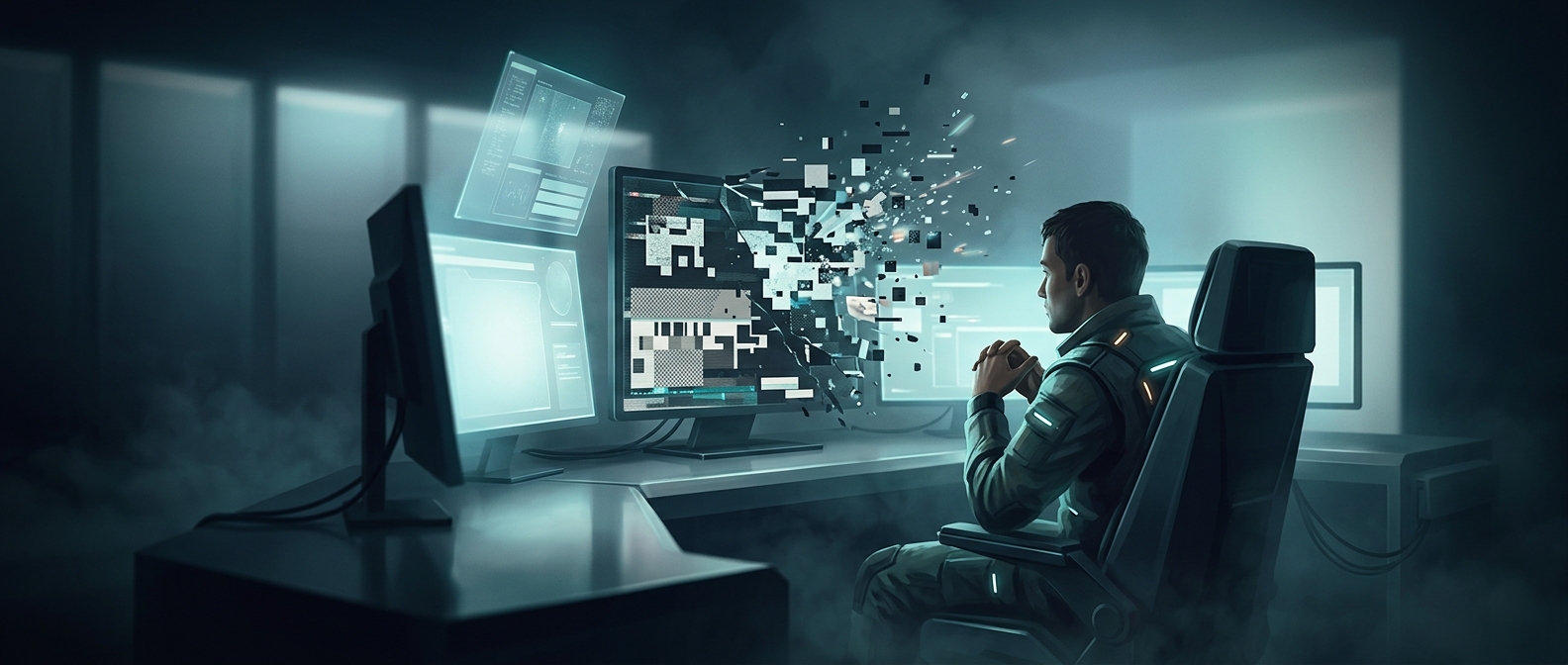
Older hardware often handled tasks in tightly coordinated steps. If the processor took too long to finish work before the graphics hardware needed it, the result could be visible slowdown or lag. If the image changed while the display was drawing it, the screen could show parts of two frames at once, a visual flaw called screen tearing.
Some games also depended, intentionally or not, on quirks in how the original hardware handled a particular sequence of operations. Reproducing those conditions can preserve the game’s original behavior, including crashes. That does not mean every crash was designed as a feature; it means accurate imitation can preserve the same conditions that caused it.
Fidelity Has a Tradeoff
Matching hardware behavior can require an emulator to track events more precisely than simply running the game’s logic and rendering its images. That extra work can make development and performance more demanding, and it can limit opportunities to smooth out the experience.
The payoff is that the game remains tied to its original machine’s rhythms and limitations. An emulator that reproduces a stutter or tear may look less polished—but it can be showing not just what the game looked like, but how the old hardware actually made it happen.