The pointer’s tiny target matters more than its decoration
A mouse pointer is not just an image; it is also a precise marker for where a click will land. The active point, often called the hotspot, is usually the arrow’s tip. With a familiar arrow, people can judge that point almost instantly. Replace it with a sword, mascot, or elaborate animation, and the hotspot may be less obvious: the visible artwork can extend far beyond the actual click point, or move in ways that distract from it.
That mismatch matters most when aiming at small controls, such as a close button or a link in a crowded page. A user may think the cursor is over one spot while its active point is somewhere else, leading to missed clicks and repeated attempts.
Visibility is part of the interface
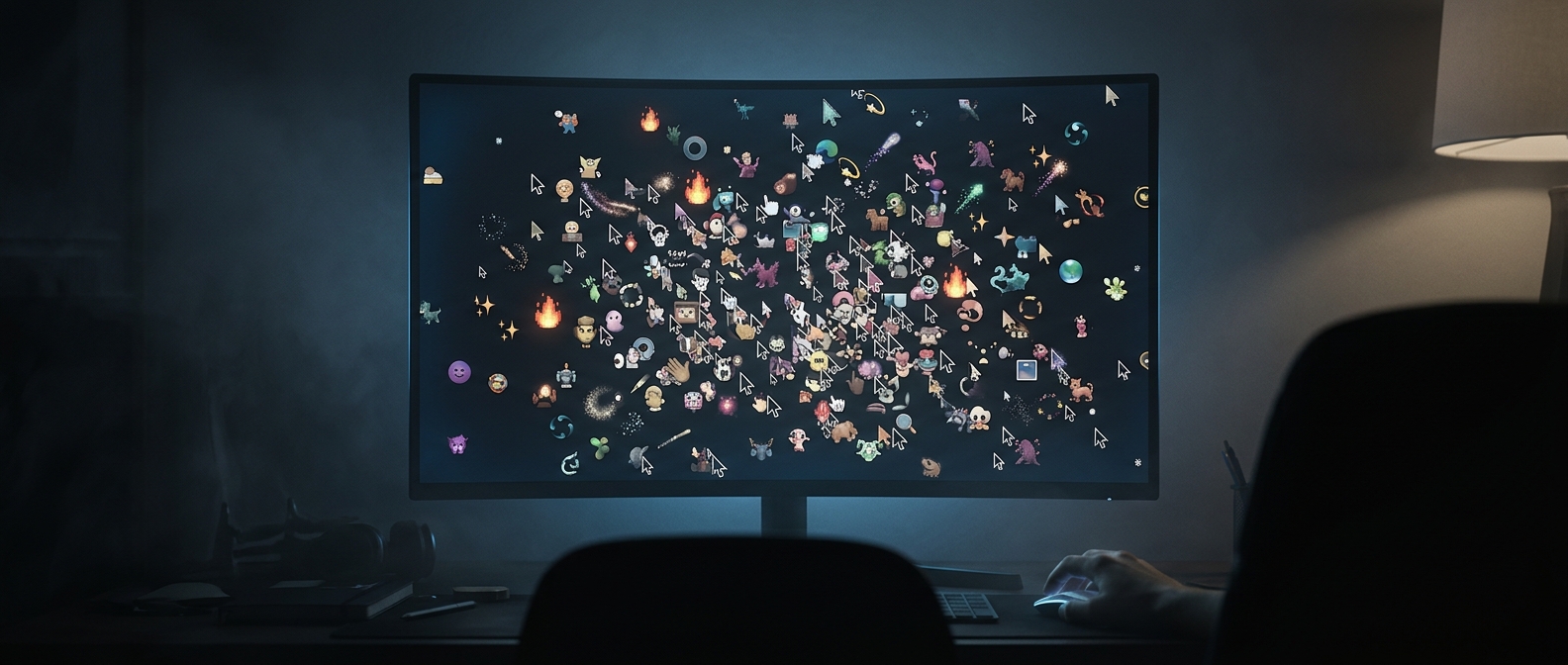
Standard pointers are designed to stand out against many backgrounds, often using a clear outline or contrasting fill. A custom cursor can blend into a page, disappear over a similarly colored image, or become difficult to track when its animation draws the eye away from its position. Larger artwork is not automatically easier to use: it can obscure the very text or control someone is trying to reach.
The practical test is not whether a cursor looks striking in a preview, but whether someone can locate its active point quickly across different parts of a screen. When that point is hard to see or interpret, every small interaction becomes a search task—and routine browsing starts to feel like aiming with the wrong end of a tool.