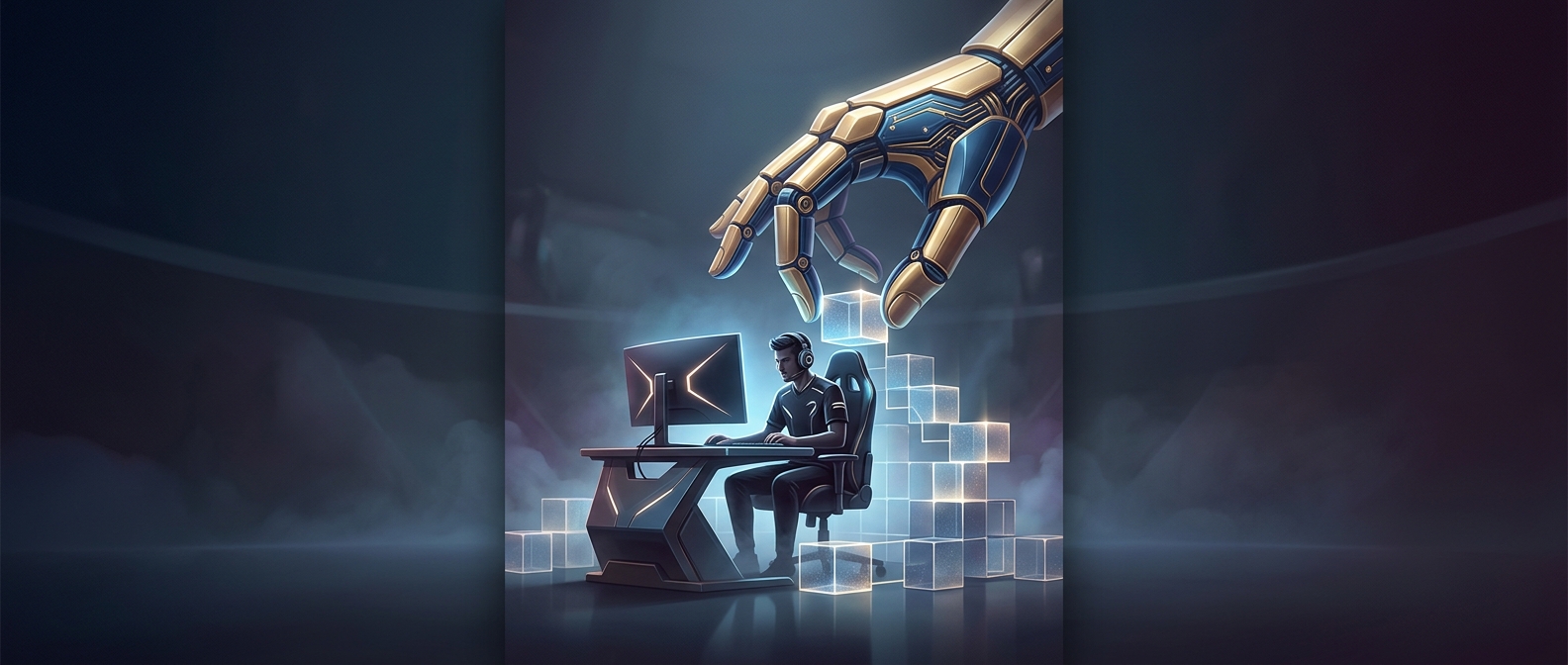
Accessibility Is Becoming Part of Big-Budget Game Design
A game can look spectacular and still be unplayable for someone who cannot distinguish its colors, react quickly to a timed prompt, or use a standard controller comfortably. Accessibility options address those barriers by letting players change how information is presented and how actions are performed. In some games, these are small adjustments; in others, they alter several connected systems, from combat timing to navigation.
The Design Challenge Is More Than Adding a Toggle
A useful adaptive mode has to preserve the game’s central challenge while changing what makes that challenge inaccessible. Slowing a sequence of button presses, for example, may help a player with limited dexterity, but it can also change the rhythm the designers built around. Clearer visual cues can make an objective easier to read without removing the need to decide what to do. The choices work best when developers build them into the game’s systems and test how they interact, rather than treating accessibility as a final menu of isolated switches.
Options also need to be discoverable and understandable. A setting that could help a player is of little use if its label is vague or its effect is impossible to judge before starting. Offering controls over difficulty, timing, display, and input gives players more ways to find a workable combination without requiring every player to experience the game in the same way.
A Wider Audience Changes the Meaning of “Mainstream”
When a large release includes these choices, accessibility becomes part of the expected design conversation, not merely a specialty feature. That does not mean every game can accommodate every need, or that one mode suits everyone. It does mean a blockbuster can make its worlds reachable to people who might otherwise have been excluded—not by asking them to overcome the same barriers, but by letting them adjust how they meet the game’s challenges.