Why a flat screen’s edges feel farther away
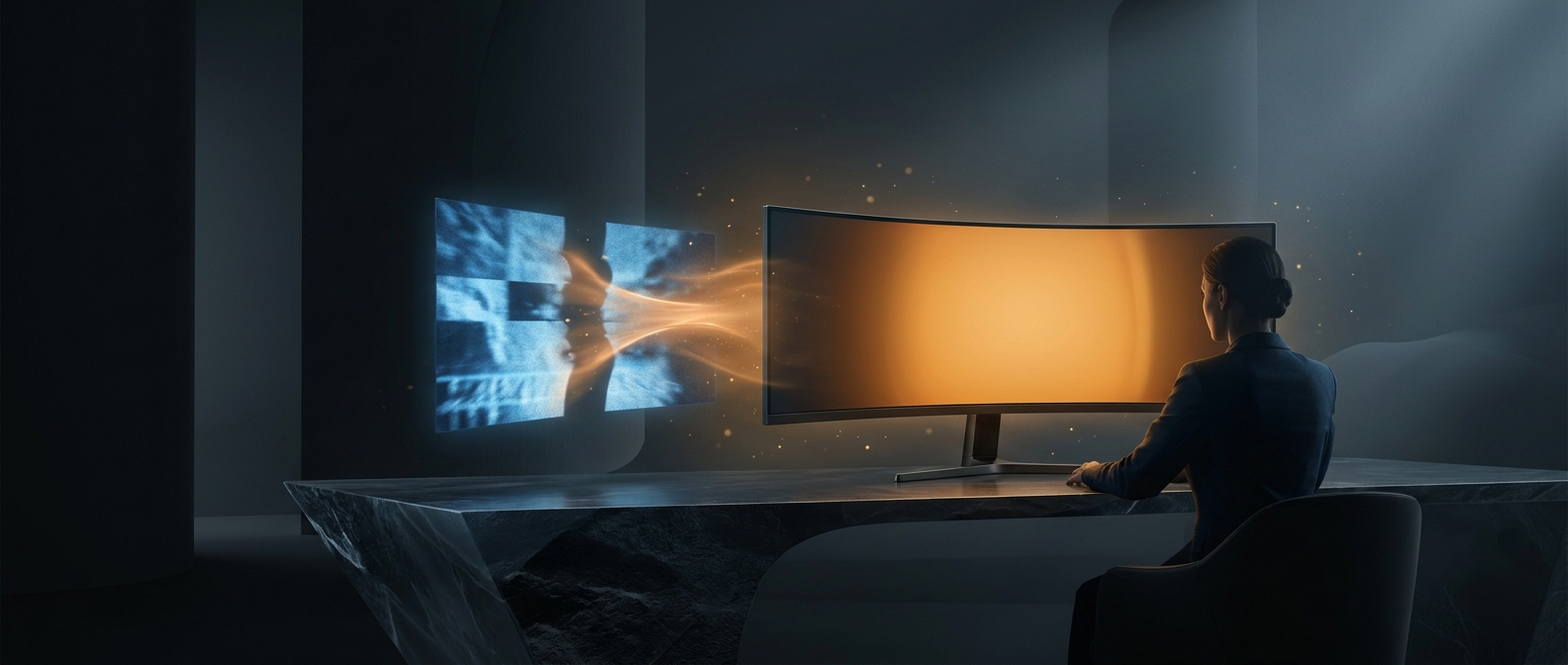
Sit close to a wide, flat monitor and its center is nearer your eyes than its far-left and far-right edges. Those edges also meet your gaze at a sharper angle. The difference is modest on a small display, but becomes more noticeable as the screen grows wider or you sit closer.
An inward curve bends the sides toward the viewer. From a seat centered in front of the display, the edges are therefore closer to the center’s viewing distance, and their surfaces face the viewer more directly. The image can feel more like a continuous field around you than a flat panel viewed head-on.
The curve has a viewing sweet spot
A monitor’s curvature is usually described by a radius: a smaller radius means a tighter bend. The intended geometry assumes the viewer sits at a particular distance and near the middle of the screen. Move far to one side, or sit much closer or farther away, and the edges no longer line up as neatly with that viewpoint.
That makes curvature a tradeoff, not a universal improvement. It can make a large, close display feel more evenly placed across the field of view, but it does not change the image’s resolution or make every seat equivalent. For a screen shared by several people, a flat panel may offer a more consistent view from different positions.
The practical payoff is most apparent when the display is wide enough that its edges would otherwise sit noticeably farther from the viewer: the curve brings those edges back into the same visual space as the center.