One desktop, without the gap in the middle
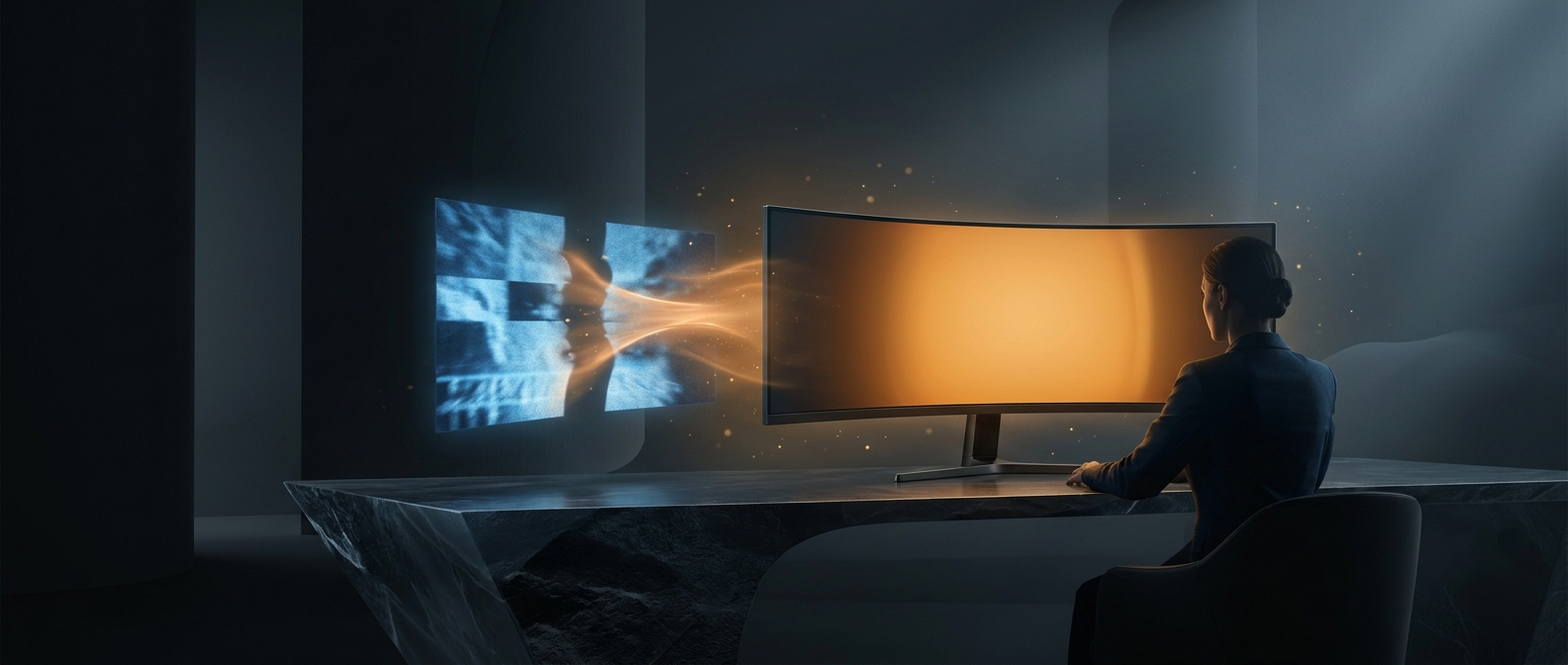
Two monitors create a physical boundary where their frames meet. An ultrawide replaces that pair with one broad panel, so a spreadsheet that stretches across the center does not disappear behind a bezel. That can make it easier to scan columns or compare two documents without turning your head as much.
The screen is still a single display to the computer. To recreate a dual-monitor workflow, you arrange windows side by side—often by dragging them to the left and right edges or using the operating system’s window-snapping controls. Some monitor software can also divide the panel into virtual regions, making those areas behave more like separate workspaces.
Width helps, but it is not the whole story
An ultrawide’s shape provides more horizontal room, not automatically more usable detail. Resolution determines how many pixels are available, while text size and application layout determine how much fits comfortably. A wide spreadsheet may show more columns, but small text can become tiring if the display is run at a high resolution without suitable scaling.
There is also a practical tradeoff: separate monitors can be positioned independently and can show different inputs, while one ultrawide keeps everything on a single panel. A display failure or a need to share the screen affects that one large workspace rather than one of two smaller ones.
The biggest everyday change is simple: the dividing line between work areas becomes a window boundary you control, rather than a strip of monitor frame fixed in the middle.