A pointer built into the typing position
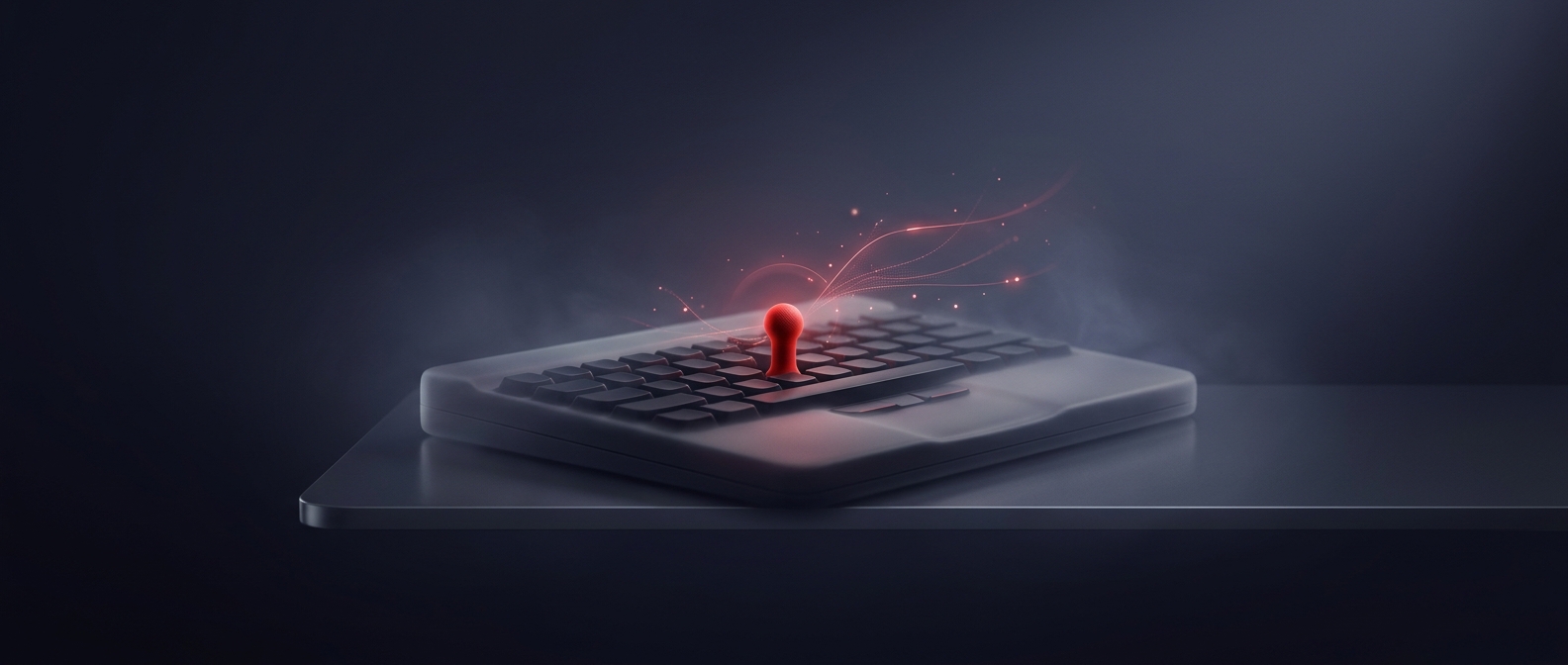
The red nub is IBM’s TrackPoint, a small pointing stick set between the G and H keys. Its position was the key design choice: a typist could steer the cursor with a finger while keeping both hands near the keyboard’s home row. That mattered especially on early laptops, where adding a mouse or a large pointing surface would take up space and interrupt typing.
It senses pressure, not movement
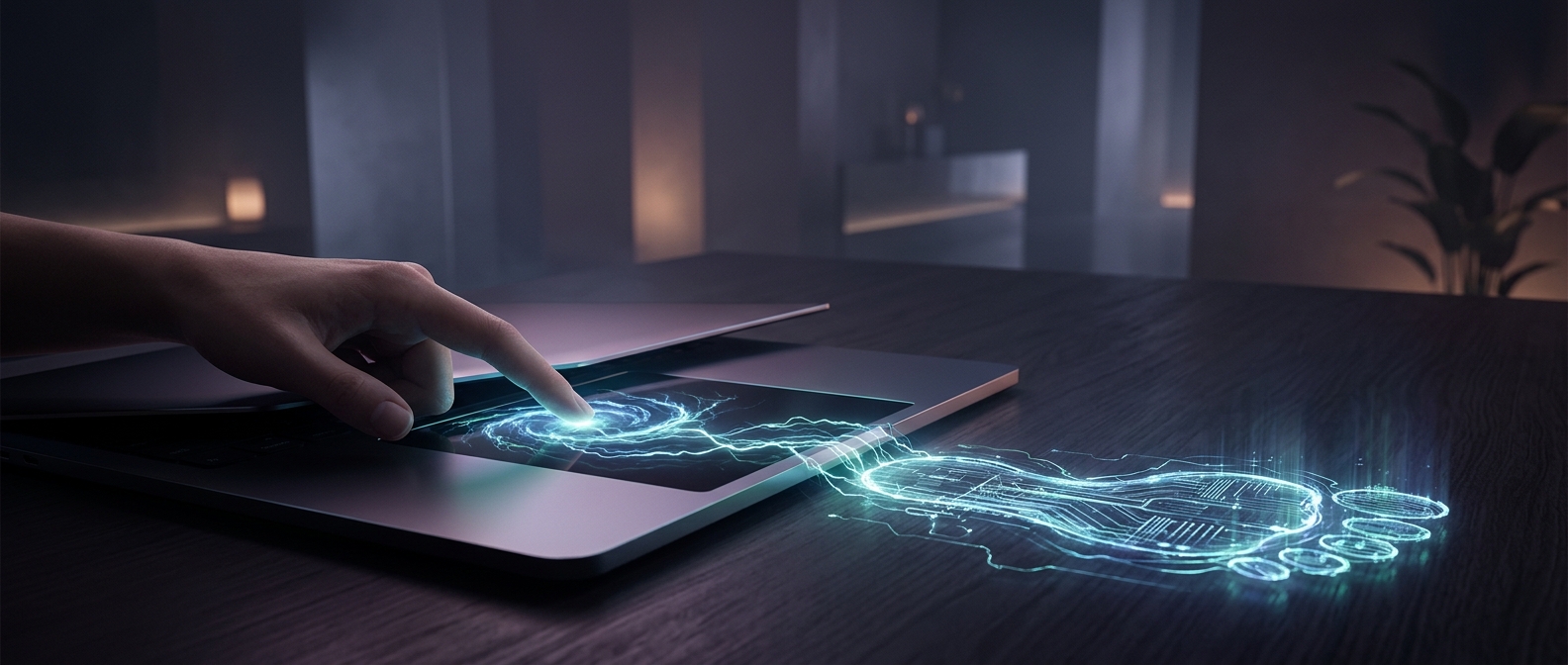
Despite its joystick-like appearance, the TrackPoint does not tilt across the keyboard. Sensors detect the direction and force of a finger pressing against the nub. The laptop turns that pressure into cursor movement; press harder, and the pointer travels faster. The stick springs back to center when released, so it can keep moving the cursor without needing room to slide.
That approach has a tradeoff. A touchpad lets users move a finger across a surface, which can feel more direct, but it requires a clear patch of palm-rest space. The TrackPoint instead uses a few millimeters of space already surrounded by keys. Its small red cap also makes the control easy to spot—and to find by touch—amid a crowded keyboard.
For people who learned to steer with it, the nub made cursor movement part of the typing rhythm: a brief finger press could reposition the pointer without moving a hand away from the keys.