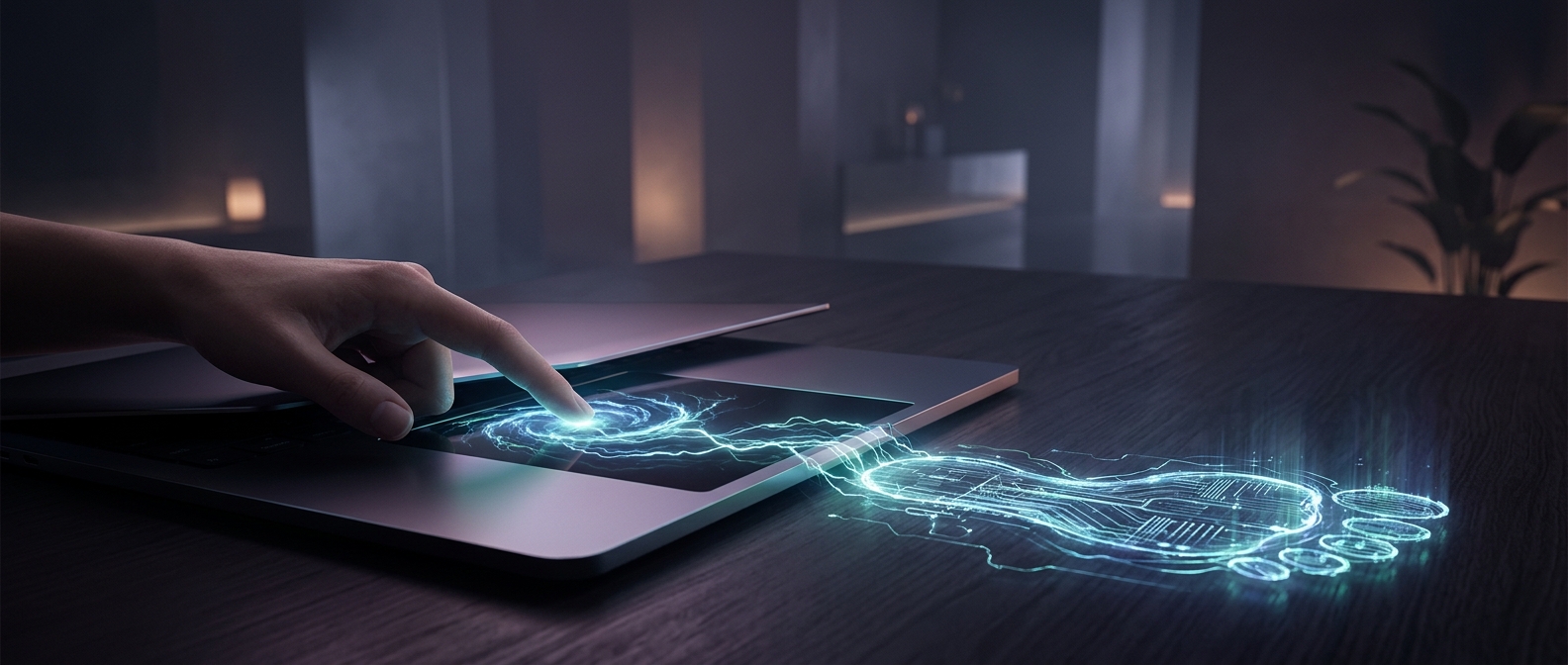
The surface is sensing an electrical change
A trackpad does not need to see your finger or feel its pressure. Beneath its smooth surface, tiny sensing elements form a grid. The controller repeatedly checks the electrical relationship between those elements—a property called capacitance, or how much electrical charge a pair of conductors can hold.
Your finger contains water and salts, so it conducts electricity better than the insulating surface above the sensors. When it comes near the pad, it changes the electric field around nearby elements. That change is small, but it is strongest near the point of contact and weaker farther away. Several neighboring sensors therefore respond, not just one.
From a patch of sensors to a cursor
The controller scans the grid and compares each reading with its normal baseline. By weighing the pattern of changes across adjacent sensors, it can estimate the center of your finger’s electrical footprint. This lets it locate a touch between sensor elements rather than snapping the cursor from one grid point to the next.
As your finger moves, the controller repeats the measurement and tracks how that estimated position changes over time. Software then turns the motion into cursor movement. The cursor may travel farther than your finger does because the software can scale the movement to cover more of the screen.
Why gestures can involve more than one finger
Each finger creates its own changing pattern on the grid. If the patterns are distinct enough, the controller can track multiple touch points and recognize how their positions change—for example, whether two fingers move closer together. A gesture is therefore not a special signal from your fingers; it is a pattern of locations changing over time.
The key trick is that the pad measures a distributed electrical footprint, then calculates where the touch most likely is. That is why a trackpad can follow a smooth swipe even though its hidden sensors are arranged in a finite grid.