Why a DVI plug could fail before it was fully connected
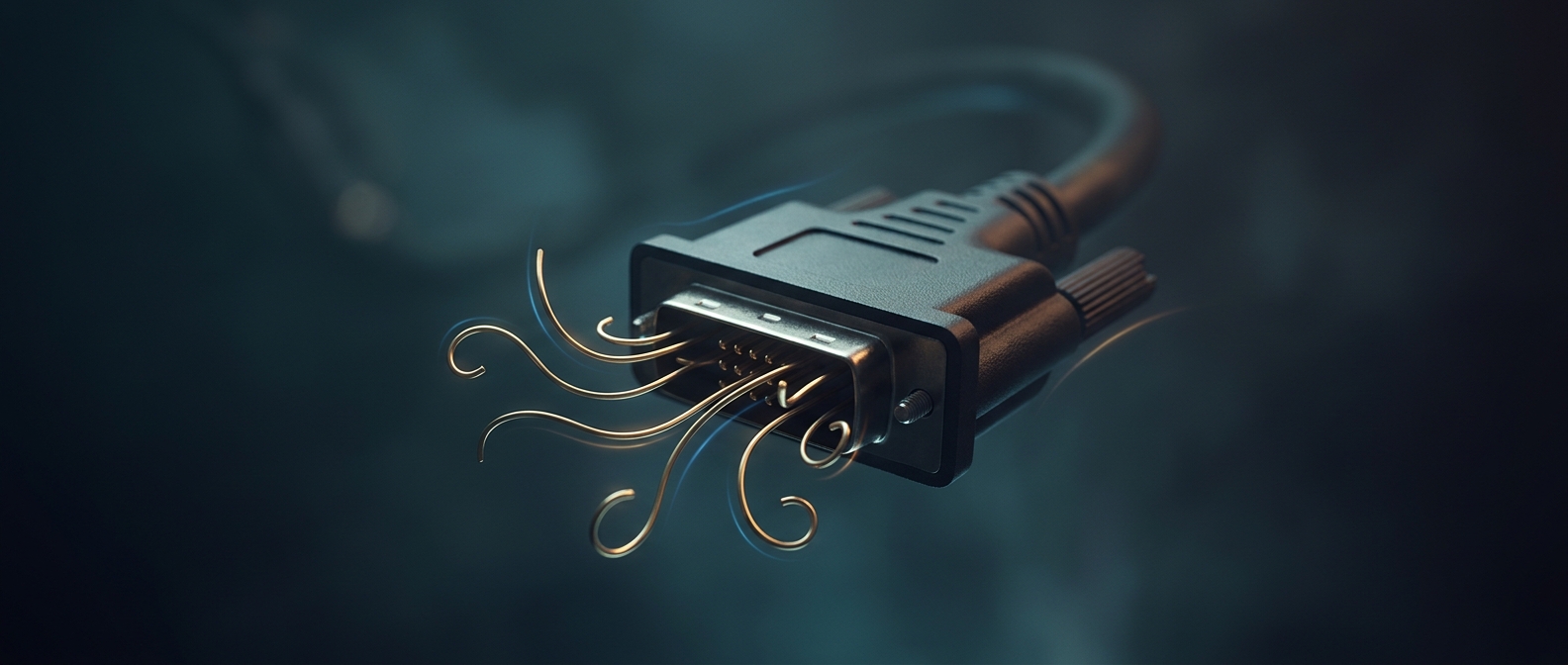
DVI carries video through a dense field of small contacts. On the plug, those contacts are exposed metal pins; they must enter matching openings in the socket. If the plug approaches crooked, a pin can strike the socket’s face instead of sliding into its opening. More pressure may bend it rather than straighten the connection.
The connector’s thumbscrews hold it in place once seated, but they do not make a misaligned plug safe to force. The screws can even tempt someone to tighten them while the connector is still sitting unevenly.
A small bend can interrupt a whole connection
A bent pin may no longer touch its matching contact, so the monitor can lose the video signal or fail to connect reliably. The damage is often visible: a pin may look tilted, flattened, or out of line with its neighbors. Repeatedly pushing the plug in can make the bend worse, and forcing it can damage the socket as well as the cable.
That fragility reflects the tradeoff of a connector built around many direct contacts: it can carry video through a compact plug, but the exposed pins need careful alignment. The practical fix is simple—line up the plug before pressing it in, and let the screws secure a connector that is already seated, not pull a crooked one into place.