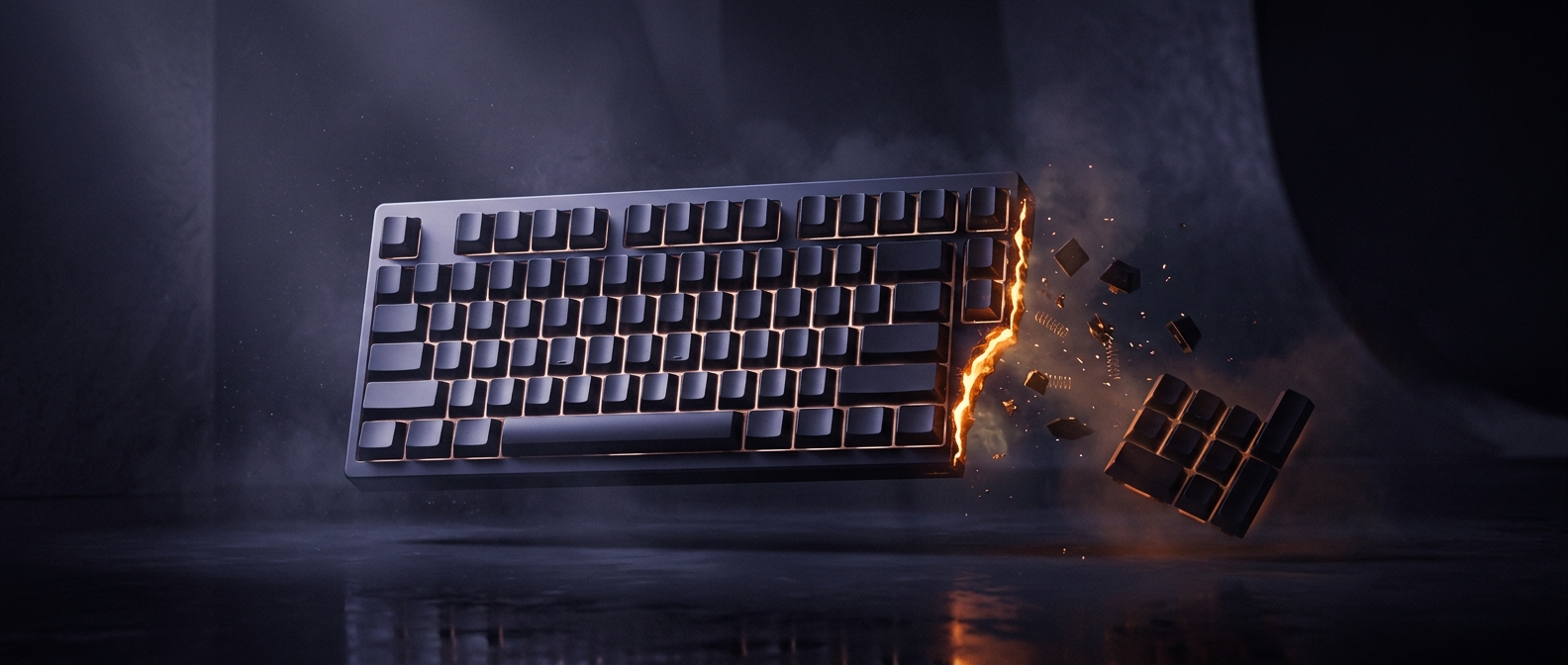
What “tenkeyless” actually removes
A tenkeyless keyboard keeps the main typing area, function row, and arrow keys but leaves off the separate numeric keypad on the right. The number keys above the letters remain, so ordinary typing and entering occasional digits still work; what disappears is the calculator-like cluster designed for frequent number entry.
That cluster is convenient for jobs such as bookkeeping, where entering long strings of figures with one hand can be faster than using the top row. For many other tasks, it occupies desk space without being used often. A smaller layout also gives designers a distinct size category between a full-size keyboard and compact models that remove more keys.
The mouse-position tradeoff
On a full-size board, the keypad pushes the keyboard’s main typing area—and therefore the mouse—farther to the right. Removing it lets a user place the mouse nearer the keyboard, which can reduce how far the right arm has to reach. The benefit depends on desk setup and personal comfort; a tenkeyless board does not automatically improve posture for everyone.
The choice is most practical when the keypad is rarely needed. Someone who regularly enters figures can keep a separate keypad and place it beside the keyboard only when necessary. That turns a fixed block of keys into an optional tool, while leaving the main typing layout intact.