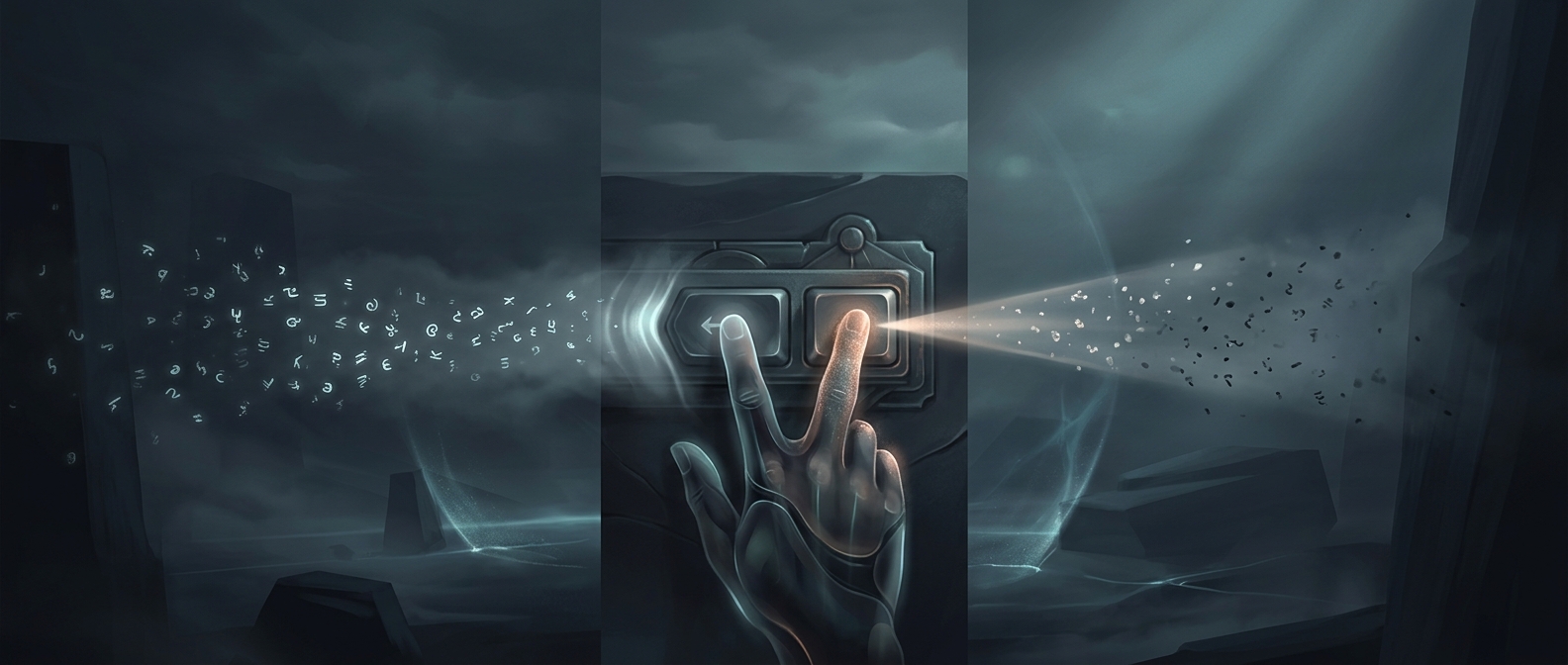
A key that changes the keyboard’s state
Caps Lock is easy to mistake for an ordinary character key, but it works differently: pressing it changes how later keystrokes are interpreted. The keyboard stays in uppercase mode until Caps Lock is pressed again. Shift, by contrast, usually affects only the keys typed while it is held down.
That difference makes an accidental press unusually consequential. A stray letter key produces one wrong character; an unnoticed Caps Lock press can alter every letter that follows. Numbers and punctuation generally keep their usual behavior, so a sentence may emerge with a mix of uppercase letters and unchanged symbols—a pattern that can be easy to miss while concentrating on what you are writing.
Why the mistake can spread
Fast typing relies partly on muscle memory: your fingers move through familiar sequences while your attention stays on the meaning of the text. If Caps Lock changes the keyboard’s state, the keystrokes can still feel normal even though the letters on screen are suddenly capitalized. The error may become obvious only after several words, when you look back at the text.
The remedy is simple, but it is not always a one-key fix. Turn Caps Lock off, then find where the change began and correct the affected text. That means the key can cost more than the time needed to press it again: the real interruption is noticing the altered mode and repairing everything typed while it was active.