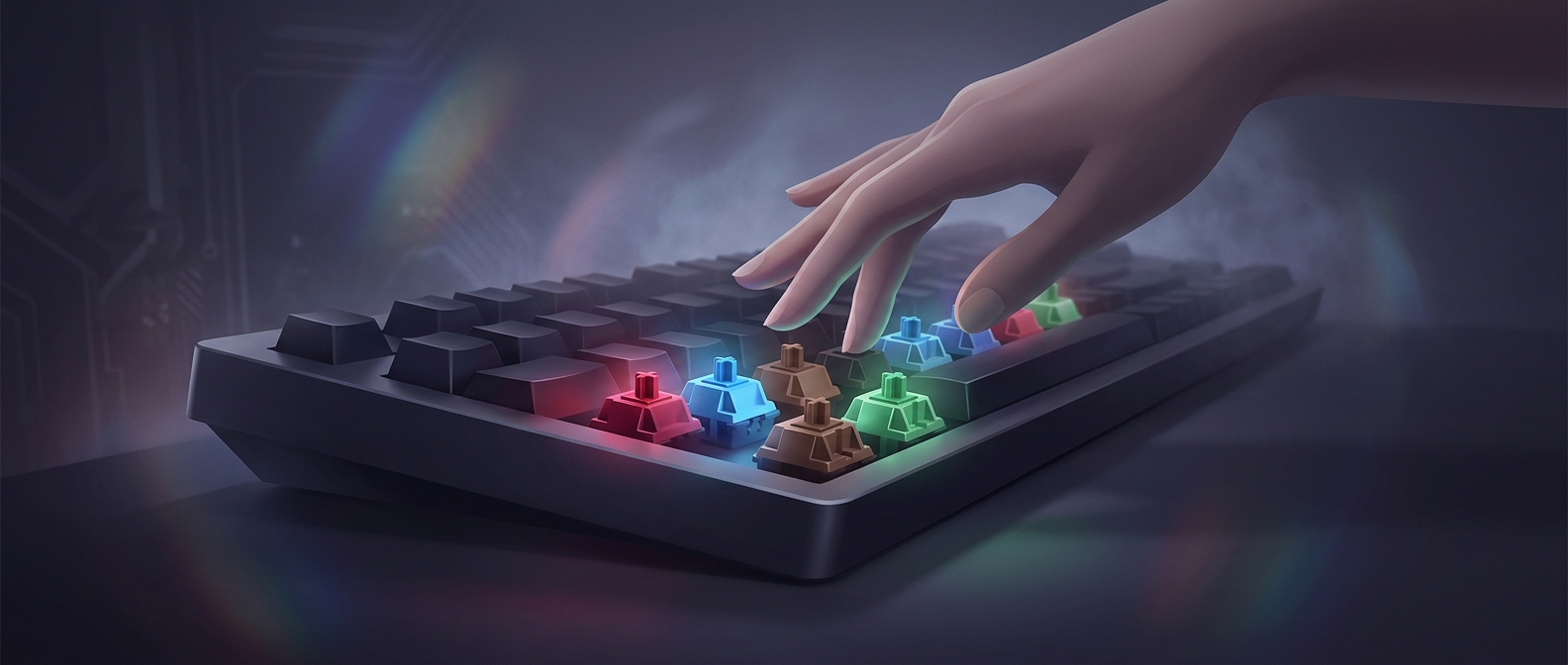
What a Switch Color Tells You
Under each keycap is a small switch that closes an electrical circuit when pressed. Its color is a quick label for a particular design, not a universal standard: manufacturers often use colors to distinguish how a switch moves and how much force it takes. One brand’s color may not mean exactly the same thing as another’s.
The feel comes from the switch’s internal parts. A spring pushes back against your finger; a tactile switch adds a small bump as it activates, while a linear switch moves smoothly. Some designs also make an audible click. Spring resistance affects how much force a key takes to press, and the activation point determines how far it must travel before the keyboard registers the keystroke.
Why “Fastest” Is Hard to Settle
A lighter switch can seem quicker because it takes less effort to press, but lightness alone does not make someone type faster. A typist’s rhythm, accuracy, and comfort matter, as does learning where a switch activates. A bump or click can provide feedback that a key registered; another typist may find that sensation distracting. Pressing too forcefully on a very light switch can also produce unwanted keystrokes.
That is why switch discussions often turn into personal comparisons rather than a single ranking. The useful test is not the color on the packaging but the feel under repeated typing: whether the force, travel, feedback, and sound suit the person using it.