How a clamp turns the desk edge into a mount
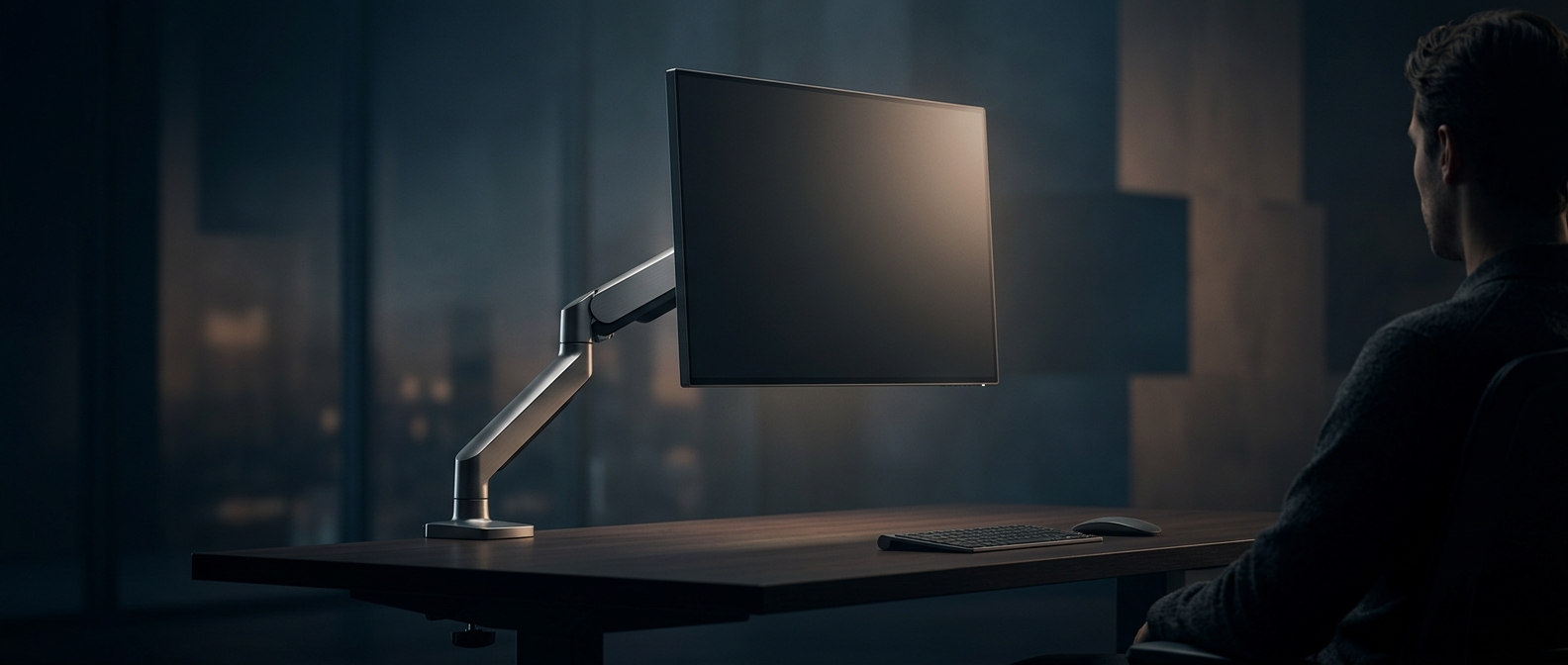
A conventional monitor stand spreads its weight across a broad base on the desktop. A monitor arm moves that support to the desk’s edge: a padded clamp grips the top and underside, while a post and linked segments carry the screen above the work surface. The space beneath the arm’s reach can then hold a keyboard, notebook, or other gear instead of a stand.
The clamp has to resist more than the monitor’s downward weight. Because the screen sits out from the desk edge, it creates leverage that tries to tip or twist the mount. A firm grip and a sturdy desk help keep the assembly stable; a thin, fragile, or unusually shaped edge may not be suitable for every clamp.
Joints make repositioning possible
The arm’s joints let the monitor move without shifting its base. Many arms use a spring or counterbalance mechanism to offset some of the screen’s weight, so the user can raise or lower it with less effort. Other designs rely on tightened hinges. In either case, the joints must be adjusted to match the monitor’s weight: too loose, and the screen can drift; too tight, and repositioning becomes difficult.
A separate plate on the monitor’s back—often using a standardized mounting pattern—connects the screen to the arm. That means compatibility depends on both the monitor’s mounting points and its weight, not just whether the clamp fits the desk. When the setup is matched correctly, moving the screen also clears the area under it, turning a bulky footprint into a small attachment at the edge.