A new place for the index fingers
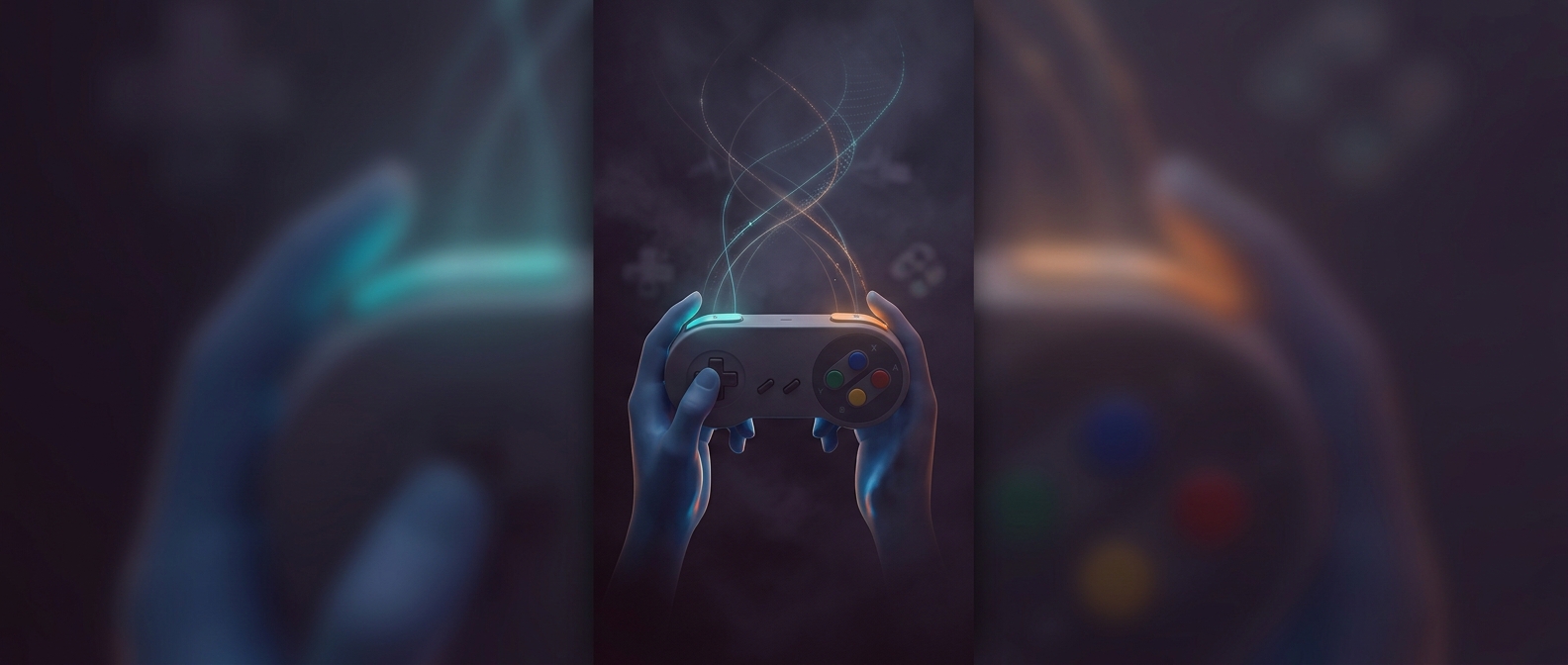
Earlier gamepads largely asked players to work the buttons on the front with their thumbs. The Super Nintendo controller kept that familiar arrangement but added L and R buttons along its top edge, where the index fingers could reach them without letting go. The change turned a simple two-thumb layout into a controller with inputs on two sides of the hand.
That placement mattered because it added buttons without crowding the face of the pad. A game could assign an action to a shoulder button while the player kept both thumbs on movement and other controls. The extra inputs were useful only if players could reach them reliably, so their position—and the slightly different grip it encouraged—was part of the design, not just decoration.
More actions within one grip
The six-button SNES version of Street Fighter II shows one practical use. Its four front buttons and two shoulder buttons could each trigger an attack, giving players access to the game’s different punches and kicks without a separate arcade-style control panel. The shoulder buttons helped fit a denser control scheme onto a handheld pad.
They also gave designers room to assign secondary actions without replacing familiar thumb controls. As games grew more complex, a button under the index finger could handle an extra move while the thumbs continued steering, jumping, or attacking. The lasting shift was small but physical: players no longer had to treat the controller’s front as its only usable surface.