Why the Default Desktop Looks Like a Landscape
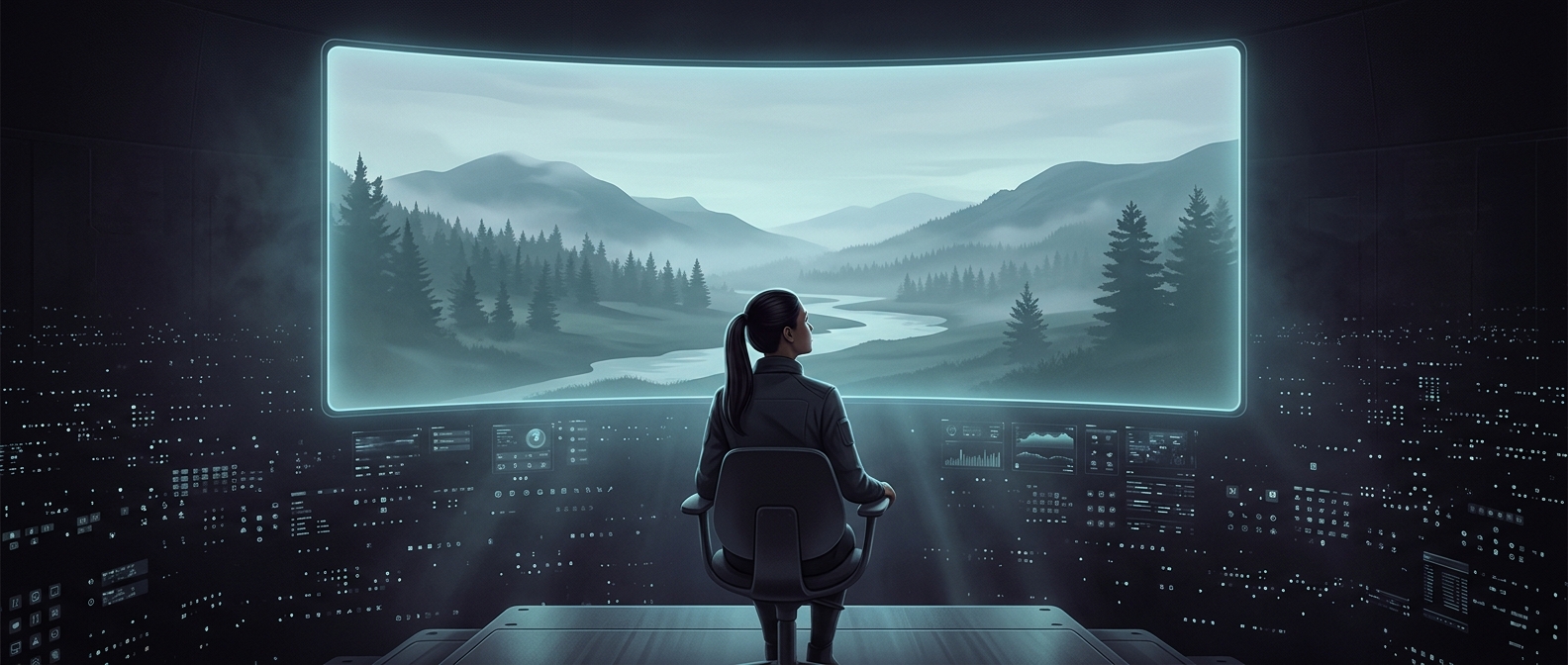
A computer’s wallpaper is part of its first impression. Before someone opens a document or changes a setting, the background gives the desktop a visual identity. Software makers therefore tend to choose an image that feels polished but does not demand much attention. A mountain, sea, or open field can suggest a place without implying that every user shares a particular hobby, family life, or taste.
The Picture Has to Work Behind the Icons
A desktop background is not viewed like a photograph in a gallery. Folders, app shortcuts, menus, and windows cover it, so a busy image can make the screen harder to scan. Open landscapes often leave broad areas of relatively simple color where icons remain easy to distinguish. The image also needs to look acceptable across different screen sizes, resolutions, and cropping choices.
That makes the wallpaper a small piece of interface design: it should feel attractive when the desktop is empty, then recede as the user gets to work. A vivid or highly detailed picture may be memorable, but it can compete with the tools placed on top of it.
A Default, Not a Rule
Bundling an image gives a new computer a finished appearance immediately, without requiring the owner to search for one. It also lets people recognize a software release or device at a glance. But the default is only a starting point; users can replace it with a personal photograph, artwork, a solid color, or another image.
The familiar scenic desktop is thus a compromise: distinctive enough to make the system feel designed, and quiet enough to live behind everyday work.