Why a Square Avatar Looks Different in a Circle
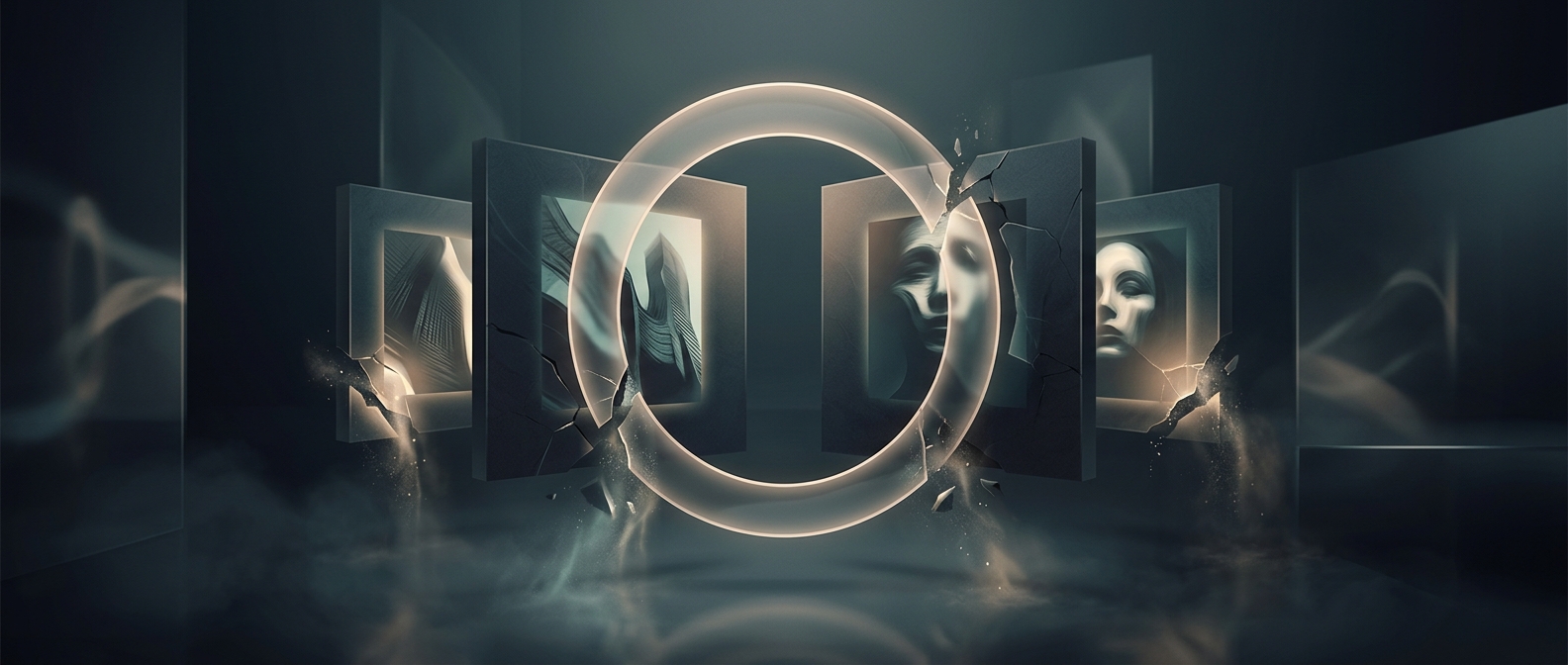
A profile picture is often stored as a square, even when the interface shows it inside a circle. The app places a circular mask over the image: pixels outside that shape are hidden, not erased from the original file. Because a circle touches a square only at the middle of each side, it cuts away the square’s corners—and anything composed there disappears from view.
The Center Becomes the Safe Area
This changes how the image reads. A person standing near an edge may lose a shoulder or part of their hair; a logo can lose a letter or decorative detail. The crop can also make a subject seem more tightly framed than it did in the original, since the viewer sees less of the surrounding scene.
That is why avatar previews matter: they show the image through the same shape the interface will use. Keeping faces, text, and other essential details near the center makes them more likely to survive the crop. The corners still belong to the image file, but not to the visible portrait.