Why Dark Interfaces Feel Less Harsh
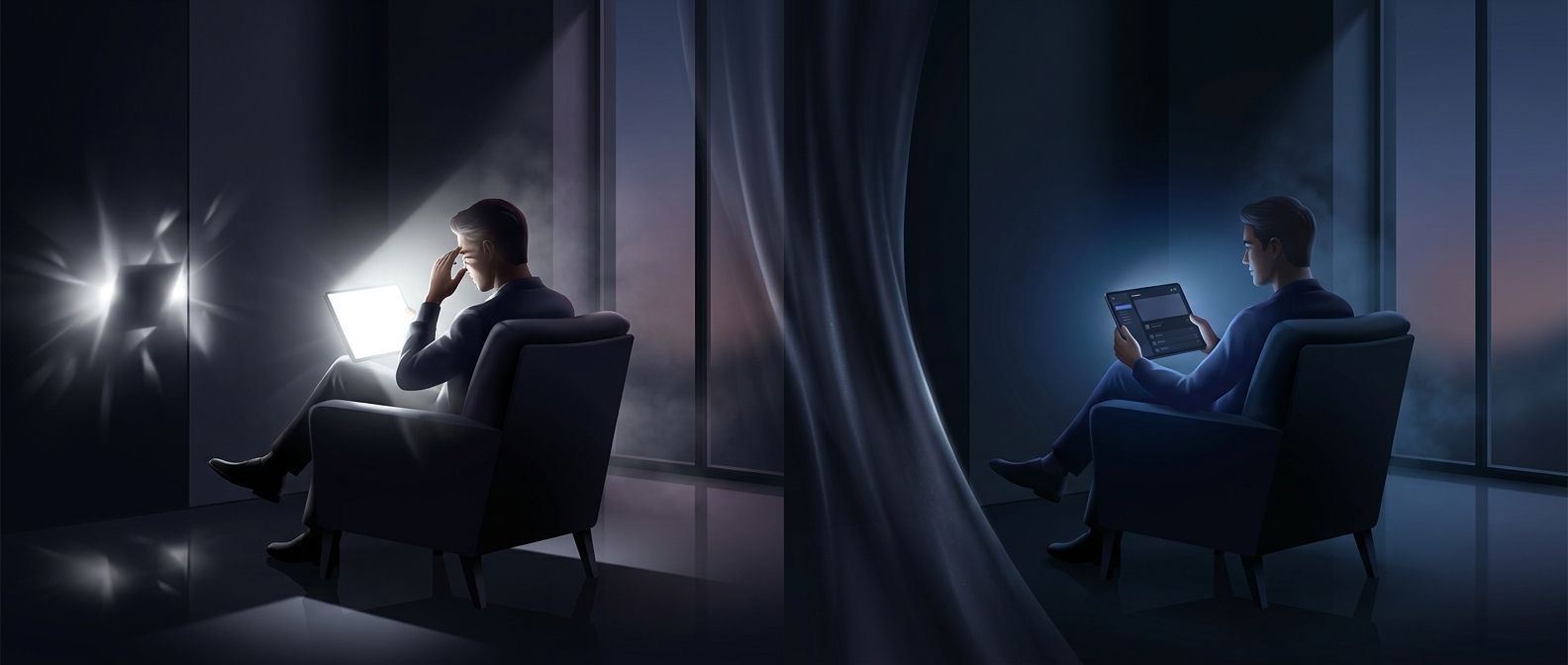
A bright screen can feel especially glaring in a dim room because its large pale areas stand out against the surroundings. Dark mode changes that visual balance: instead of lighting most of the interface with a light background, it uses dark surfaces and lighter text. The screen may still be easy to read, but less of it appears as a bright field in the viewer’s vision.
This is a comfort effect, not a change in the words or images being displayed. Dark mode does not automatically make a screen harmless or improve every person’s vision; small or low-contrast text can actually become harder to read. Designers have to keep text and controls distinct from the dark background, often using softer dark grays rather than pure black.
The Screen Technology Matters
On an OLED display, each pixel produces its own light, so a black pixel can be switched off. Dark interfaces can therefore use less power, depending on how much of the screen is dark. Many LCD screens work differently: a backlight illuminates the display even when pixels appear black, so dark mode may change perceived brightness without producing the same power savings.
That distinction explains why two phones can show the same dark interface yet benefit differently. In a dark room, the immediate difference is often simpler: fewer large, bright areas competing with the surrounding darkness.