A document that travels with its layout
PDF grew out of a practical problem: a document could look different when opened on another computer, especially if that machine lacked the same fonts or software. Adobe introduced the format in the early 1990s so a file could preserve the appearance of a page across devices and operating systems. The hope was that people could send and read documents onscreen instead of printing copies just to keep their formatting intact.
The page became the product
A PDF is designed to describe how a page should look: where text, lines, and images sit, and how they should be rendered. That makes it useful for forms, manuals, and records whose appearance needs to remain stable. But it also changes how editing works. In a word-processing file, text is usually stored as flowing paragraphs that can rewrap when you revise them. A PDF may instead hold text as positioned pieces on a fixed page.
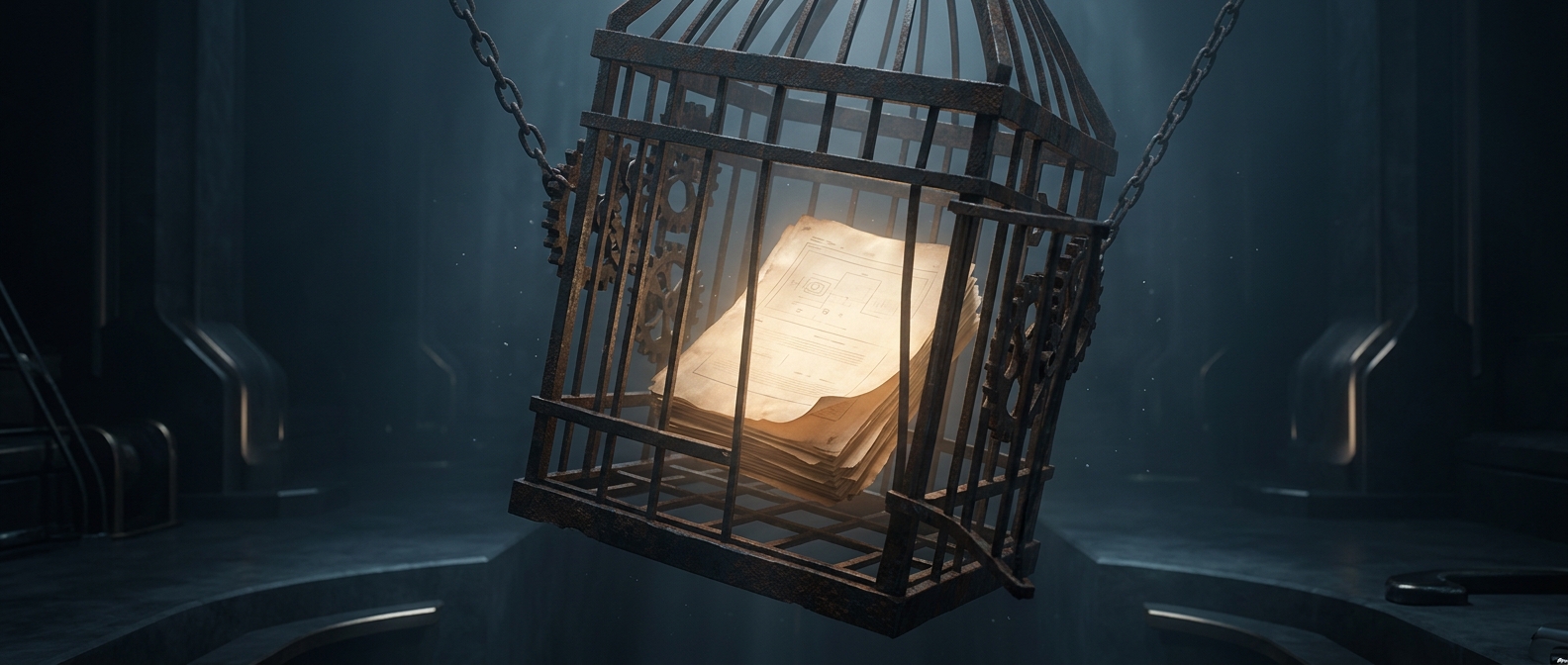
That distinction explains why a small change can be surprisingly awkward. Adding a word may force a line to move, collide with nearby elements, or spill onto another page. If the original editable file is unavailable, a person may have to reconstruct the layout rather than simply revise the underlying document. PDFs can be edited, but they are not always the best place to make the edits.
Less printing, more permanence
The format made it easier to distribute a document without printing it, but its strength—keeping the page stable—also made it a natural digital substitute for paper. People could read, archive, and share the same fixed-looking page, even when they could no longer easily reshape its contents.
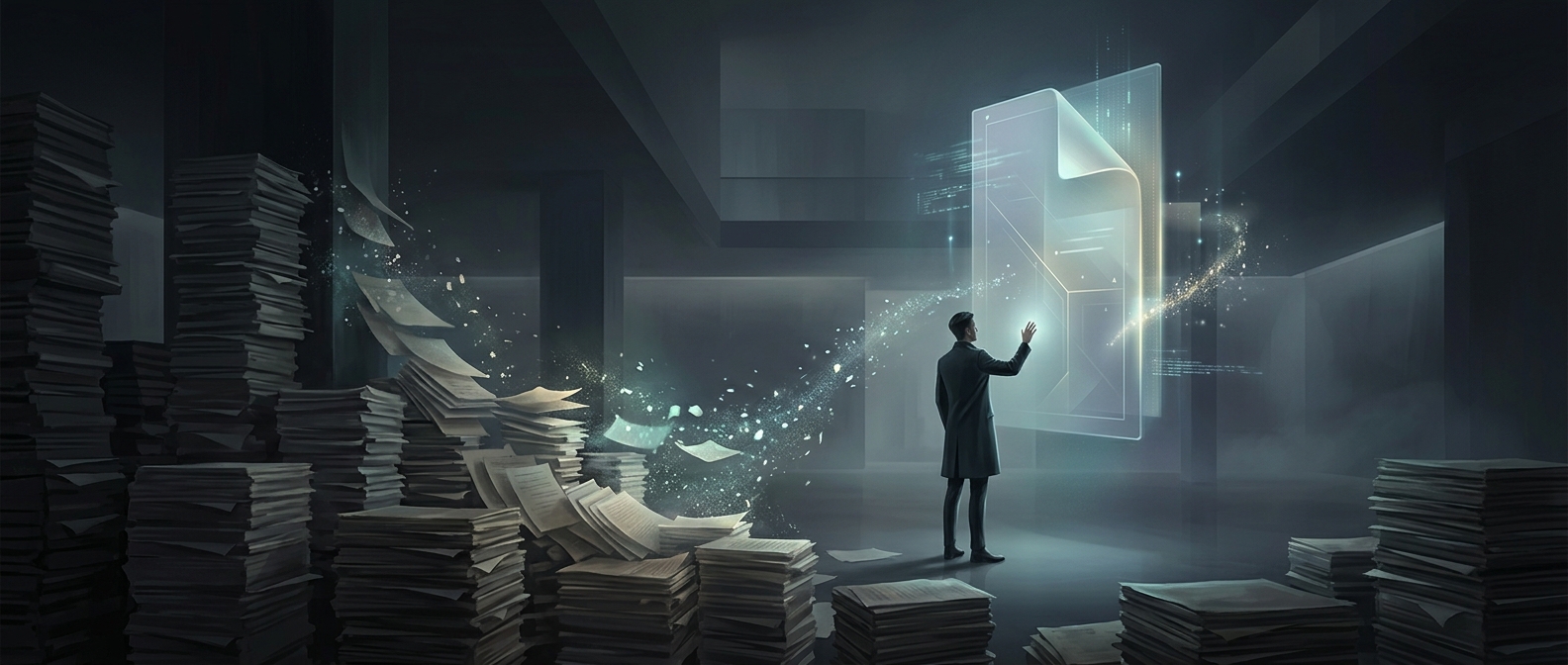
That is the tradeoff behind the paperless-office irony: PDFs helped move documents off paper by making digital pages behave more like paper.