A page designed to stay put
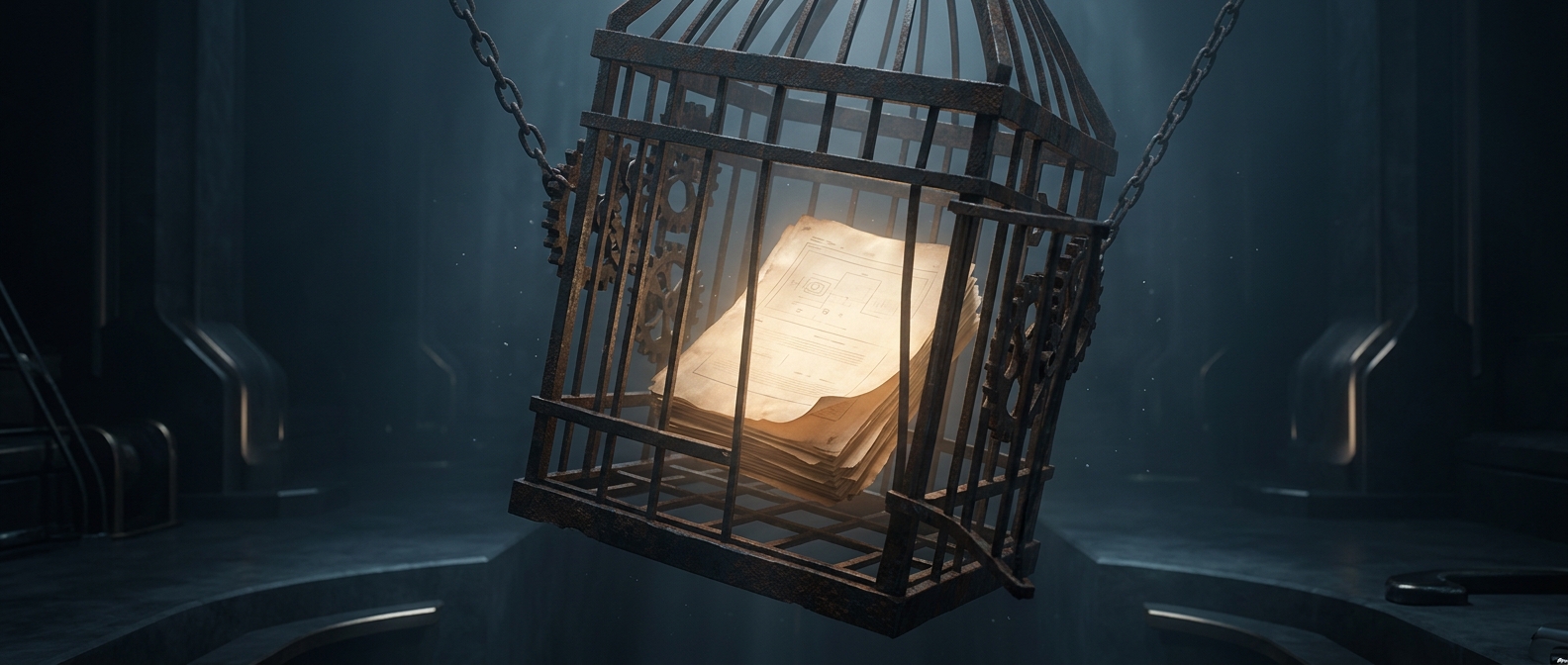
A PDF is closer to a picture of a page with searchable text than to a living word-processing document. It records how a page should look—where text, fonts, and images belong—so the same file can appear much the same on different screens and printers.
That stability is useful for forms, manuals, and records: a page break or caption is less likely to shift just because someone opens the file on another device. But the layout often doesn’t preserve the simple structure people expect when editing, such as “this is a paragraph, and these words follow one another.”
Why a tiny change can disrupt the page
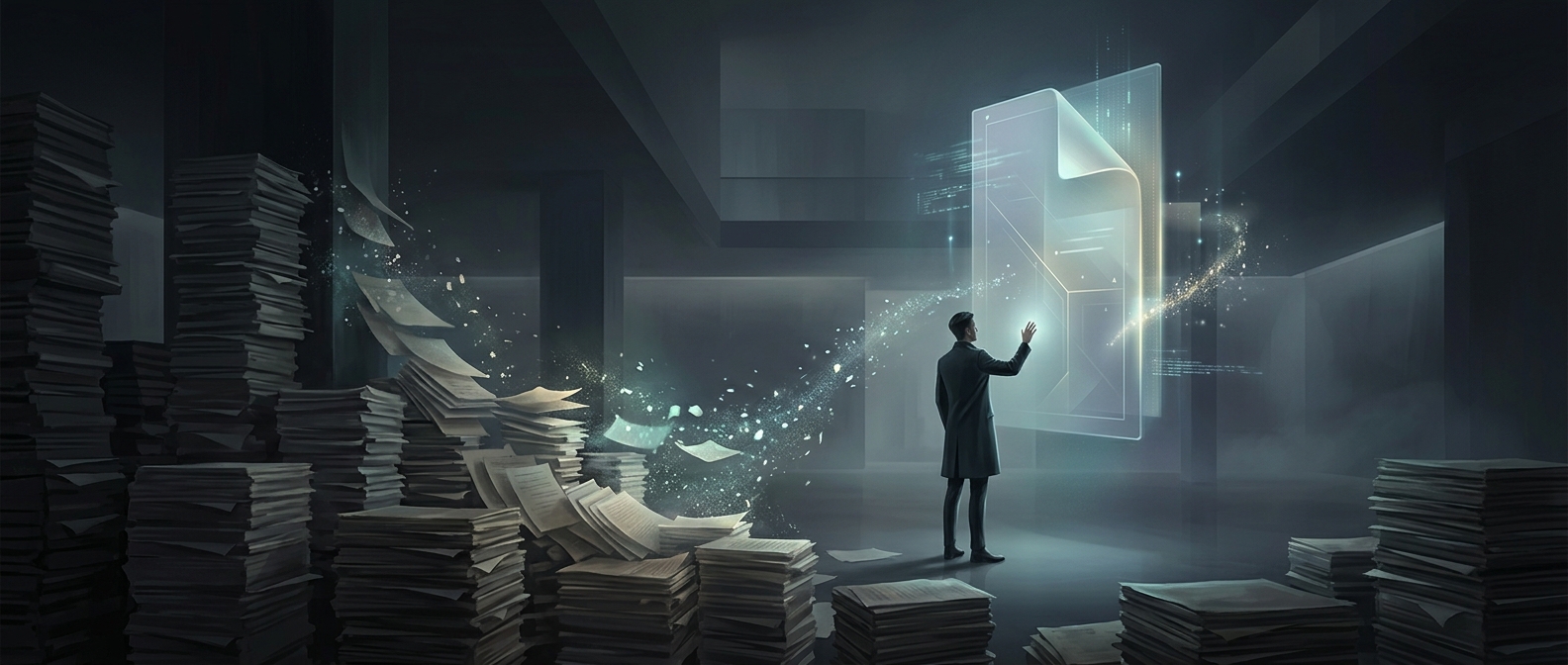
In a flowing document, adding a word pushes later text along automatically. In a fixed-layout PDF, a line may instead be stored as separately positioned text fragments. An editor changing one word has to work out what belongs together, fit the replacement into the available space, and keep nearby elements from colliding. A longer replacement can force awkward spacing or spill past the original line.
The problem is more pronounced when the PDF was made from a scan. Then the page may contain only an image, not actual text. Software must first use optical character recognition (OCR)—a process that guesses which letters are visible in the image—before it can offer editable words. A wrong guess or a crooked scan can make that reconstructed text harder to edit cleanly.
The tradeoff behind the frustration
PDFs prioritize faithful display over easy revision. That makes them dependable for sharing a finished page, but less convenient as a working draft. When substantial rewriting is needed, editing the original document—if it exists—and exporting a fresh PDF is often cleaner than trying to rebuild the page from its fixed pieces.