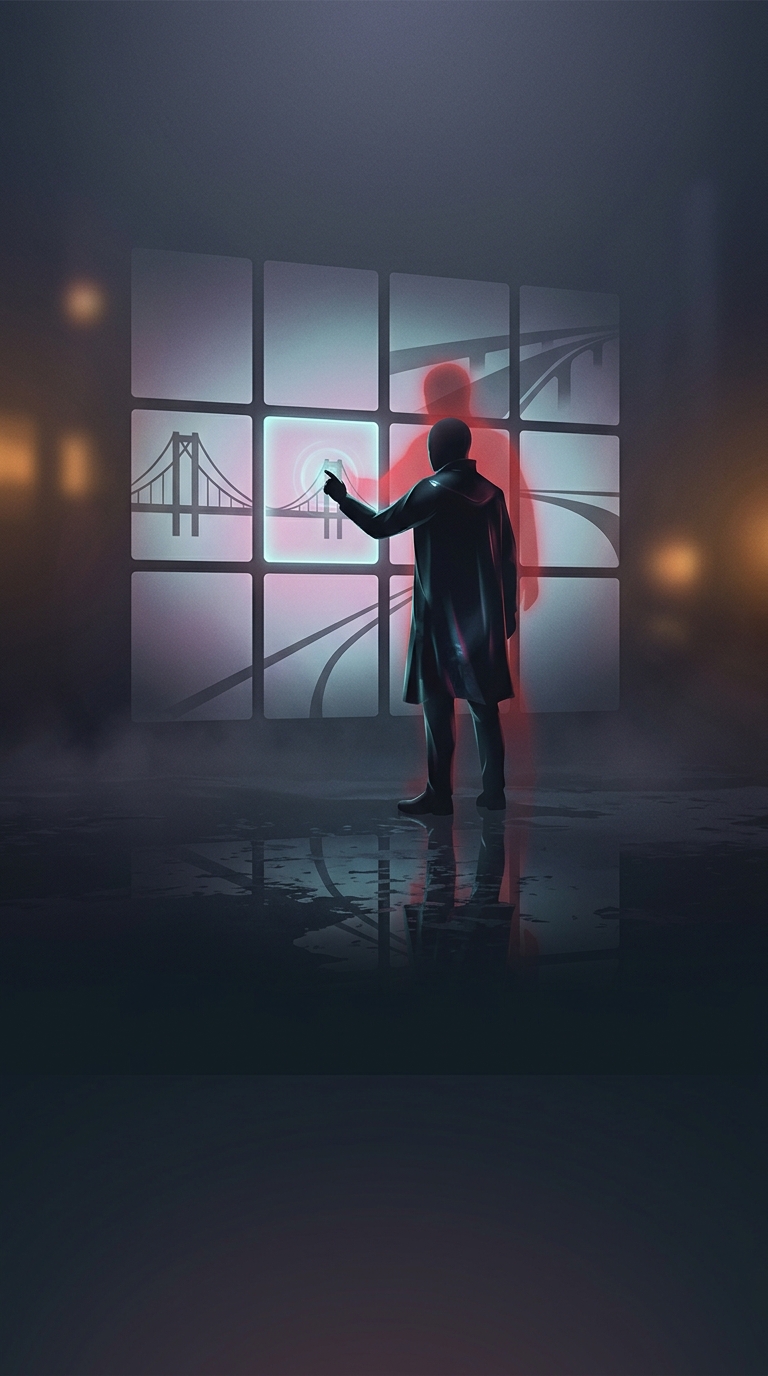
The picture grid is only part of the test
A CAPTCHA that asks you to select every image containing a bridge may seem like a simple quiz: identify the bridges, click their tiles, and pass. But the service is usually trying to decide whether the interaction looks like a person’s—not merely whether the final set of clicks matches an answer key.
Image puzzles can also be less clear-cut than they appear. A bridge may occupy only a sliver of a tile, and the instructions may count even a small part of the object. Some puzzles replace selected tiles with new images; those replacements must be checked too. If a click misses its target, or a tile changes before you finish, your selection may not match what the test expects.
Why correct answers may not be enough
CAPTCHAs can consider signals beyond the images, such as how the page is being used and whether the browser session appears unusual. The service may combine those signals with the puzzle result to estimate risk. That means selecting the right pictures can still lead to another challenge—or a failure—if other parts of the interaction make the session look automated or uncertain.
A slow or interrupted connection can add confusion: the page may not register a click as expected, or the challenge may time out. Repeated attempts can also lead to harder or different checks, depending on the service’s design. None of these outcomes, on its own, proves that the system has identified you as a bot.
What to try next
If it happens, wait for the grid to finish loading, inspect any replacement tiles, and click the center of each tile that clearly contains part of a bridge. Then try refreshing the page or using a different browser session. The puzzle is one clue in a broader decision, not always a standalone test with a visible answer key.