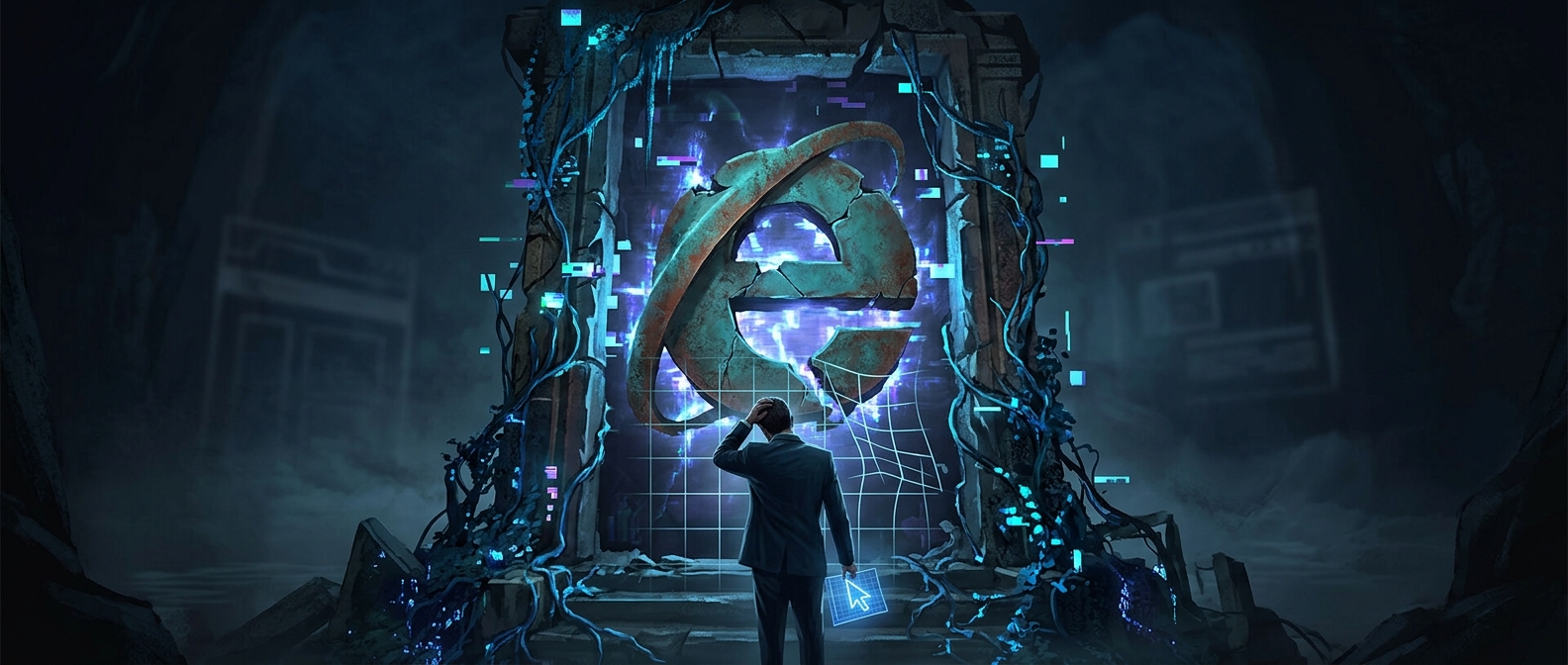
Why Internet Explorer Became a Web-Development Burden
A website is not simply displayed by a browser; the browser interprets its code and decides how to render each page. Internet Explorer’s rendering engine, Trident, sometimes interpreted web standards differently from competing browsers. As the web’s standards evolved, those differences could make a page look or behave one way in Internet Explorer and another way elsewhere.
That left developers with an awkward choice: build to common standards and risk breaking the site for IE users, or add special cases for IE. Those workarounds—often called browser-specific code—could fix one version while causing trouble in another. They turned routine changes into compatibility tests and made old websites costly to maintain.
Why Old Versions Kept Mattering
Replacing a browser is easier than replacing every system that depends on it. Businesses and public institutions often had internal sites or applications built for older versions of Internet Explorer, sometimes relying on features that modern browsers did not support. Switching browsers could therefore mean more than changing an icon: it could require testing or rebuilding software that employees still needed.
Microsoft’s answer was to preserve a compatibility option in its newer browser, Microsoft Edge. Edge’s Internet Explorer mode can use the older browser engine for sites that require it, while ordinary browsing uses Edge’s modern engine. That arrangement reflects the practical cost of legacy software: a discontinued browser can remain necessary as a component long after it stops being suitable for everyday use.
The Lasting Lesson
Internet Explorer’s end as a mainstream browser did not instantly erase the code and habits built around it. Its most durable legacy is a cautionary one for software makers: when a browser’s quirks become dependencies, moving on takes years of testing and migration. Even after users stop opening the old browser, organizations may still need a compatibility bridge to keep a single aging internal site working.