Why a menu needs a place in the visual stack
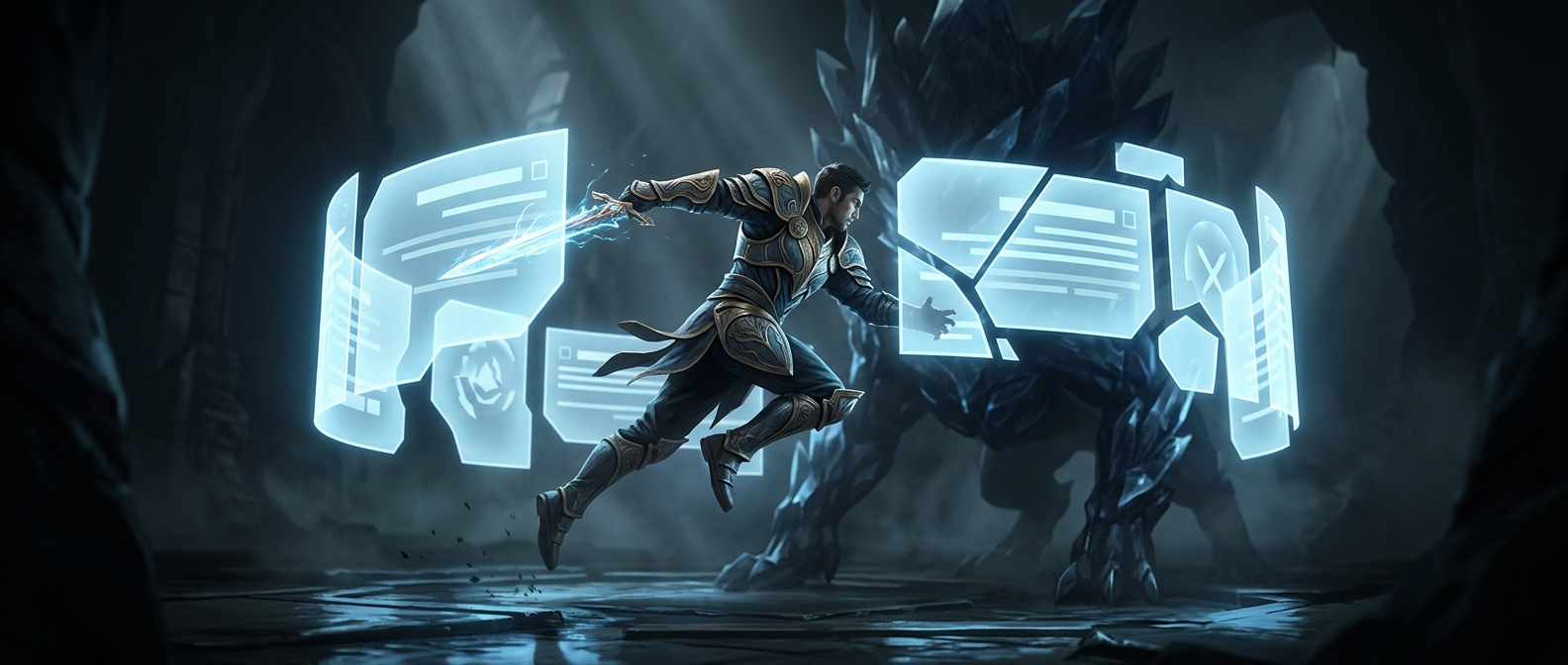
A game interface is often assembled from separate layers: the world, a pause screen, a settings panel, and perhaps a dropdown opened on top of that panel. When their shapes overlap, the game needs a rule for deciding which one the player sees. A z-index is a number used to order those layers: within the same stacking group, the element with the higher value is drawn in front.
That makes the number less like a coordinate and more like a priority. A settings panel can sit above the pause screen, while a confirmation dialog sits above both. Without a deliberate order, a button or menu might technically exist but be partly hidden behind another panel—making the interface feel broken even though the underlying controls still work.
Why the numbers do not solve everything
Layer order can have boundaries. Many UI systems group elements into stacking contexts: smaller regions whose contents are ordered internally. An element with a very high z-index may still remain behind an element in a different, higher-level context. In practice, developers need to place the whole group correctly, not just give one child an enormous number.
Teams often assign ranges or named priorities to common layers—such as ordinary HUD elements, menus, and alerts—so new screens fit into an existing order. The exact scheme depends on the game’s tools, but the goal is the same: menus should cover what they are meant to cover without obscuring controls that need to remain usable.
The payoff is immediate for the player: opening a dropdown over a settings screen should reveal the choices, not tuck them underneath the panel that triggered it.