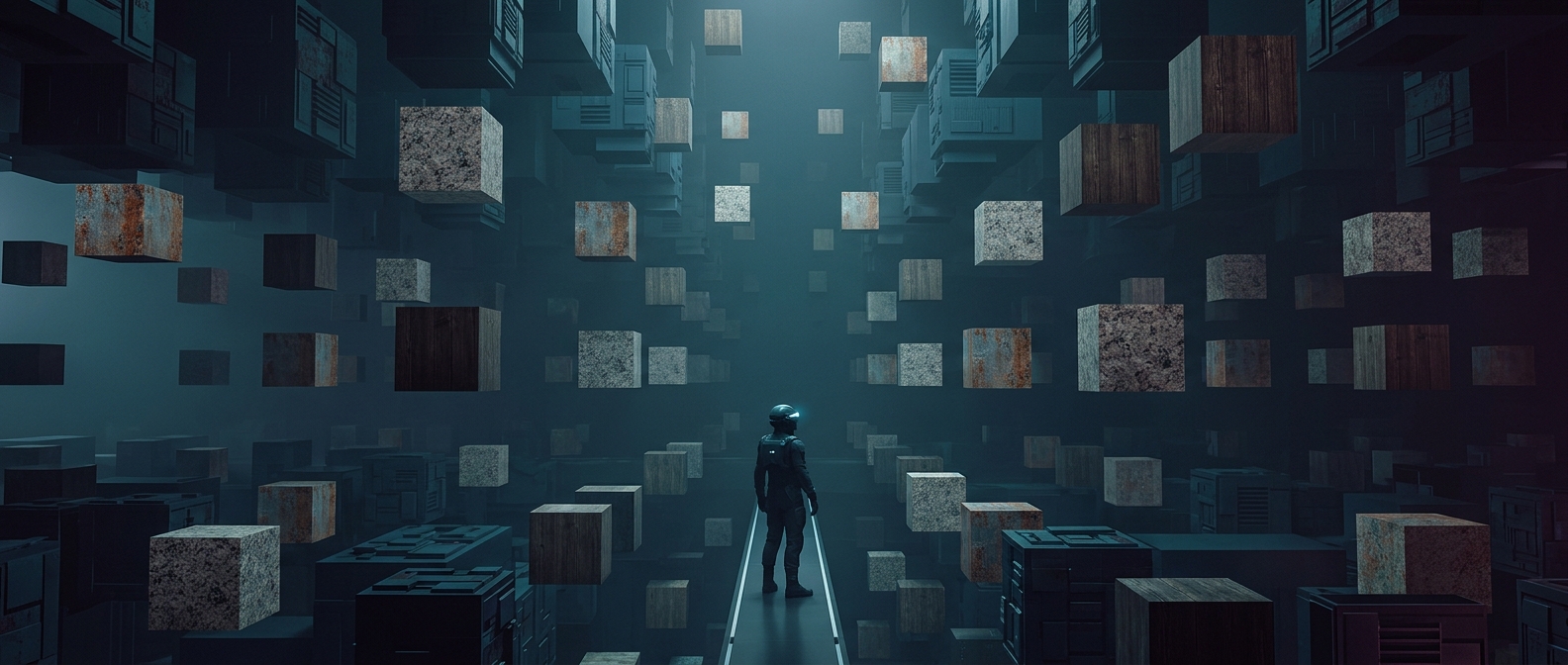
How one building can fill a city
A game does not have to store a separate 3D model for every building on a block. It can keep one building asset—the model and its surface textures—in the game files, then place that asset many times at different coordinates. Each placement needs only small bits of extra information, such as where the building goes and how it is turned. That is far less data than saving a full new model for every address.
The same approach works for street furniture, windows, balconies, and rooftop equipment. A city assembled from reusable pieces can feel large without requiring every object to be made and stored from scratch.
Making repetition harder to spot
The shortcut has a visual cost: players may recognize the same roofline or row of windows again and again. Developers can reduce that effect by rotating or mirroring buildings, changing their colors, and varying nearby signs, trees, and street clutter. Even small differences in placement can make a repeated model read as part of a different block.
These changes do not necessarily mean the underlying building is new. The game may still be drawing on the same stored asset, with variation added through its arrangement or appearance. From a moving camera, shifts in lighting, distance, and surrounding structures can help disguise the pattern as well.
A city built from a kit
This is a tradeoff between authored uniqueness and scale. Creating a distinct model for every storefront gives artists more control, but takes more production work and can enlarge the game’s files. Reuse lets a small set of pieces cover much more ground, though close inspection may reveal the repetition.
That is why a sprawling game city can contain many apparent addresses but only a modest architectural vocabulary: the world’s size comes partly from how cleverly its pieces are recombined.