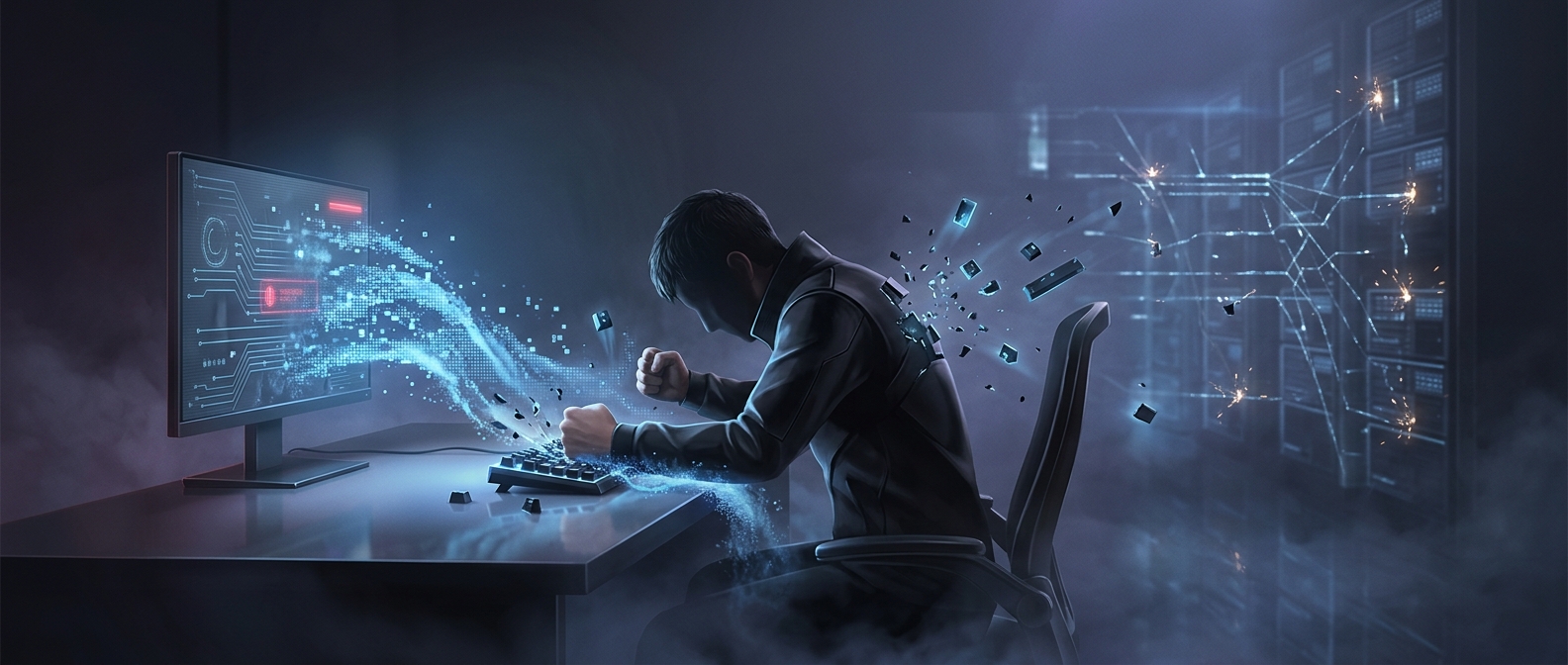
Why a keypress cannot hurry a network packet
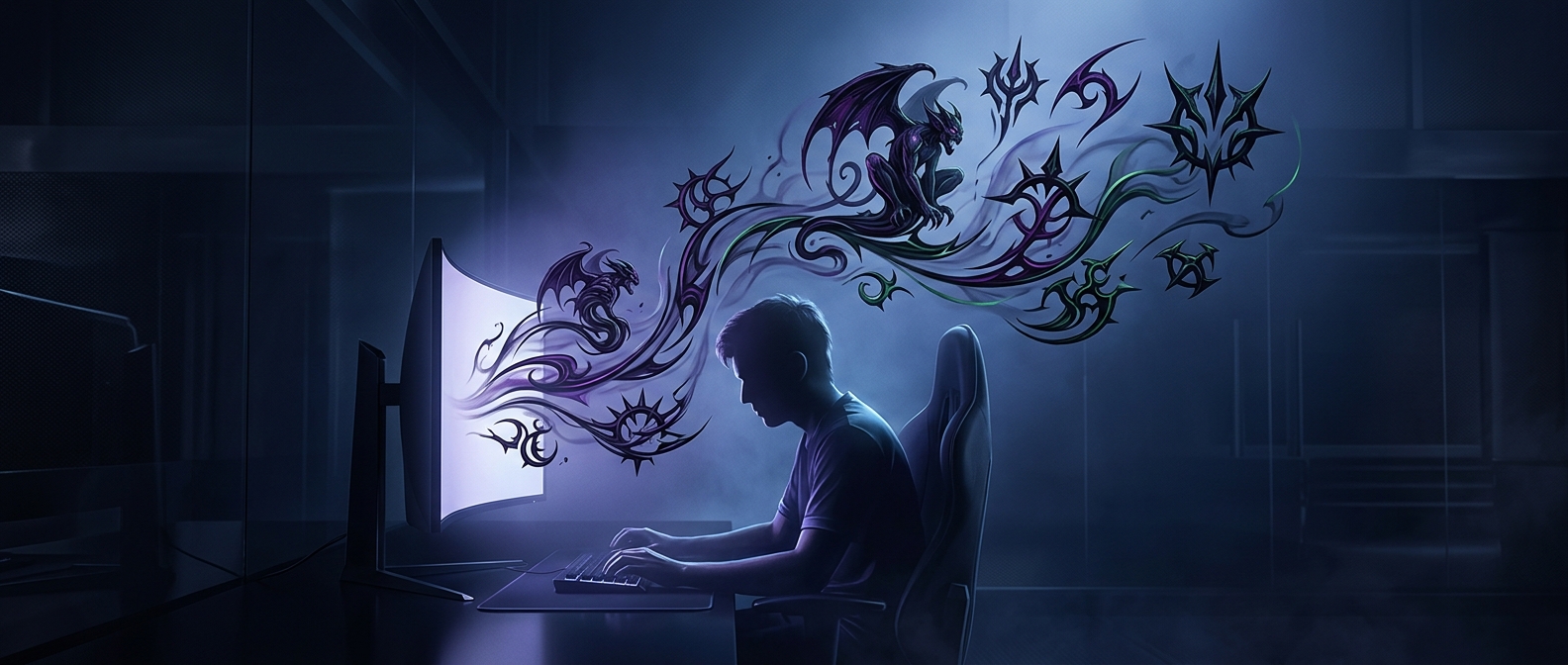
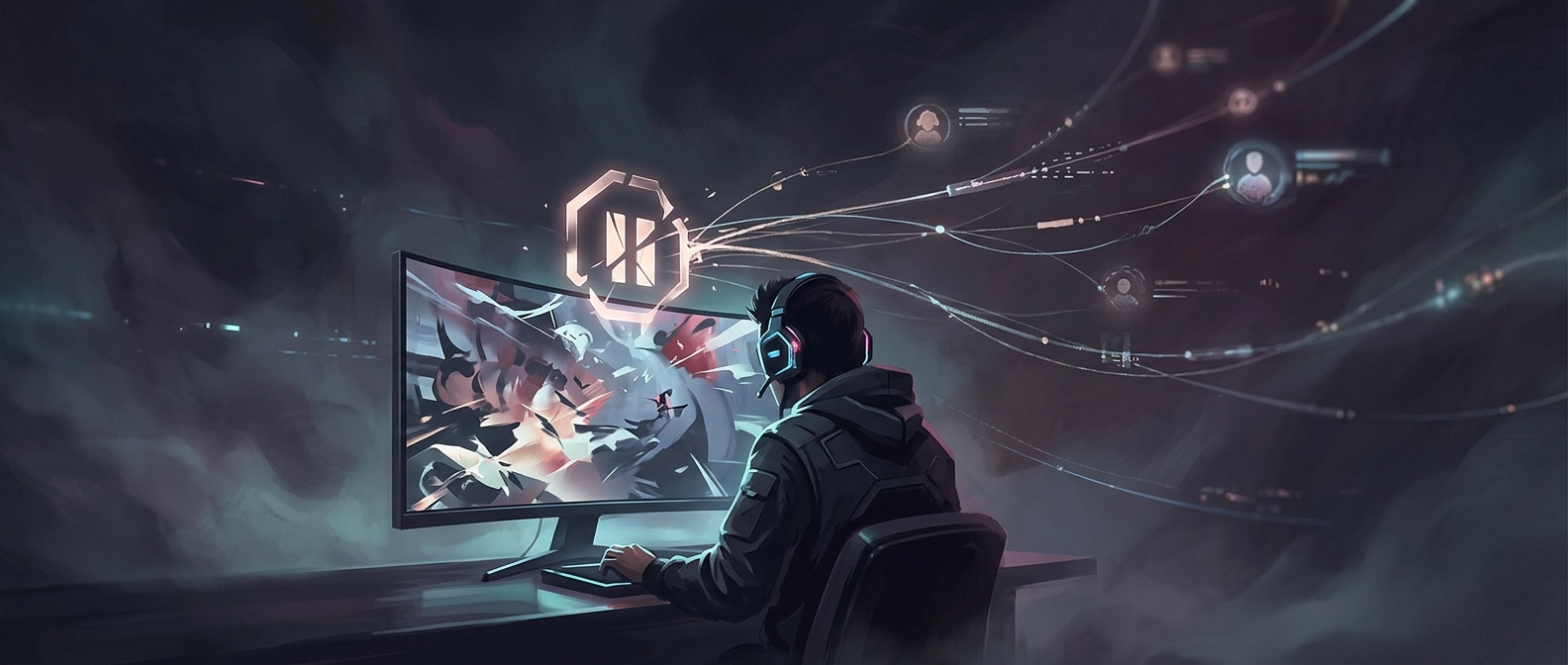
In an online game, your keyboard sends an input to your device, which then passes it over the internet to the game server. The server processes the action and sends updated game information back. If that connection is stuttering, the action may arrive late—or the update showing its result may take time to return. Pressing harder does not speed up either trip.
What “lag” can look like
A delayed connection can make a character seem to freeze, jump across the screen, or react long after you press a key. One cause is packet loss: small pieces of information fail to arrive, so the game has to wait for more data or work with incomplete updates. Another is jitter, when delivery times vary sharply from one moment to the next. The result is an uneven stream of game information rather than a smooth exchange.
The keyboard may be registering every press correctly; the delay happens after the input leaves it. Repeatedly pounding a key can even send extra commands once the connection catches up, making your character move or fire more than you intended.
Find the bottleneck, not a harder key
A quick way to narrow down the problem is to notice whether the delay affects only the online game or the whole device. If menus and offline play respond normally but other players or the game world stutter, the network path is a likely culprit. Improving the connection—such as reducing interference or avoiding a congested network—can help; striking the keyboard cannot.
The frustrating part is that a delayed action can look like a failed keypress. But when the signal is stuck in transit, the most forceful input is still just another message waiting to arrive.