Why a Desktop Tower Has Room to Spare
A computer case is built around more than the parts installed today. Its frame must support a motherboard, power supply, storage drives, and cooling equipment, while leaving space to route cables and reach connectors. Standard motherboard sizes and mounting points let people replace or upgrade components without requiring a custom-built enclosure each time.
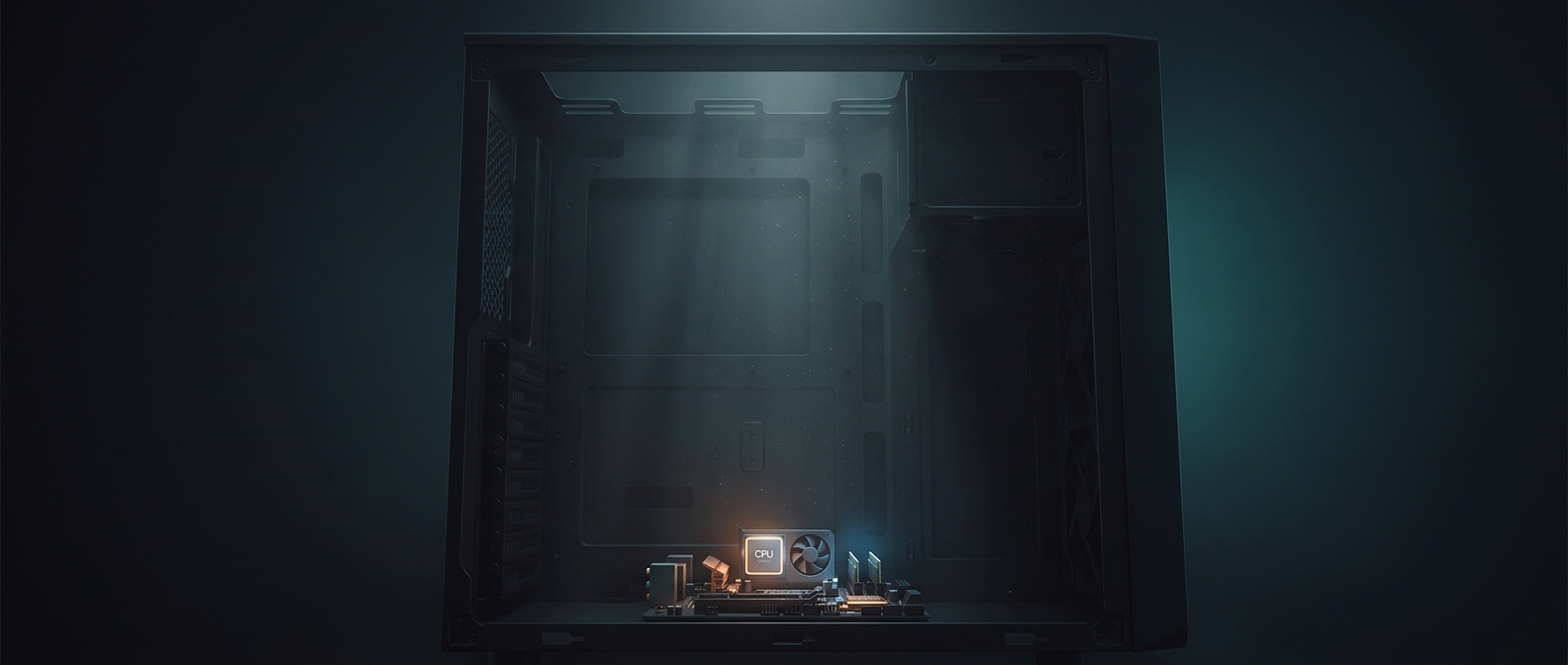
That compatibility creates gaps. A case designed to fit a long graphics card still has to leave room for shorter cards; unused drive bays may remain after a build switches to solid-state storage. The enclosure’s size reflects the range of hardware it can accommodate, not just the pieces currently inside it.
Empty Space Helps Air Move—and Parts Stay Reachable
The open volume also gives cooling fans a path to move air through the case. Fans draw cooler air in and push warmed air out; cramped layouts or tangled cables can obstruct that flow. Space around components can also make installation and maintenance easier, especially when replacing a graphics card or cleaning dust filters.
But more volume is not automatically better. A large case can be harder to fit under a desk, and airflow depends on fan placement, vents, and the components’ arrangement—not simply on how much empty air surrounds them. The practical advantage is flexibility: a mostly unfilled tower can still be ready for a bigger graphics card, another drive, or a different cooling setup later.