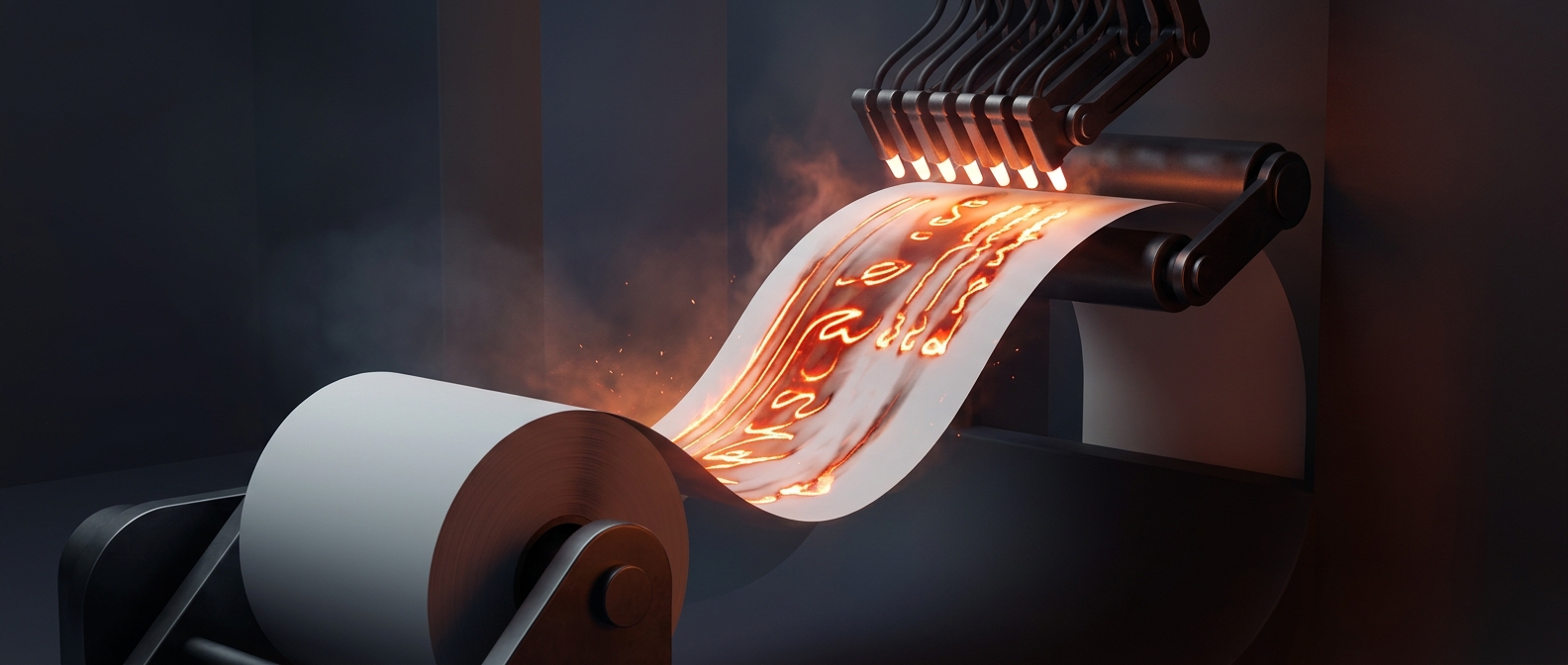
Why a Small Feed Error Stops the Whole Job
An inkjet printer moves paper through a narrow path using rubber rollers. If a sheet is curled, slightly damp, dusty, or loaded unevenly, the rollers may grip it at an angle. The paper then catches against a guide or fails to reach the sensor that tells the printer it has advanced. To avoid printing across a misplaced sheet, the machine stops and reports a jam.
The trouble can be hard to spot: the paper may be only a little crooked, or a torn scrap may be lodged where the path bends. Pulling forcefully can leave more fragments behind, while repeatedly pressing Print may queue extra copies without clearing the original problem.
Why It Feels Timed to the Deadline
A jam is most noticeable when a document is urgent because there is no spare time for the usual fixes: checking the tray, reseating the paper, or restarting the job. Stress also makes every pause feel longer. The printer has no sense of the deadline; it is reacting to a physical mismatch between the sheet’s expected movement and what its sensors detect.
That mismatch turns a tiny feed problem into a complete stop—often just when there is least time to inspect the paper path.