Why a printer can fail after sitting idle
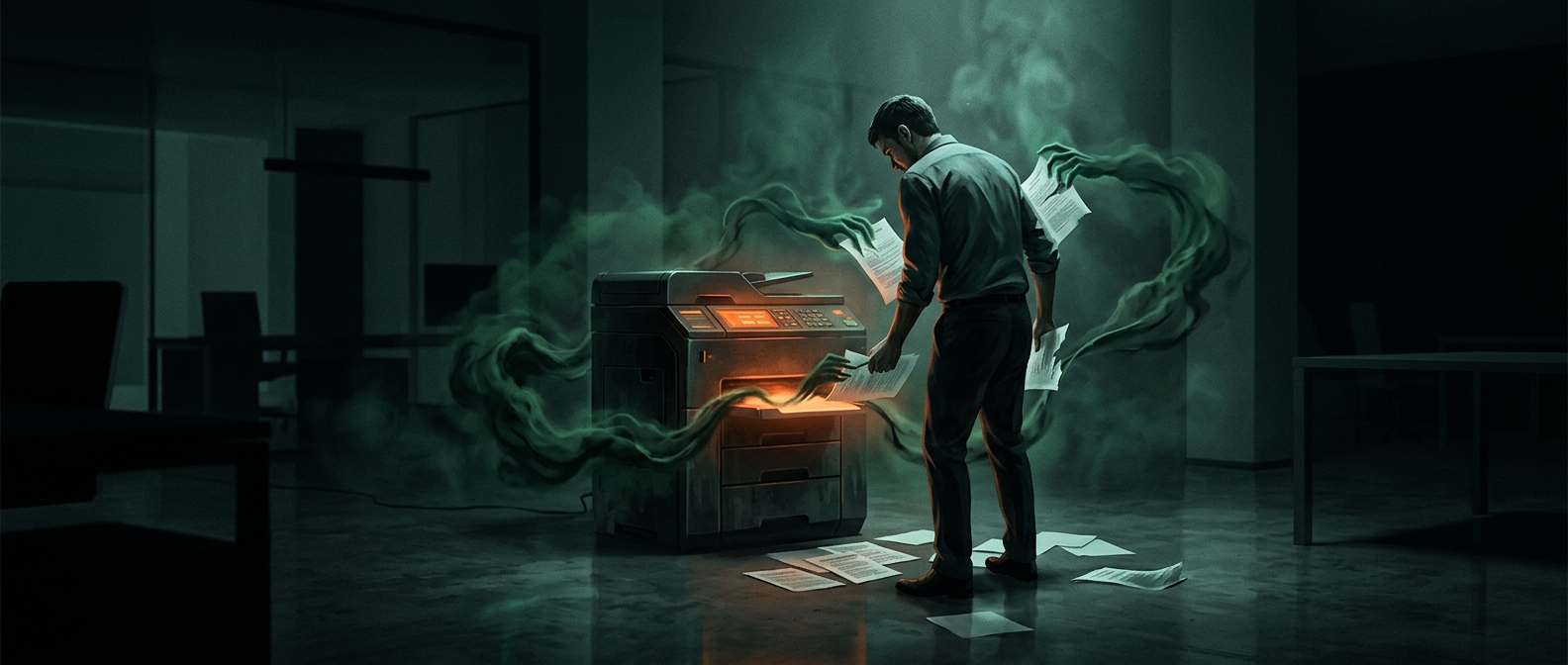
A printer may seem reliable for months because most of its parts are not being tested every day. The trouble often appears when a rarely used function is suddenly needed: the printer has to wake up, connect to a computer or network, feed paper, and produce a clean page all at once.
For inkjet printers, one common weak point is the printhead—the part that sprays tiny drops of ink onto paper. If the printer sits unused, ink can dry in its very small nozzles and interrupt the flow. A cleaning cycle may clear the blockage, but it uses ink and can take several tries. Laser printers work differently: they use powdered toner, so dried ink is not the issue, though paper-feed or connection problems can still surface.
Small problems become visible under a deadline
A paper tray that is slightly out of place, a loose cable, an outdated driver, or a printer that has lost its Wi-Fi connection may go unnoticed until a print job is sent. The job can then stall in the computer’s print queue, the list of documents waiting to print, making it seem as if the printer itself has stopped responding.
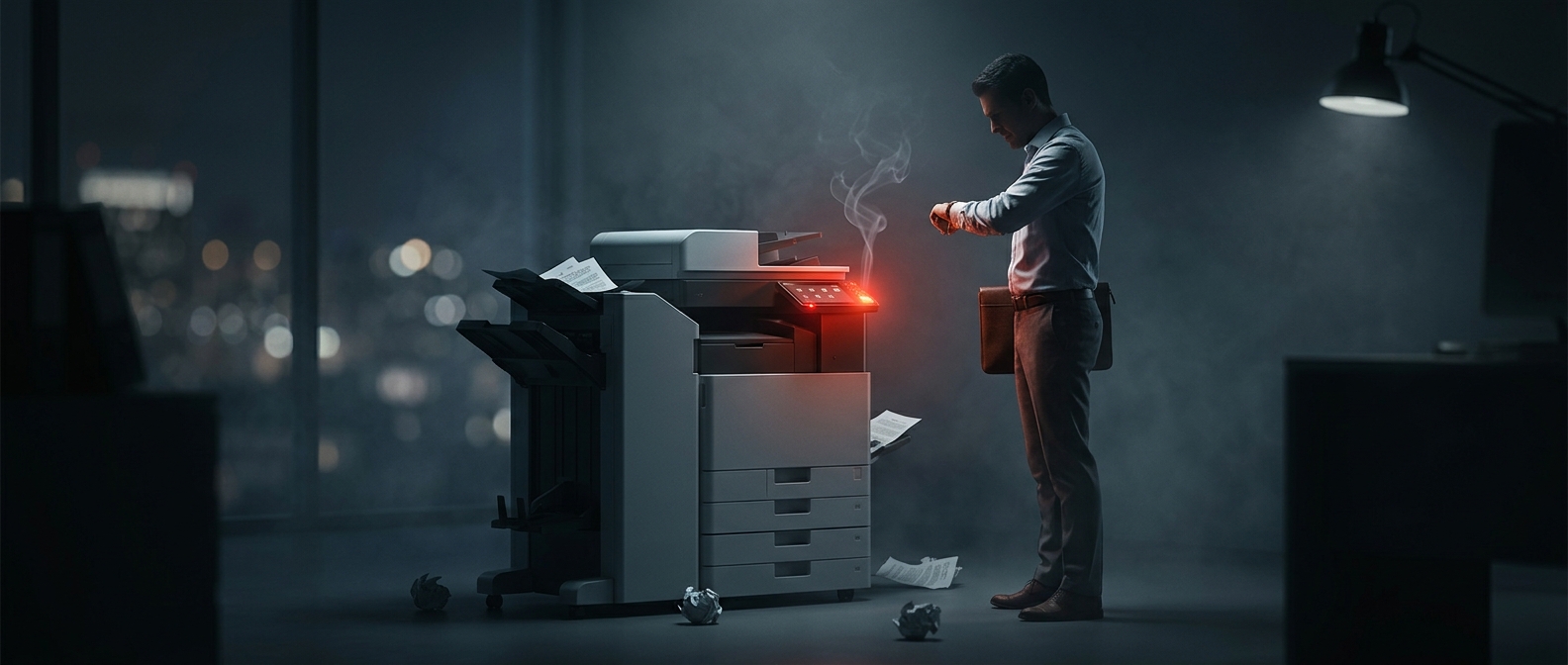
Deadlines also leave little time for the routine fixes that might otherwise solve the problem: checking the queue, restarting the printer, reseating paper, or running a nozzle-cleaning cycle. The urgency does not usually cause the malfunction; it exposes a weak point that has been quietly waiting for the next print job.